6 Best Instrumental Removers Online (2026 Free Picks)
Mark Jensen | Updated on 2026-08-21
If you need an instrumental track for karaoke, a cover, or a remix, finding the right version of a song isn't always easy. Many songs simply don't come with an official instrumental version that you can access and use. That's where an online instrumental remover can help. By separating the vocals from a song, these tools allow you to create an instrumental track without having to search for one online.
In this guide, we'll look at some of the best online instrumental extractors available today. We'll compare how they work and what they offer, so you can find a suitable option for turning your favorite songs into instrumental tracks.
Part 1. 6 best Instrumental Removers online recommended
Clumi AI Instrumental Remover
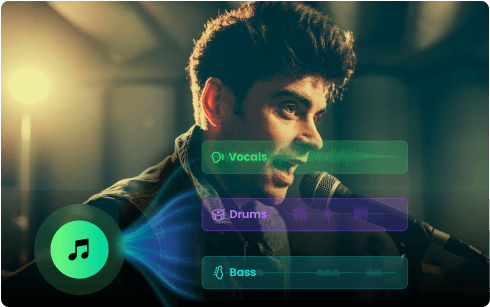
Clumi AI Instrumental Remover is built for creators who want clean, high-quality audio separation with minimal effort. It supports MP3, WAV, MP4, and MOV files, so you can remove vocals from songs and videos directly without converting or extracting the audio beforehand. Beyond simple vocal removal, Clumi also offers six-stem separation, letting you isolate vocals, drums, bass, piano, guitar, and other instruments for more flexible editing and production.
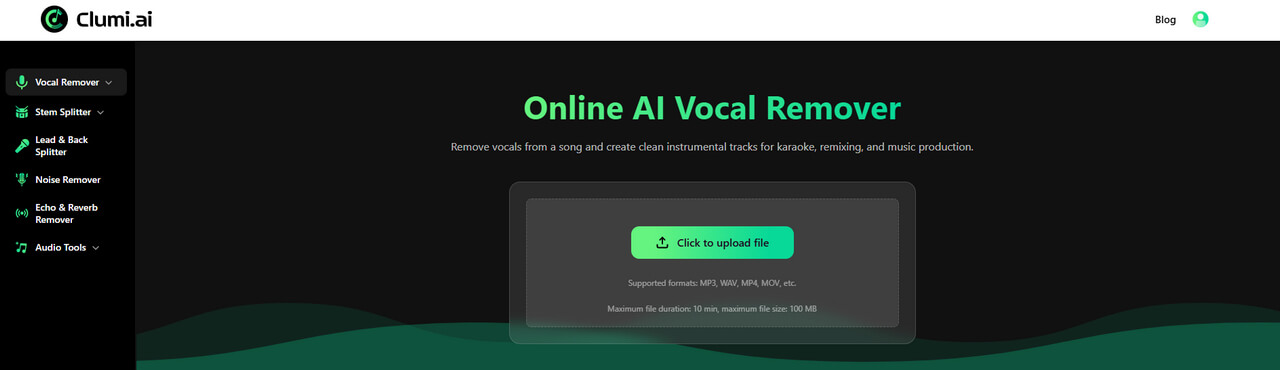
How to remove instrumental from song with Clumi AI?
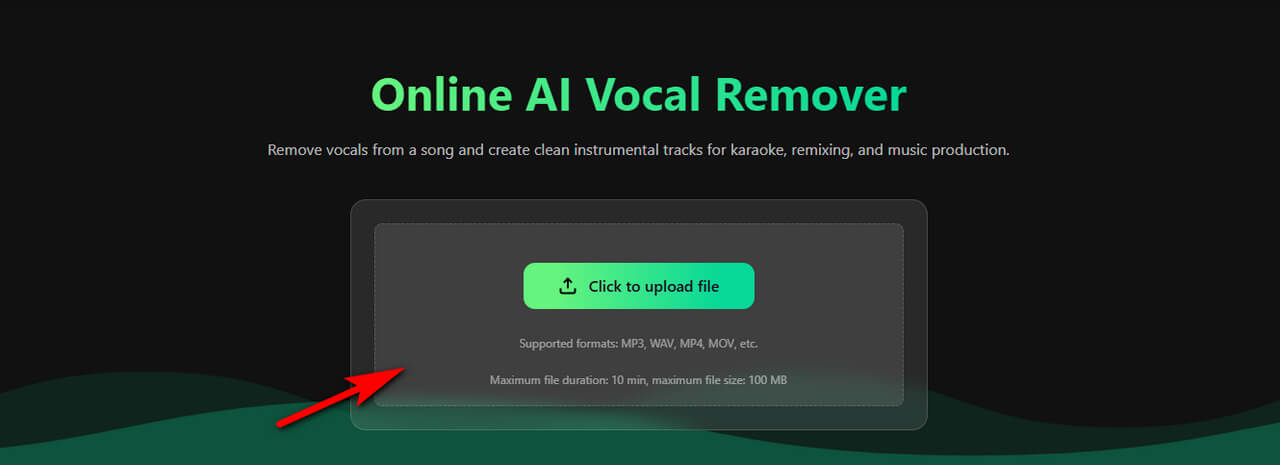
- Upload a song or video to Clumi instrumental remover. You can upload files in formats such as MP3, WAV, MP4, and MOV.
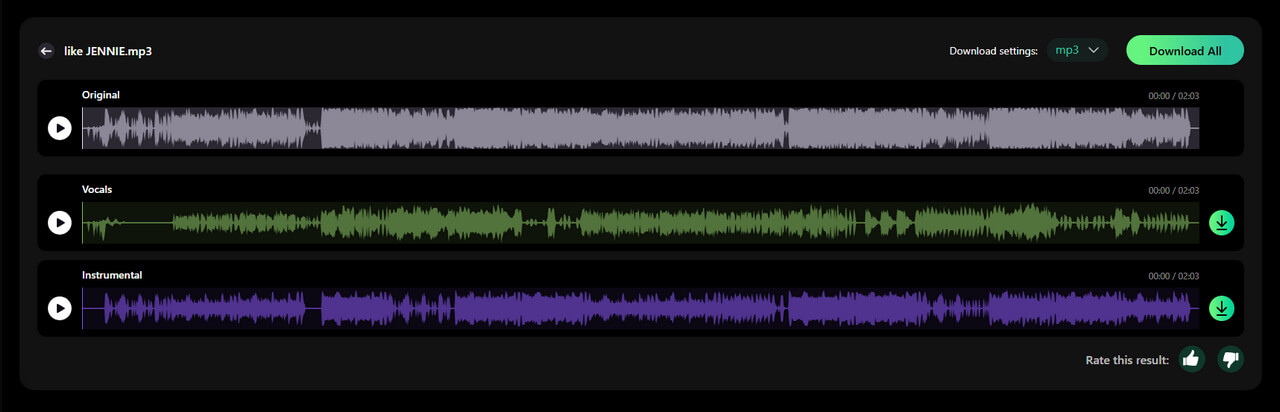
- Let the AI process your file. Clumi automatically separates the vocals from the instrumental parts to create an instrumental version of the original track.
- Preview the results and download the instrumental track for karaoke, remixing, covers, or other creative projects.
Pros
- Delivers clean and accurate vocal and instrument separation
- Supports MP3, WAV, MP4, and MOV files
- Simple and efficient processing workflow
- Useful for karaoke, remixing, and music production
- Offers advanced stem separation at a competitive price
Cons
- The web version has a file size limit for uploads
Clumi AI Instrumental Remover
Remove vocals from songs to create clean instrumental tracks for karaoke, remixing, and music production.
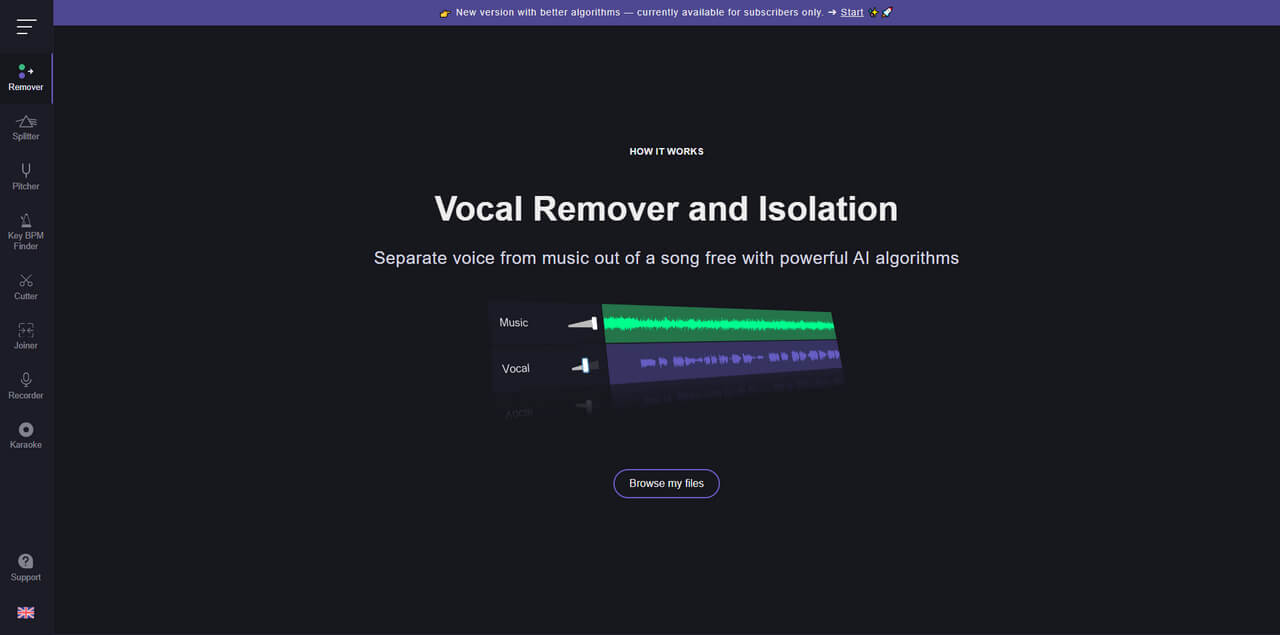
Vocal Remover and Isolation [AI]
Another option worth considering uses AI to process the uploaded track automatically, eliminating the need for complicated settings or manual adjustments. Its straightforward workflow makes it suitable for anyone who wants to extract an instrumental version from a song with just a few clicks. If speed and simplicity are your priorities, this online instrumental remover can be a practical choice.
Pros
- Preview the separated instrumental track before downloading
- Fast vocal and instrumental separation powered by AI
- Supports multiple languages for easier use
- Includes additional audio enhancement tools
Cons
- Downloads are limited to MP3 and WAV formats
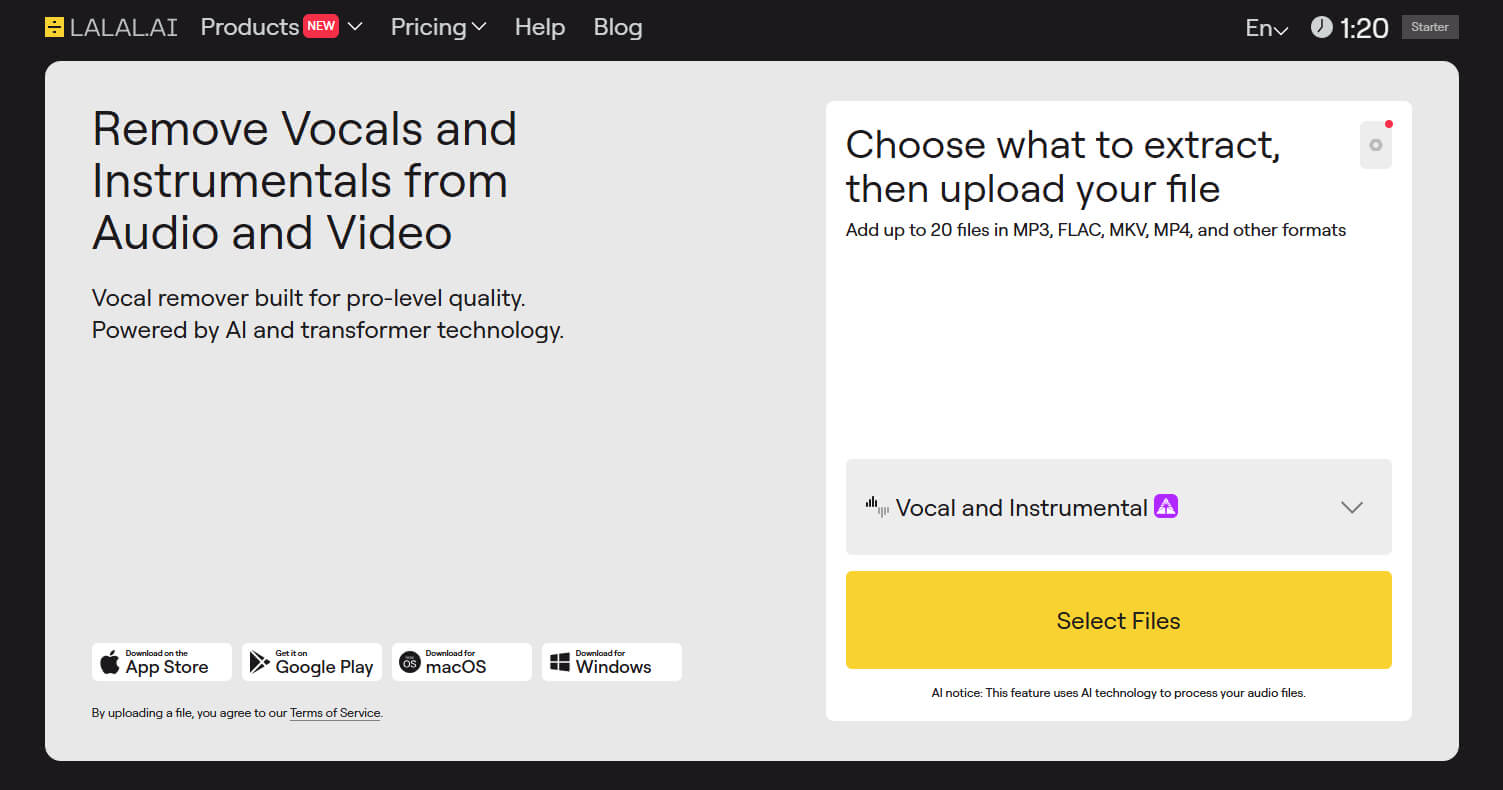
LALAL.AI
LALAL.AI is a web-based instrumental remover that uses AI to separate vocals from instrumental tracks with high accuracy. It can extract instrumental versions from songs while also supporting individual stem separation for vocals, drums, bass, and other instruments. With its straightforward online workflow, LALAL.AI is a convenient option for musicians, content creators, and anyone who needs instrumental tracks for karaoke, covers, or remixes.
Pros
- Delivers clear and precise vocal and instrument separation
- Simple, fast, and fully browser-based
- Works with various file formats and stem options
- Offers a free trial to test the service
- Requires no powerful computer for basic processing
- Provides several audio processing functions in one platform
Cons
- Performance dips with complex mixes
- The pricing model may not suit heavy users
- Limited in-tool editing/features
- Some users report that the preview sounded better than the final processed file
PopPop.AI
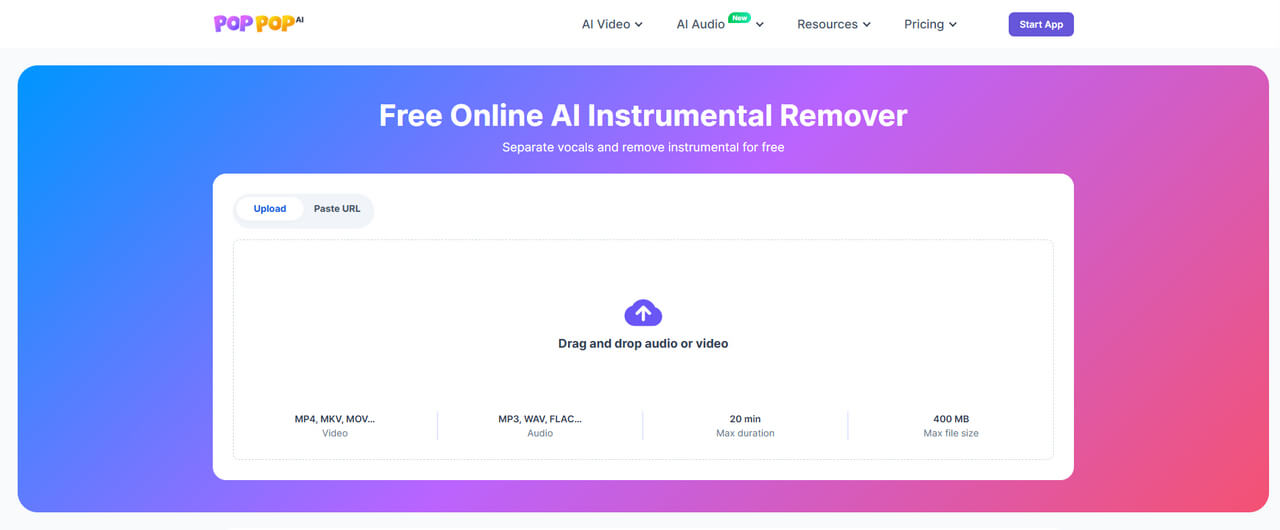
PopPop.AI is a free online instrumental remover that uses AI to separate vocals from songs and create instrumental or acapella tracks. It supports both audio and video files, including MP3, WAV, FLAC, M4A, MP4, MKV, and MOV, and also allows users to process supported online media through a URL. No software installation or account is required, making it a convenient choice for creating karaoke tracks, practicing songs, or working on remixes.
Pros
- Free to use with no sign-up required
- Supports both audio and video formats, including MP4 and MOV
- Allows users to paste links from supported online platforms
- Simple browser-based workflow with no software installation
- Supports files up to 400 MB and 20 minutes in length
Cons
- Separated tracks are exported in MP3 format
- Processing is limited to 20 songs per 24 hours
- More complex mixes may produce noticeable vocal remnants or artifacts
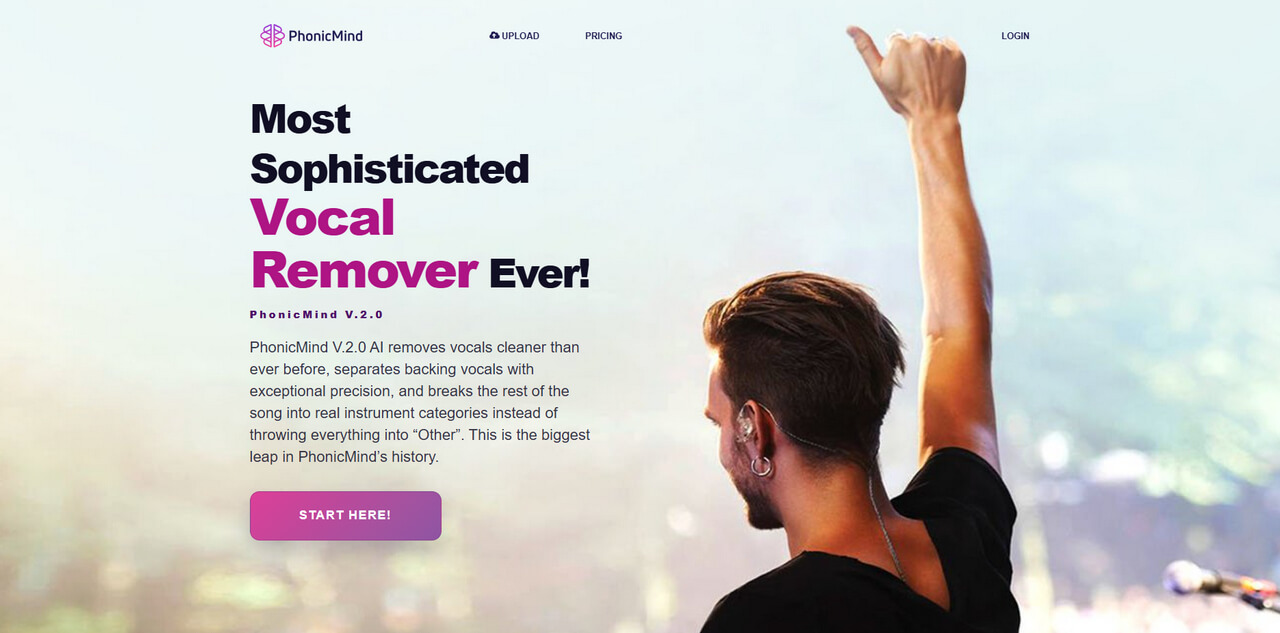
PhonicMind
PhonicMind is an AI-powered online instrumental remover that can separate vocals from songs and create cleaner instrumental tracks for karaoke, practice, remixing, and performance. Its latest V2.0 system can distinguish lead and backing vocals and recognize multiple instrument groups, allowing users to create more detailed stem mixes instead of relying on a basic vocal-and-instrument split. The entire process runs in the browser, where users can preview, adjust, and download their results.
Pros
- Accurate vocal and instrumental separation
- Supports lead and backing vocal separation
- Provides detailed multi-stem separation
- Works directly in the browser
- Supports MP3 and FLAC exports
Cons
- Downloads require a paid plan
- Song length limits vary by plan
- Advanced features are available only on higher-tier plans
UVR Vocal Remover
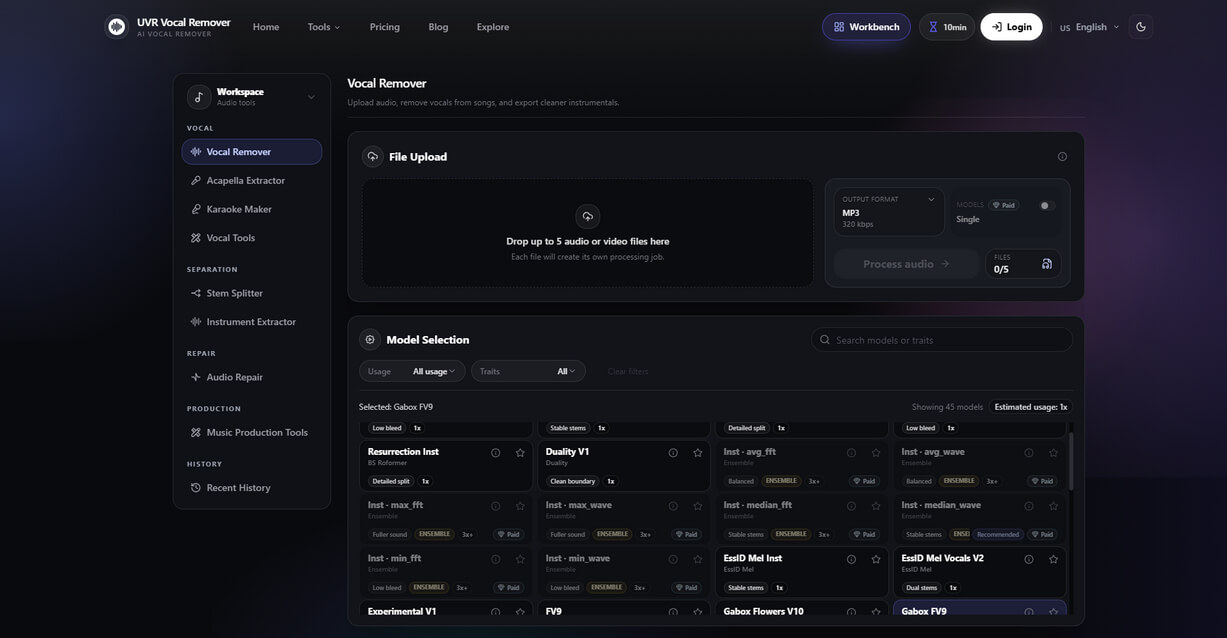
UVR Vocal Remover is an online instrumental remover that helps users remove vocals from songs and create cleaner backing tracks directly in the browser. It supports common audio formats, including MP3, WAV, FLAC, and M4A, and provides a wide selection of AI separation models for different types of music. Users can also explore additional tools for multi-stem separation, acapella extraction, karaoke creation, and audio cleanup.
Pros
- Multiple AI models for flexible separation
- Supports various audio formats
- Includes stem splitting and audio cleanup tools
- Free credits are available for testing
Cons
- Free usage has file and daily limits
- Some advanced features require payment
- Model selection can be confusing for beginners
Conclusion
Choosing the right instrumental remover depends on what you need from the tool. If you want a simple and efficient way to create instrumental tracks, browser-based options such as LALAL.AI, PopPop.AI, and PhonicMind are worth considering. For users who need more control over individual instruments, UVR Vocal Remover offers a wider range of AI separation models and stem options.
If you're looking for a more versatile solution that supports both audio and video files, Clumi AI is a practical choice. It supports MP3, WAV, MP4, and MOV files and can separate songs into six stems, making it useful not only for creating instrumental tracks but also for karaoke, remixing, and music production.
Before choosing an online instrumental remover, consider factors such as supported formats, separation quality, processing limits, export options, and pricing. The right tool will depend on whether you prioritize simplicity, advanced stem separation, or flexibility for different types of creative projects.
Clumi AI Instrumental Remover
Remove vocals from songs to create clean instrumental tracks for karaoke, remixing, and music production.
FAQs About Best Instrumental Removers
1. How can I convert a song to karaoke?
To create a karaoke track with Clumi instrumental remover, open its Vocal Remover tool and upload your song. The AI will automatically process the file, remove the vocals, and convert it into a karaoke-ready instrumental track.
2. How can I make an instrumental from a song for free?
You can use our free instrumental maker to turn a song into an instrumental track. Upload your audio file, and the AI will automatically separate the vocals from the music. Once processing is complete, you can download the instrumental version for karaoke, covers, or other projects.
3. Is this a free mp3 to instrumental converter?
Yes. Our tool works as a free MP3 to instrumental converter. Simply upload an MP3 file, and the AI will remove the vocals and generate an instrumental version. It also serves as a convenient instrumental track generator for creating backing tracks quickly.