
4 Best AI Drum Removers Online (2026 Update)
Mark Jensen | Updated on 2026-09-09
Removing drums from a song is no longer limited to professional audio software. With AI drum removers, you can isolate drum tracks or create drumless versions in just a few clicks, making them useful for practice, remixing, music production, and live performances.
In this guide, we compare four popular AI drum removers, looking at their separation quality, features, pricing, and ease of use. Whether you're practicing, remixing, or producing music, you'll have a better idea of which tool fits your needs.
Part 1. What Is an AI Drum Remover?
An AI drum remover uses machine learning to separate drum tracks from the rest of a song. Instead of manually editing audio, you simply upload a file and let the AI process it, making it much easier to create drumless tracks or isolate drums for further editing. These tools are commonly used for drum practice, remixing, live performances, and music production. Although most AI drum removers work similarly, the quality of separation, processing speed, and available features can vary widely.
Part 2. 4 Best Online AI Drum Removers
Clumi AI - Overall AI Drum Remover
Clumi AI drum remover offers one of the most balanced audio separation experiences. It quickly removes the drums from any song while preserving the quality of the remaining instruments. Beyond drum removal, Clumi also includes a stem splitter for separating vocals and other instruments, making it useful for more advanced editing projects.
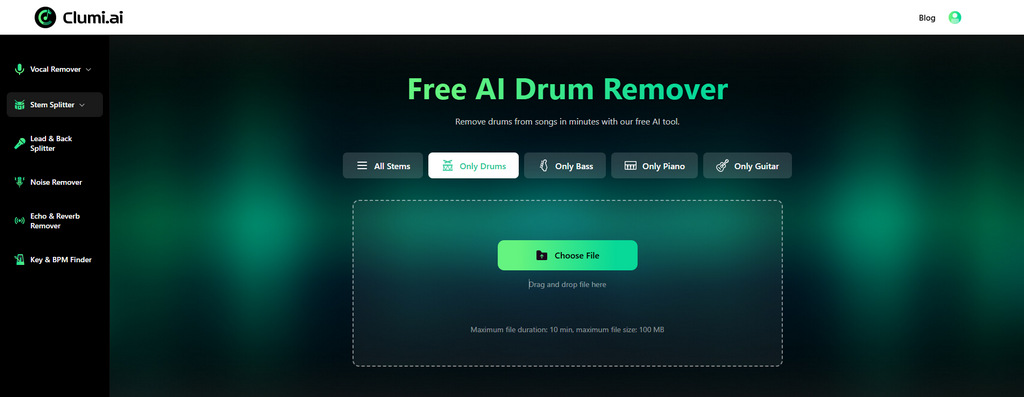
How to remove drums from songs online?
- Drag and drop your file into Clumi AI drum remover. MP4 files are supported, so there's no need to convert them first.
- The AI processes the track and separates the drum stem in just a few minutes.
- Preview both the isolated drum track and the drumless version, then download either or both with a single click.
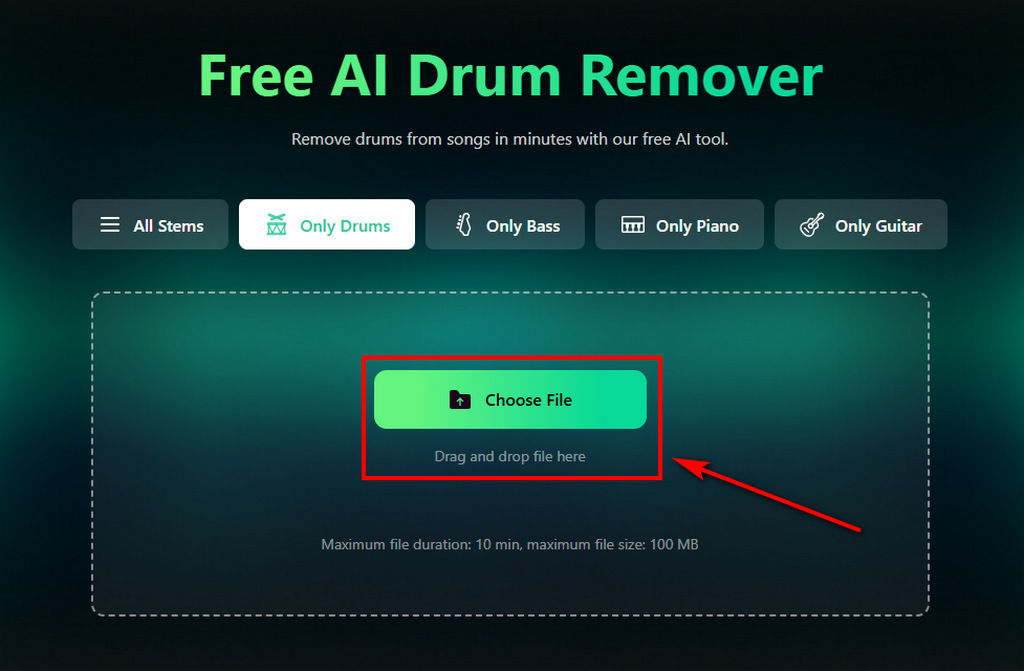
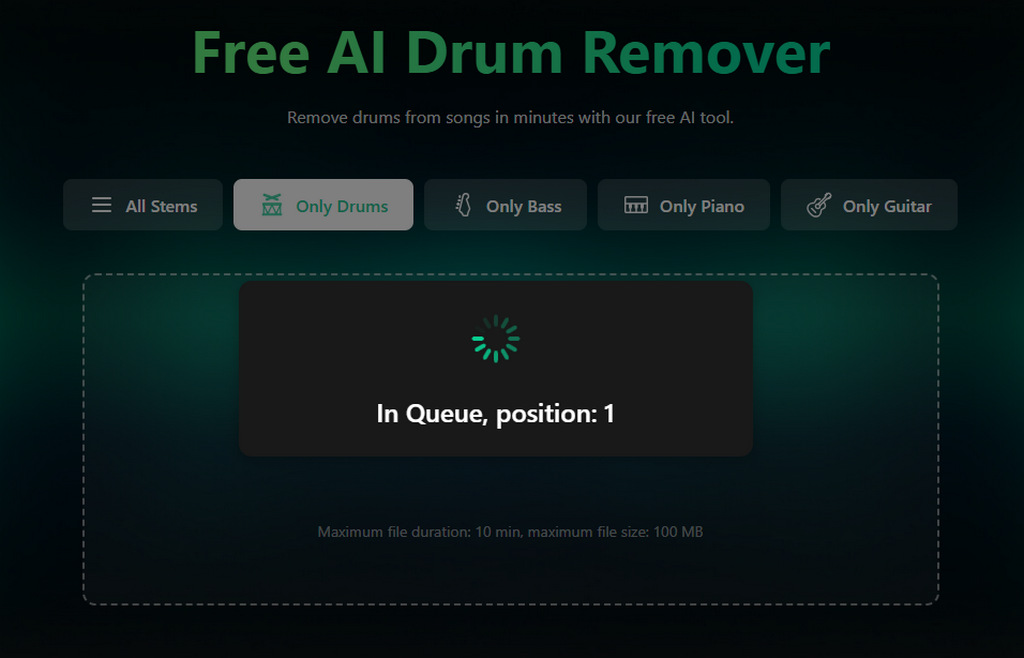
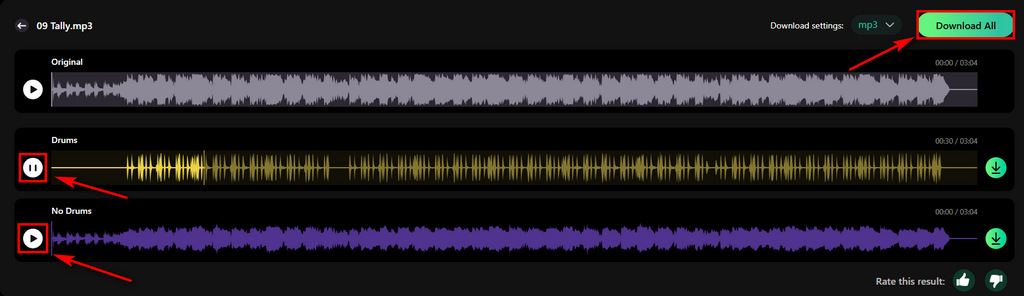
Clumi AI Online Drum Remover
Remove drums from songs or other music files you like with one click.
Pros
- Clean, high-quality drum separation
- Fast AI processing
- Supports audio and video input
- Beginner-friendly interface
- Includes stem splitter for additional instrument separation
Cons
- Requires an internet connection
Starting price: $9.99/month
AirMusic AI - For Multiple Uses
AirMusic AI is a full-featured stem separation platform that supports drum removal alongside more than ten additional audio stems. This makes it a good option for remixing, music production, and projects that require greater control over individual instruments. The broader feature set offers more flexibility, but it also comes with a higher subscription price than tools focused solely on drum removal.
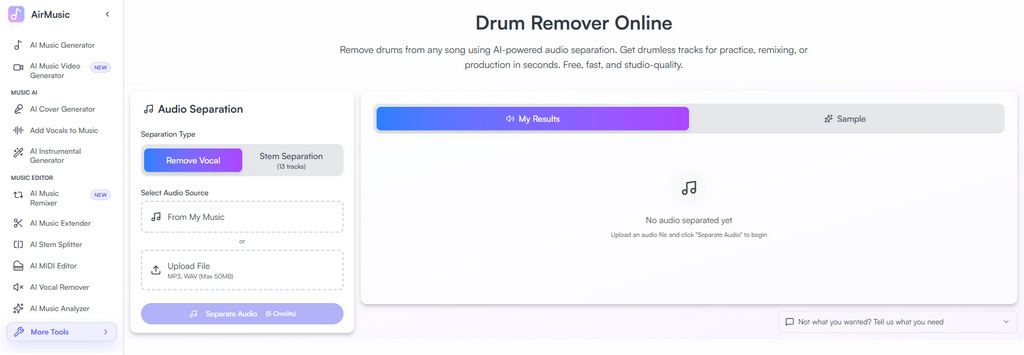
Pros
- Supports more than 10 audio stems
- Suitable for music production and remixing
- Wide range of separation options
Cons
- More expensive subscription plans
Starting price: $11.90/month
Mutedrums - For Drum Practice
Mutedrums is built specifically for drum practice. Besides removing drums, it lets users preview processed audio before downloading and even converts songs into drum notation, making it useful for learning new songs more efficiently.
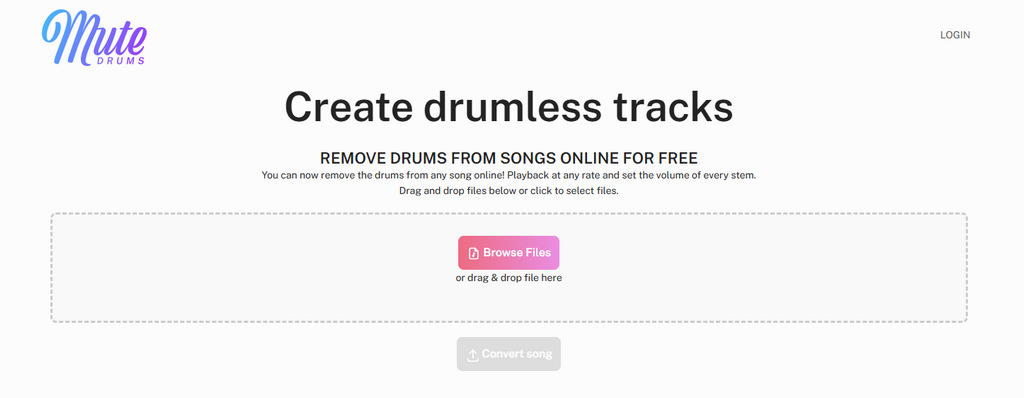
Pros
- Designed for drum practice
- Adjustable playback speed and volume controls
- Converts songs into drum notation
Cons
- Processing can be slower
- Limited advanced stem editing features
Starting price: $6.99/month
Drumless - Budget-Friendly Drum Remover
Drumless is designed specifically for users who only need to remove drums from songs. If you need a quick way to create drumless tracks, Drumless keeps the process simple. Just upload your song and let the AI handle the rest. It doesn't include advanced editing or multi-stem separation, but its lower price makes it an attractive option for everyday use.
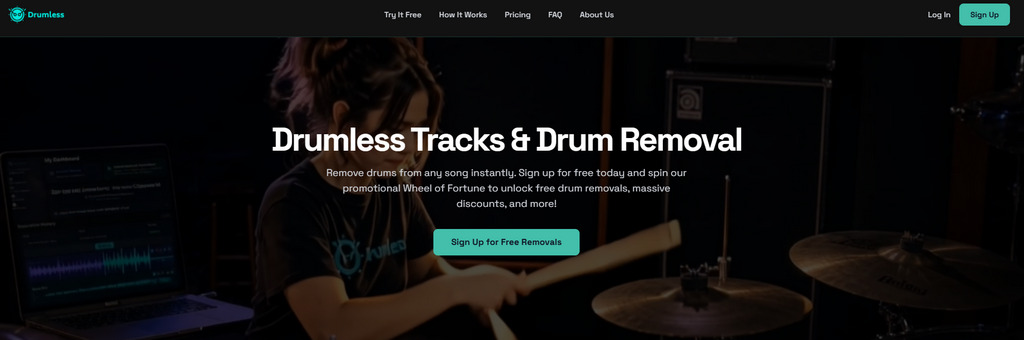
Pros
- Affordable pricing
- Simple and beginner-friendly
- Fast online drum removal
Cons
- Only supports drum removal
- Limited editing capabilities
Starting price: $2.99/month
Part 3. Drum Removers Compared
Here's a quick comparison of the four tools to help you decide which one best fits your workflow.
| Tool | Best For | Quality | Speed | Extra Features | Starting Price |
|---|---|---|---|---|---|
| Clumi AI | Overall performance | Excellent | Excellent | 6 stems | $9.99/mo |
| AirMusic AI | Multi-stem separation | Good | Good | 10+ stems | $11.90/mo |
| Mutedrums | Drum practice | Good | Good | Drum notation | $6.99/mo |
| Drumless | Budget-friendly | Good | Basic | - | $2.99/mo |
Conclusion
The best AI drum remover depends on how you plan to use it. Some tools are better for simple drum removal, while others offer more flexibility for production and remixing.
If you're looking for a balanced solution with clean separation, Clumi AI is a solid option for users who want high-quality separation, fast processing, and an easy online workflow. Whether you're practicing, remixing, or producing music, Clumi makes it easy to create clean drumless tracks without complicated editing.
Drum removal can also support broader music workflows when you need cleaner backing tracks, practice versions, or flexible audio material for creative projects.
Clumi AI Online Drum Remover
Remove drums from song or other music files you like with one click.
FAQs About Drum Removal
1. How to remove drum tracks from songs?
Step 1. Click to upload your audio to Clumi AI drum remover.
Step 2. AI automatically processes the audio.
Step 3. You can then download the separated drum stem and the remaining instrumental track.
2. How accurate is the drum stem separation?
The AI can separate drum tracks with high accuracy, although the final result still depends on how the original song was mixed.
3. What is the best drum remover?
Clumi AI is a good option if you're looking for fast online drum removal with clean drum separation.
4. Can I remove drums from a song without installing software?
Absolutely, you can remove drums from a song directly in your browser. There is no need to download or install software on your computer.