How to Remove Lyrics from a Song (Simple Guide)
Mark Jensen | Updated on 2026-08-27
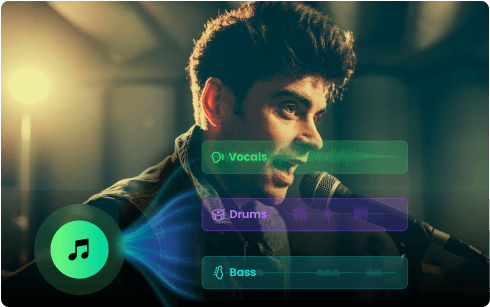
Want to remove vocals from a song while keeping instrumental music? Whether you're creating a karaoke track, practicing a song, making a remix, or simply looking for an instrumental version, an AI vocal remover can help you separate the vocals from the music in just a few steps.
In this guide, we'll show you how to remove lyrics from a song with four popular online tools, including Clumi, Voice.ai, PhonicMind, and EaseUS Vocal Remover.
Note: Here, "remove lyrics" refers to removing the sung vocals while keeping the instrumental.
What Is the Easiest Way to Remove Lyrics from a Song?
An AI vocal remover is the simplest way to separate vocals from a song without manually editing the audio. It automatically separates the vocals from the instrumental, so you don't need to adjust frequencies or use complicated audio software. The basic process is simple: upload your song, let the AI separate the vocals, preview the instrumental, and download the result.
Part 2. 4 Easy Ways to Remove Lyrics from a Song Online
Create Clean Instrumentals with Clumi AI Vocal Remover
With Clumi AI vocal remover, you can turn a song into an instrumental or karaoke track without complicated audio editing. Upload an MP3, WAV, MP4, or MOV file and remove the vocals, or separate up to 6 stems for more control. You can also export the results with 24-bit processing and high-quality WAV output.
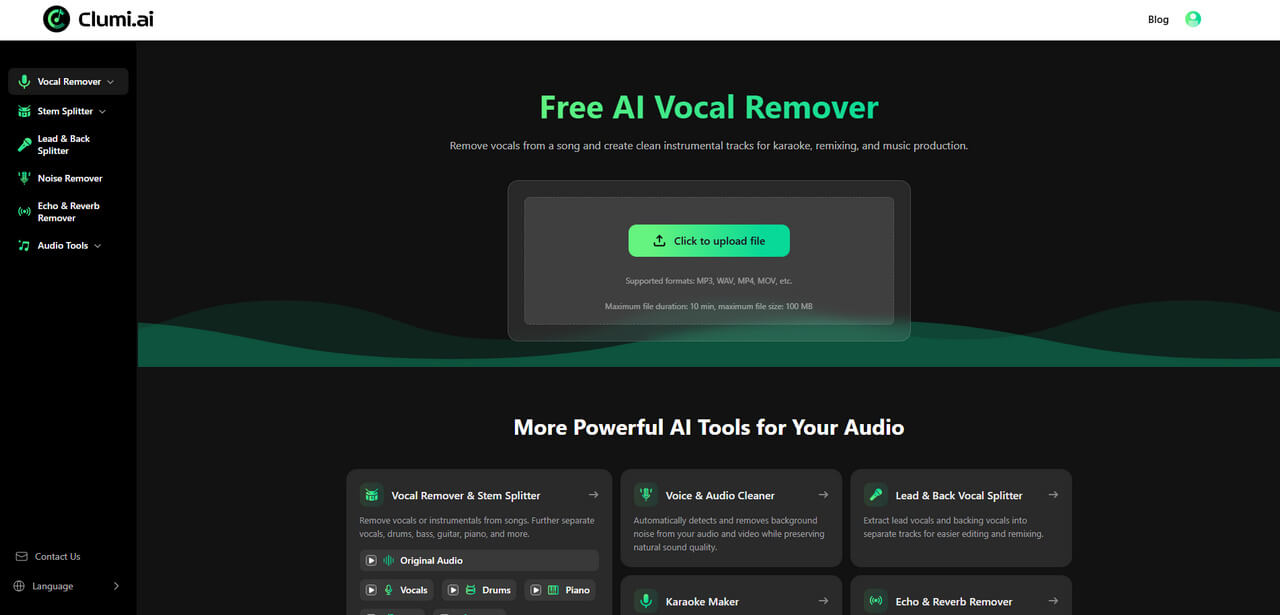
How to remove lyrics from a song with Clumi vocal remover?
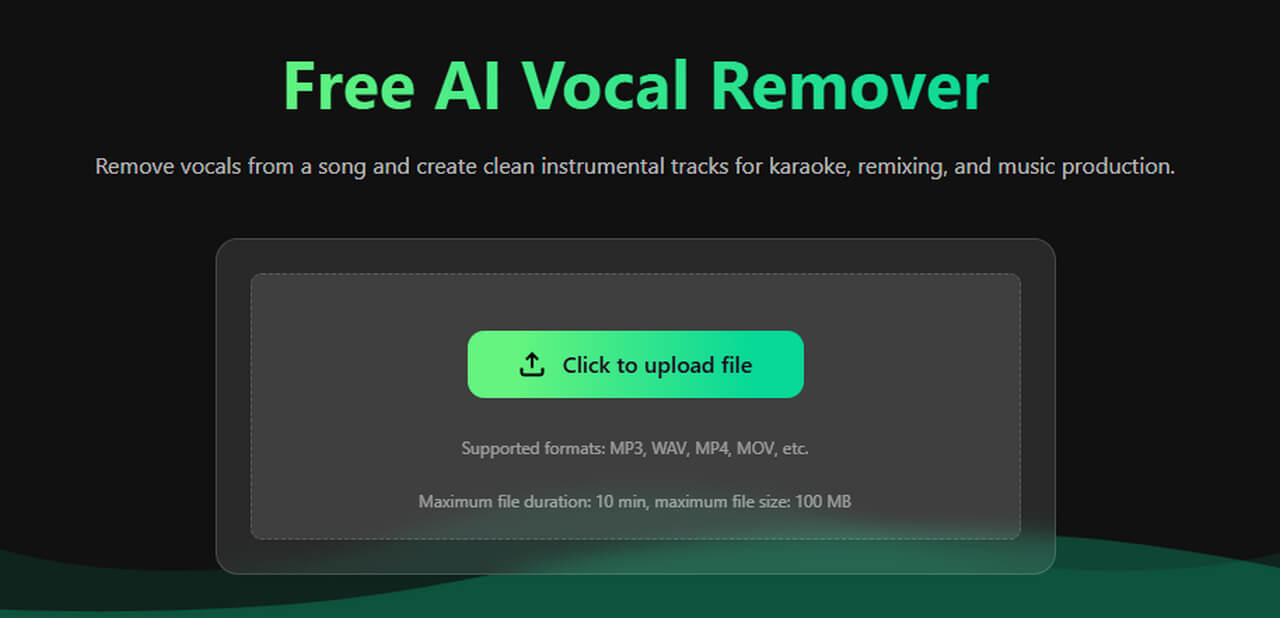
- Visit Clumi AI vocal remover. Click the upload area, then select your file or drag and drop your song.
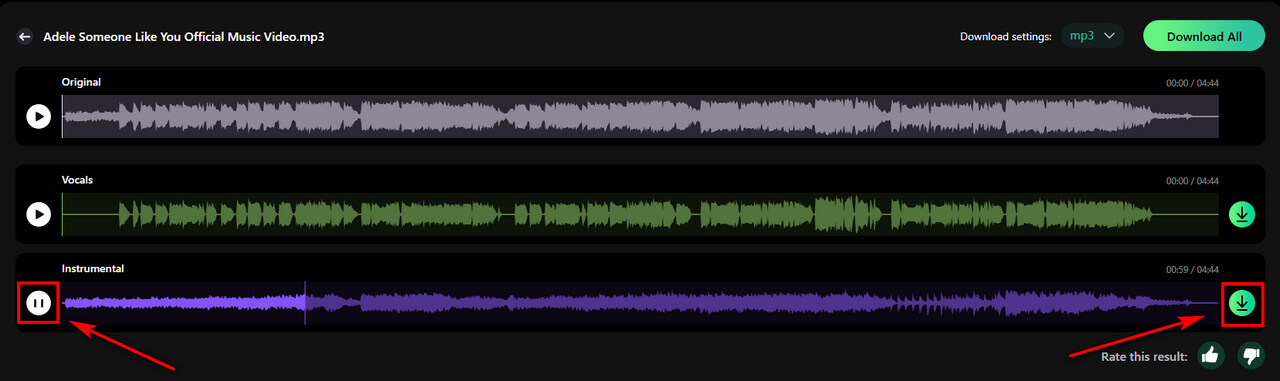
- After uploading your file, Clumi automatically analyzes the audio and separates the vocals from the instrumental.
- Preview the separated tracks and listen to the instrumental. If the result sounds good, click Download to save the track for karaoke, singing practice, remixes, music learning, or other projects.
Easy Voice Isolation with Voice.ai
Voice.ai focuses on AI-powered voice and audio tools. It supports common audio formats such as MP3, WAV, and FLAC, making it a convenient option when you already have the song as an audio file.
If you're working with a video, however, you'll need to extract the audio before processing it.
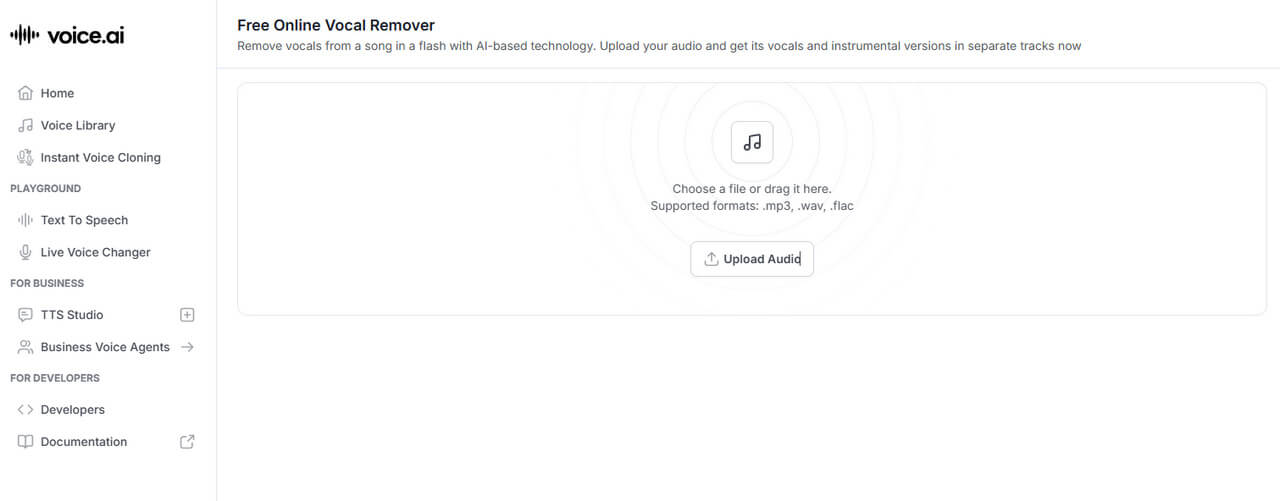
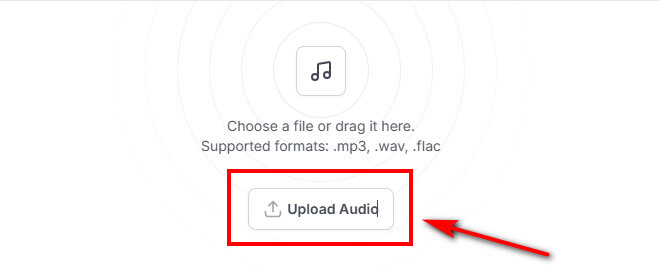
How to remove vocals from audio with Voice.ai?
- Upload the song you want to Voice.ai. Make sure your file is in a supported audio format, such as MP3, WAV, or FLAC.
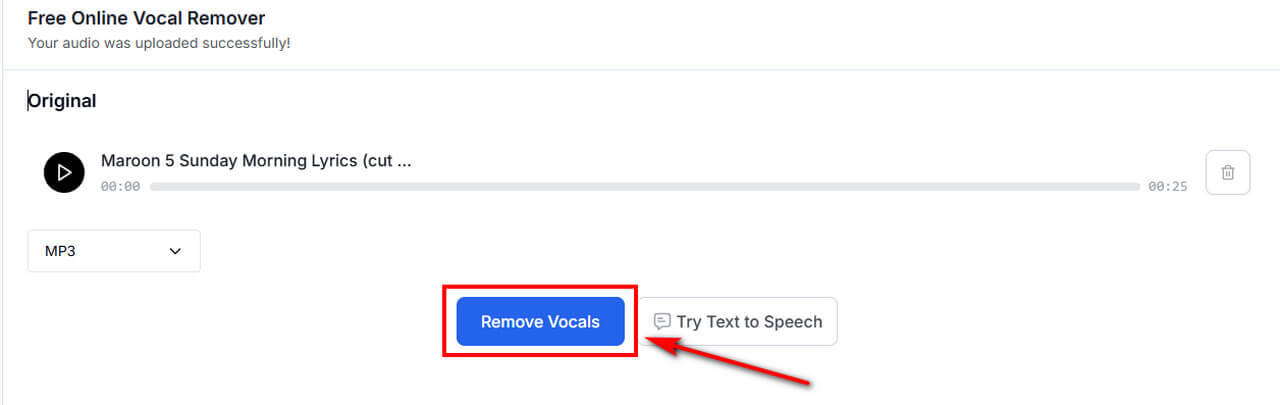
- Click Remove Vocals to start processing the uploaded audio.
- Preview the separated tracks to check the result. Then click Download to save the processed audio.
Multi-Stem Separation with PhonicMind
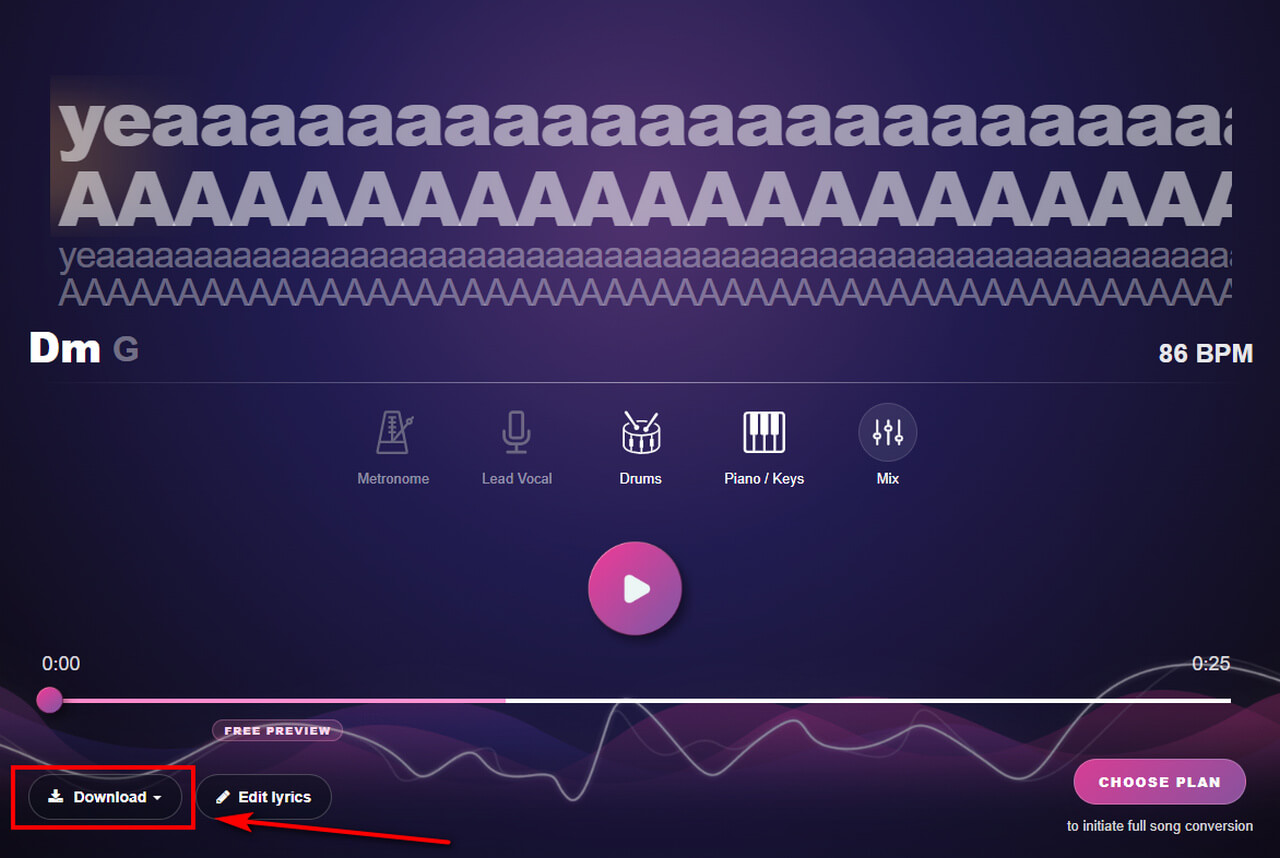
PhonicMind offers multi-stem separation with features such as lyrics, chords, and metronome information. Its V2.0 system supports 4 to 9 stem classes depending on your plan, but the more advanced options come at a higher price if you only need a simple instrumental track.
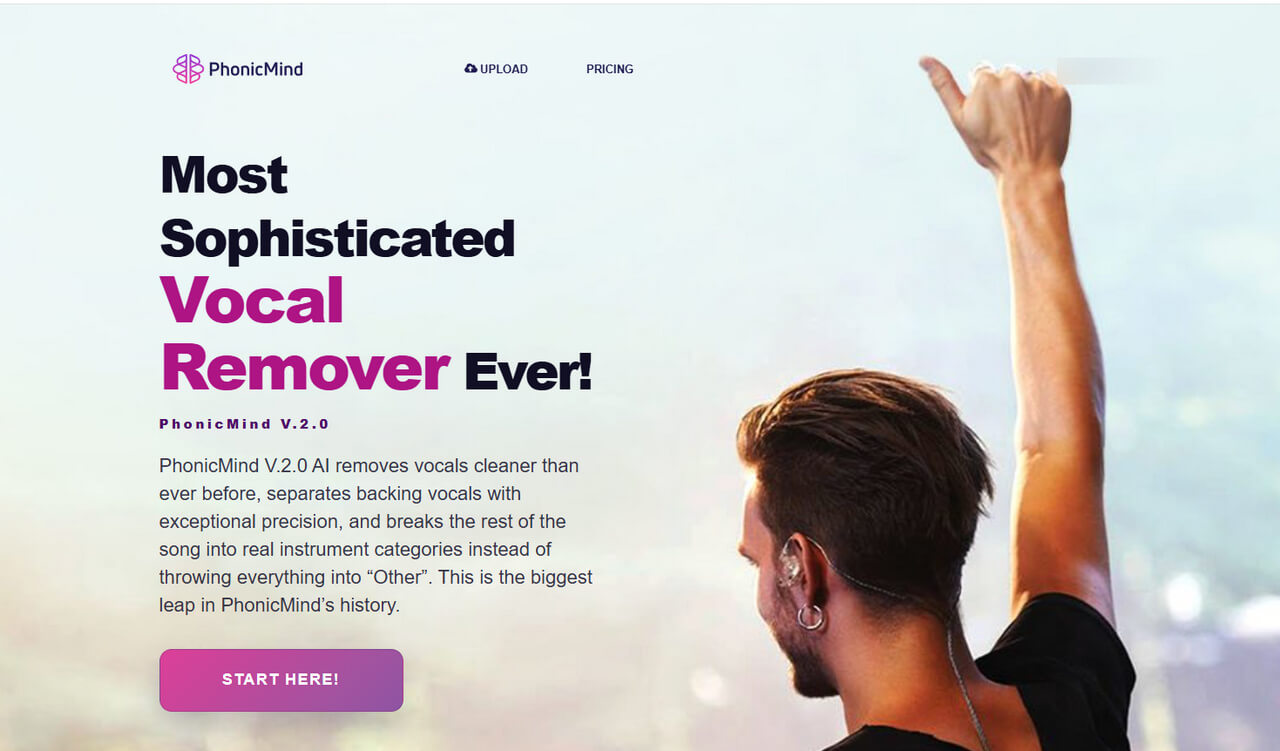
How to separate audio with PhonicMind?
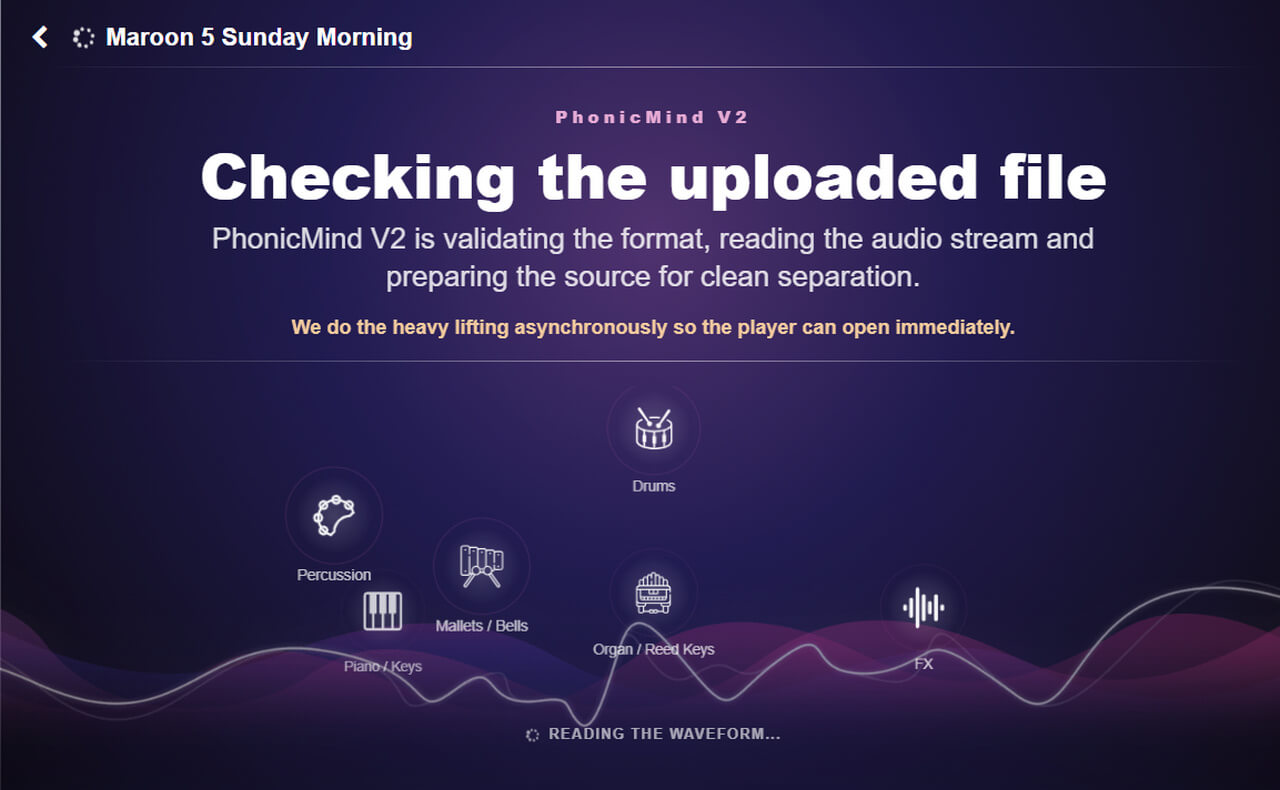
- Visit PhonicMind and upload the song you want to process. The platform supports common audio formats such as MP3, AAC, and WMA.
- After uploading the track, PhonicMind analyzes the audio and separates its different components.
- With the basic plan, PhonicMind separates the song into lead vocals, backing vocals, drums, and piano. After previewing the results, click Download to save the instrumental track.
Flexible Vocal Removal with EaseUS
EaseUS Vocal Remover can separate vocals and instrumental tracks from both audio and video files. It also supports YouTube links in addition to local uploads, giving you more flexibility in choosing your source.
How to remove vocals from audio with EaseUS Vocal Remover
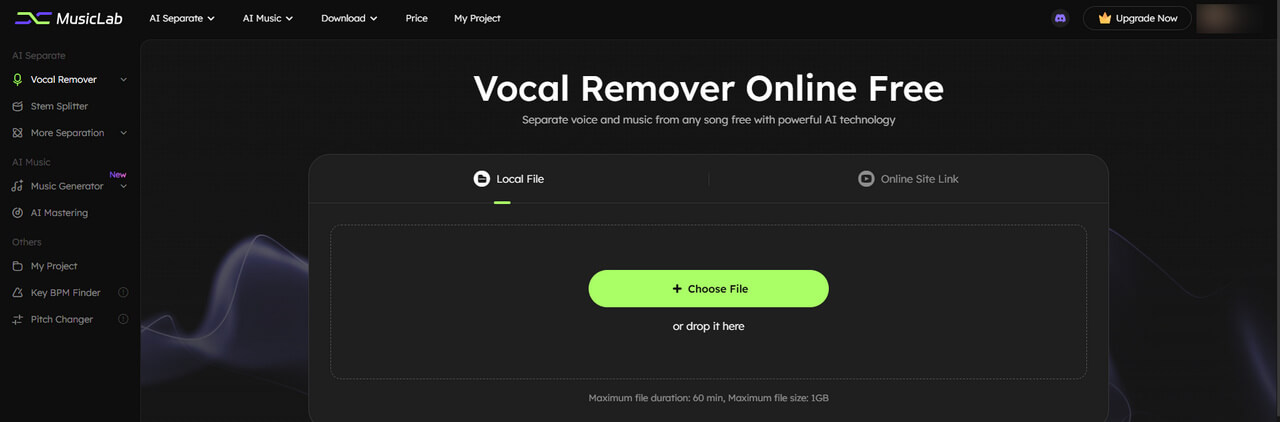
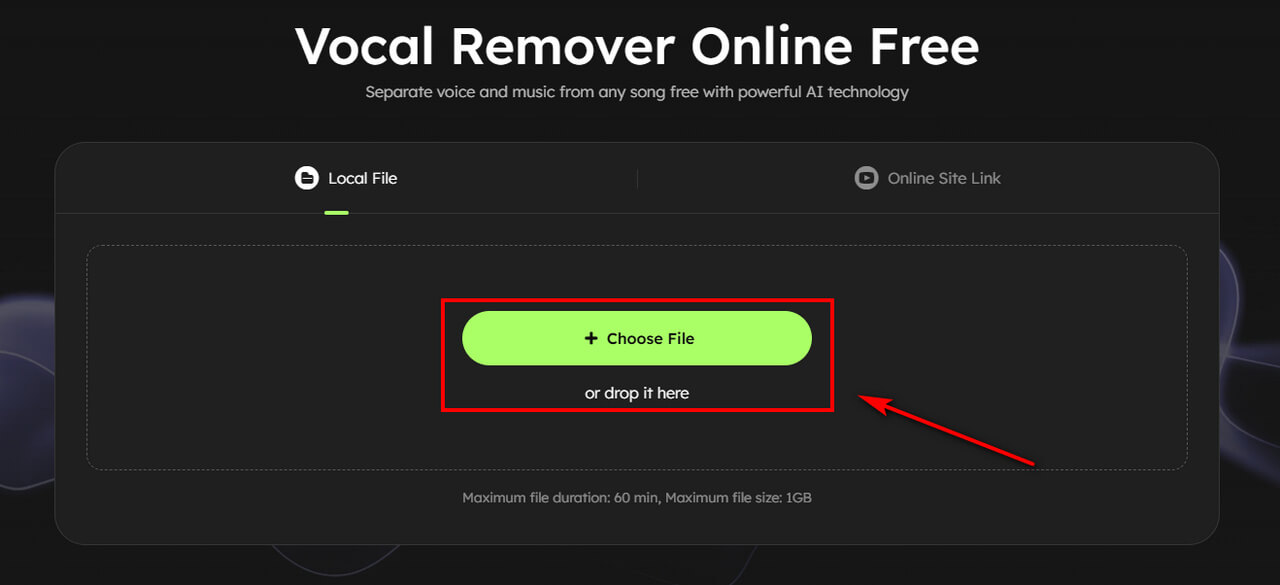
- Click Choose File and select the audio or video you want to process. If your song is available on YouTube, you can also paste the YouTube link directly into the tool.
- EaseUS automatically analyzes the file and separates the vocal and instrumental components.
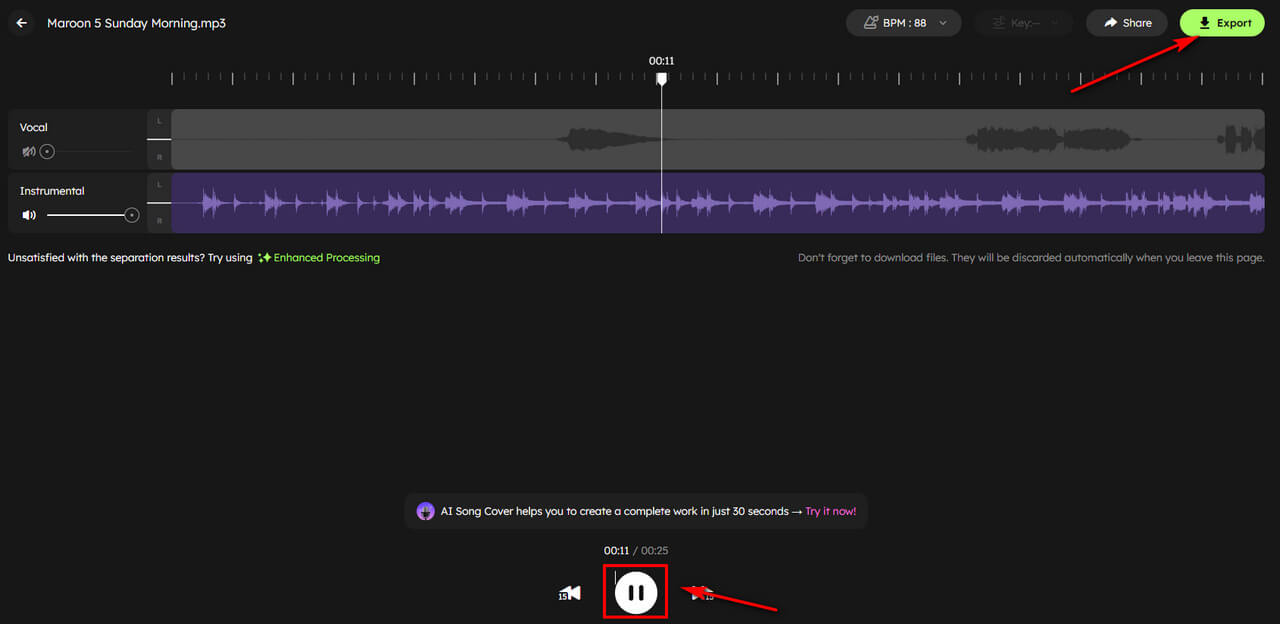
- Mute the vocal track and preview the instrumental to check the result. If you're happy with it, save the processed file.
Part 3. Which Tool Should You Choose to Remove Lyrics from a Song?
Clumi: Best if you want audio and video support, quick vocal removal, and the option to separate additional stems.
Voice.ai: A good fit for audio files and users who want additional AI voice and audio tools.
PhonicMind: Better suited to detailed music separation and analysis for production, arrangement, or music learning.
EaseUS: Useful for audio and video processing, with the added convenience of supported online-link importing.
Conclusion
Removing lyrics from a song is simple with an AI vocal remover. Just upload your song, let the AI separate the vocals, preview the instrumental, and export the result for karaoke, practice, or remixes.
If you want a simple workflow with audio and video support plus multi-stem separation, Clumi is a flexible option.
Clumi AI Vocal Remover
Remove vocals from songs for karaoke, remixing, music production, and more.
Frequently Asked Questions
1. Is it possible to remove lyrics from a song?
Yes. An online AI voice remover can separate sung vocals from the instrumental, allowing you to create a clean instrumental or karaoke track.
2. Can I remove lyrics from a video?
Yes. Clumi supports video uploads, so you can remove vocals from video files without extracting the audio first. The processed audio can be exported with high-quality 24-bit processing.
3. Can I create a karaoke track by removing vocals?
Yes. Removing vocals while keeping the instrumental is one of the most common uses of AI vocal removers. You can then use the instrumental track for karaoke, singing practice, covers, or performances.
4. How do I filter lyrics out of a song?
Use an AI vocal remover such as Clumi. Upload your song, let the AI separate the vocals, then preview and download the instrumental track.
5. Can I remove lyrics from a song without removing the music?
Yes. Vocal removal is designed to separate the sung vocals while keeping the instrumental as intact as possible. The final result can vary depending on the original recording, mixing, vocal effects, and separation technology.