Top 5 AI Karaoke Makers for Karaoke Tracks & Videos
Mark Jensen | Updated on 2026-09-10
Creating a karaoke version of a song is easier than ever with AI-powered tools. You no longer need to rely on karaoke bars to enjoy your favorite songs. These tools let you create sing-along tracks and videos directly at home.
In this guide, we compare five popular online karaoke makers based on their key features, pricing, and overall capabilities to help you find the right AI karaoke creator for your needs.
Part 1. What Is a Karaoke Maker?
A karaoke maker turns a regular song into a karaoke version by removing vocals, separating audio elements, or generating synced videos.
Depending on the type of tool, you can:
Remove vocals to create instrumental tracks
Separate audio stems for further editing
Adjust pitch and volume for better singing practice
Generate karaoke videos with synced lyrics and visuals
For most users, the goal is simple: create a clean backing track or a ready-to-share karaoke video.
Part 2. 3 Karaoke Makers for Creating Instrumental Tracks
If your goal is to create a karaoke track, vocal removal is usually the first step. These tools focus on separating vocals from music while keeping the instrumental parts.
Clumi AI Karaoke Maker — High-Quality Vocal Removal
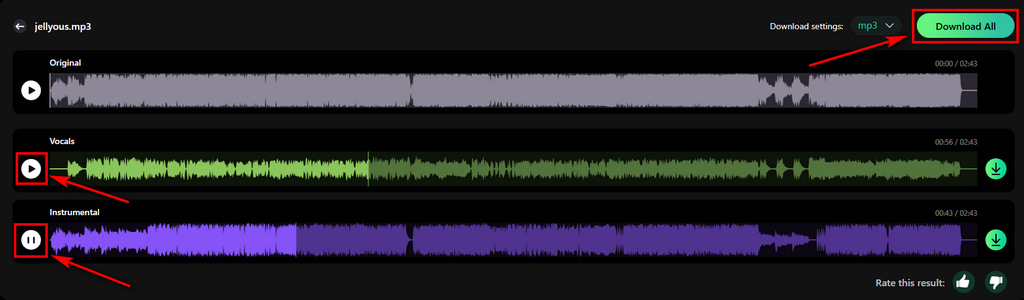
Clumi AI karaoke maker focuses on creating clean instrumental tracks by removing vocals from songs. With the stem splitter, you can also separate individual stems for performances, remixes, and creative projects. It works well for singers, cover creators, and anyone who wants to create karaoke tracks quickly.
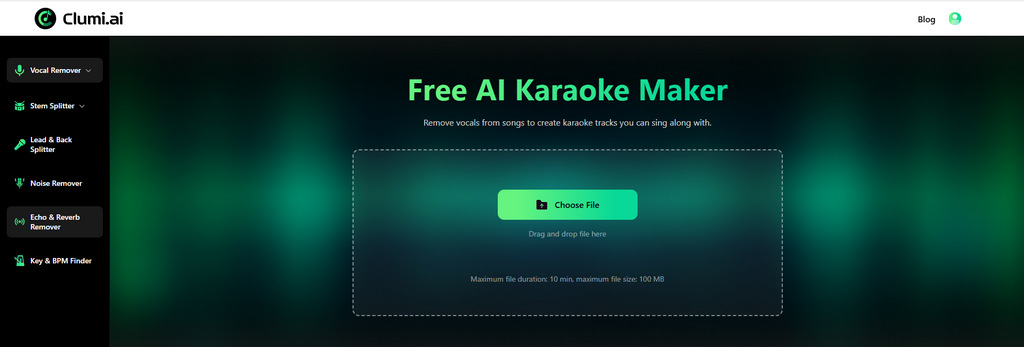
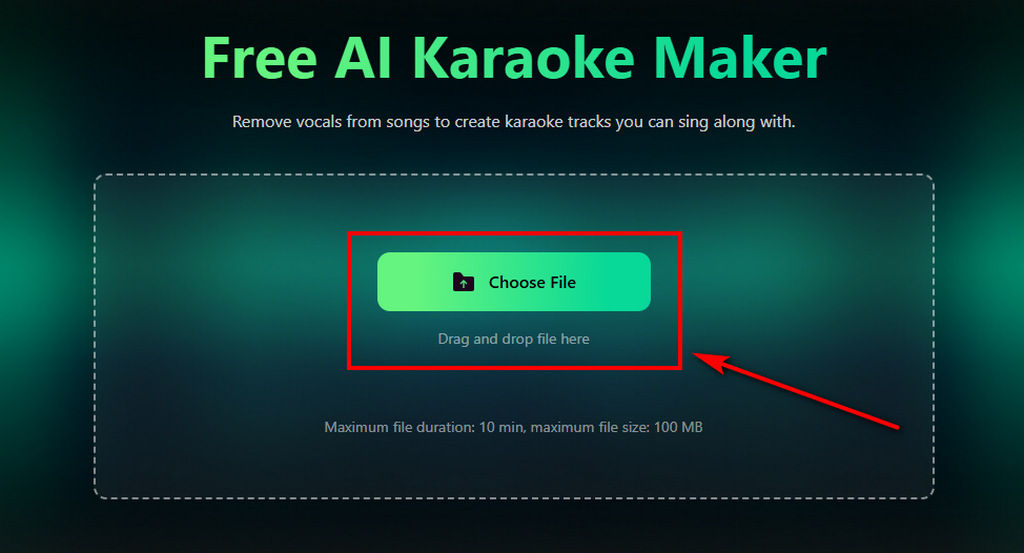
How to make a karaoke track online?
- Visit the free online karaoke maker and upload your audio file in MP3, WAV, M4A, MP4, or another supported format.
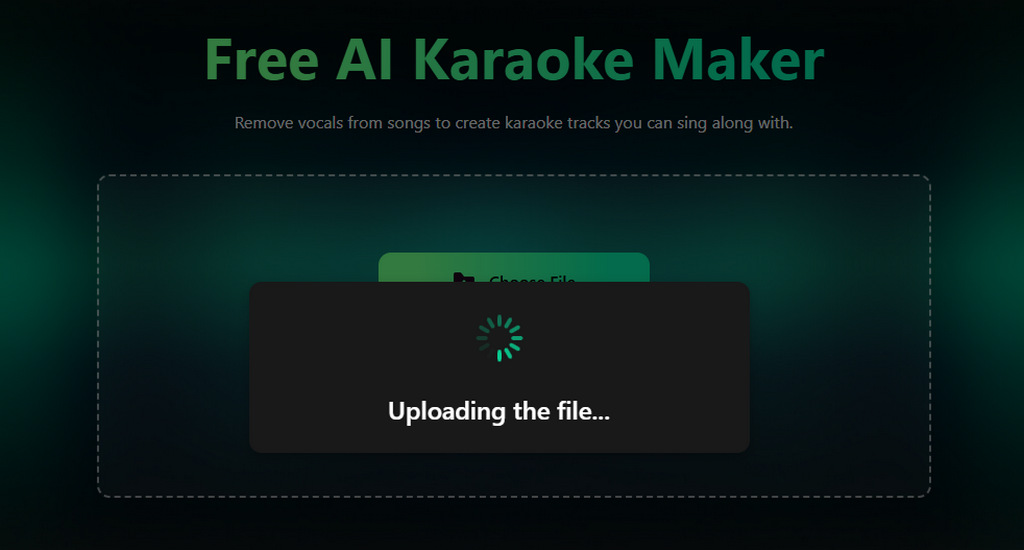
- Wait for the AI to detect your music.
- After processing, you can preview the separated vocal and instrumental tracks, then download the karaoke version.
Clumi AI Karaoke Maker
Remove vocals from a song to make your own karaoke track with Clumi AI.
Pros
- High-quality vocal separation
- Clean instrumental output
- Fast processing speed
- Easy online workflow
- Wide format compatibility
Cons
- Focuses on karaoke tracks rather than full karaoke videos
Starting price: $9.9/month
PhonicMind — One-Click Separation
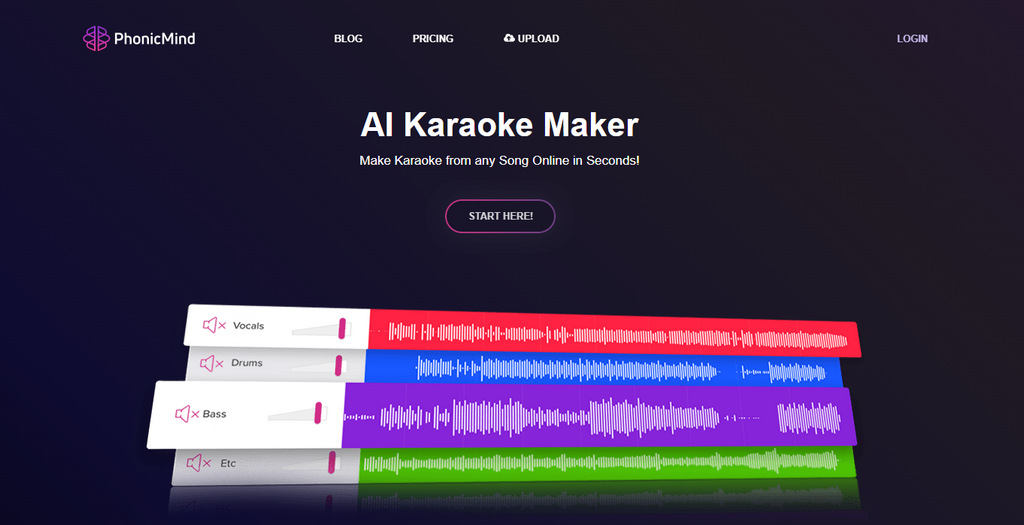
PhonicMind is a straightforward stem separation tool that lets users quickly separate vocals and instrument tracks for karaoke creation. It is designed for users who want a convenient workflow without complicated editing.
Clumi AI Karaoke Maker
Remove vocals from a song to make your own karaoke track with Clumi AI.
Pros
- One-click stem separation
- Download separate audio tracks
- Simple and beginner-friendly
Cons
- Separation features are relatively basic
- Processing can be slower
Starting price: $4.99/month (MP3 only)
MyEdit — Vocal Removal with Audio Editing Features
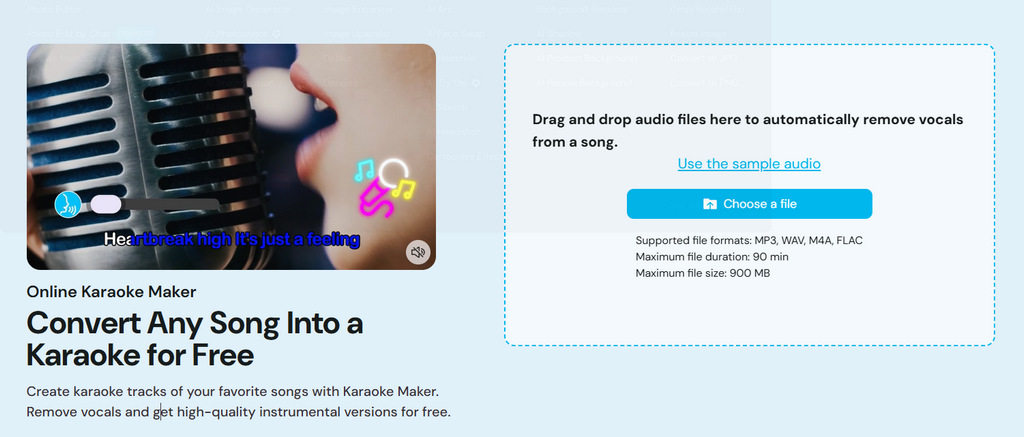
MyEdit combines vocal removal with basic audio editing features. After creating a karaoke track, you can adjust volume and pitch, making it easier to match the song with their vocal range and singing style.
Clumi AI Karaoke Maker
Remove vocals from a song to make your own karaoke track with Clumi AI.
Pros
- Volume control and pitch adjustment support
- Supports file uploads up to 900MB
- Includes a wide range of music tools
Cons
- Vocal separation quality is more basic
Starting price: $14/month
Part 3. 2 AI Karaoke Makers for Creating Lyric Videos
Instead of only creating an instrumental track, you may want a karaoke video with synchronized lyrics, backgrounds, and visuals.
AI karaoke video makers go beyond audio separation by adding automatic lyric syncing and video creation features.
Somio AI — Create Karaoke Video with Lyrics Synchronization
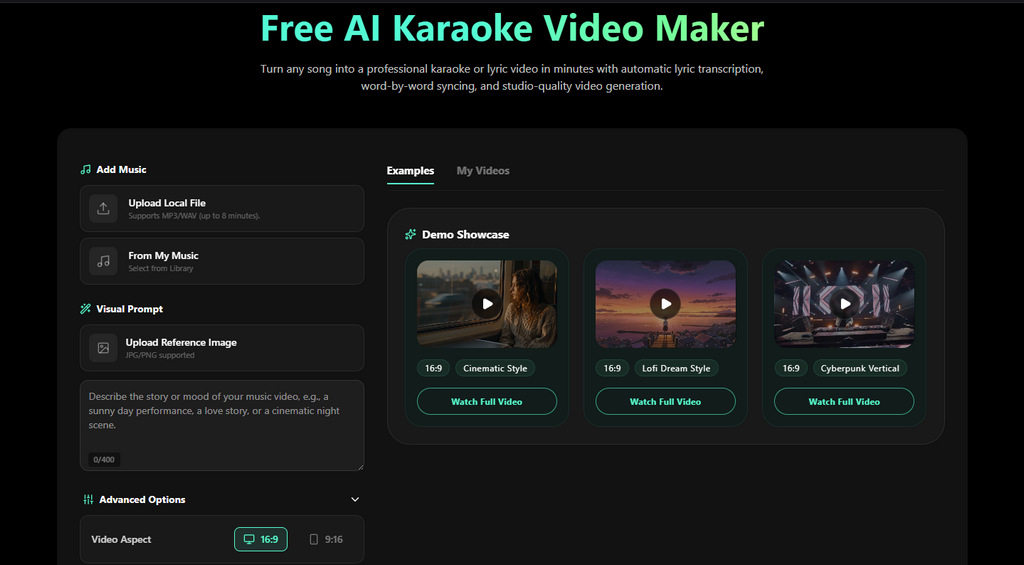
Somio AI creates karaoke or lyric videos by matching lyrics with songs and adding customizable visuals. You can upload songs in different languages without manually searching for or syncing lyrics. After adding your preferred image, you can generate a personalized karaoke video.
Clumi AI Karaoke Maker
Remove vocals from a song to make your own karaoke track with Clumi AI.
Pros
- Automatically matches lyrics with songs
- Supports multiple languages
- Allows custom background images
- Generate lyric videos without installing software
- Creates complete karaoke videos instead of only audio tracks
Cons
- Limited lyric font options available
Starting price: $9.99/month (500 credits)
Youka — Create Karaoke Videos from Links
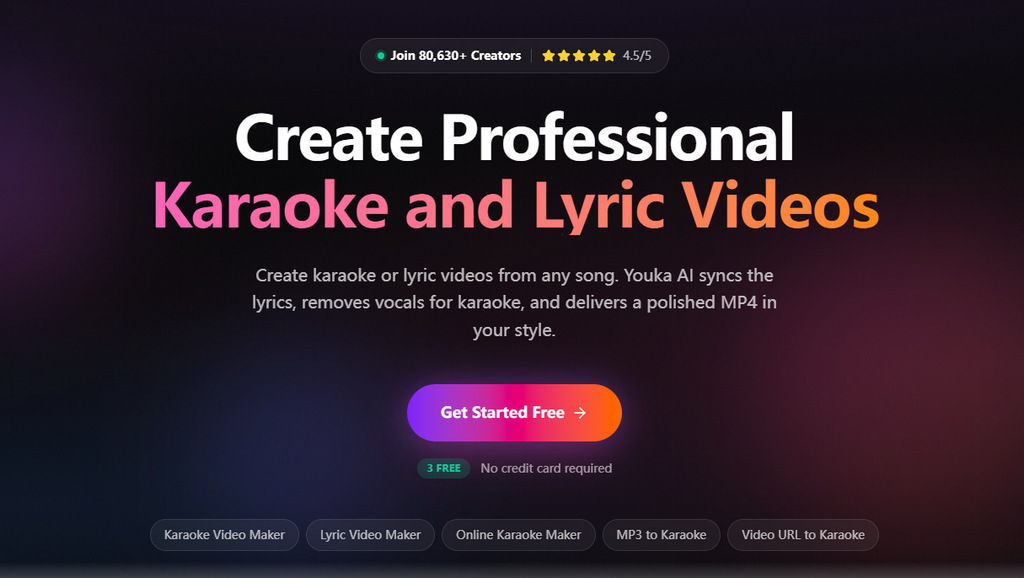
Youka lets you create karaoke videos from uploaded audio or YouTube links. Youka offers different AI models for creating karaoke videos, so output quality may vary depending on the selected option.
Clumi AI Karaoke Maker
Remove vocals from a song to make your own karaoke track with Clumi AI.
Pros
- Supports creating karaoke videos from YouTube links
- Multiple AI model options
- Removes lead vocals from karaoke videos
Cons
- Requires browser extension
- Output quality may vary
Starting price: $14/month (100 credits)
Part 4. Which Tool Should You Choose?
Choosing the right karaoke maker depends on your creation goals, budget, and how much control you need over the final result. The comparison below summarizes the main differences between these tools and helps you quickly find the option that fits your needs.
| Your Goal | Recommended Tool | Starting Price |
|---|---|---|
| Create clean, high-quality karaoke tracks | Clumi AI | $9.9/month |
| Create simple karaoke tracks | PhonicMind | $4.99/month (MP3 only) |
| Adjust audio after separation | MyEdit | $14/month |
| Create karaoke videos with synced lyrics | Somio AI | $9.99/month (500 credits) |
| Make karaoke videos from YouTube content | Youka | $14/month (100 credits) |
Conclusion
The right karaoke maker depends on whether you need a simple instrumental track or a complete karaoke video. For clean instrumental tracks, tools like Clumi AI karaoke maker provide a simple way to remove vocals and prepare songs for singing. If you want a complete karaoke video with lyrics and visuals, AI karaoke video makers like Somio and Youka offer more creative options.
Choose the tool that fits your workflow and start creating your own karaoke experience.
Clumi AI Karaoke Maker
Remove vocals from a song to make your own karaoke track with Clumi AI.
FAQs About AI Karaoke Maker
1. How to make karaoke tracks online?
Upload your audio to an online karaoke maker. The AI will analyze the track, remove vocals, and create an instrumental track you can sing along to.
2. How to make a karaoke video?
Step 1. Upload your song to the karaoke video maker.
Step 2. Let the AI generate lyrics and match them with the audio.
Step 3. Customize visuals and export your karaoke video.
3. What is the best karaoke maker?
Clumi has one of the best karaoke makers. You can remove vocals from music and get clean instrumental tracks easily.
4. How to make homemade karaoke?
You can create karaoke at home with a karaoke app or online vocal remover. Upload your song, let the AI separate the vocals, and download the finished karaoke version.
5. How to download karaoke songs?
Most karaoke tools provide a feature to download karaoke instrumentals. Simply upload the song you want to sing, wait for the AI to process the track, and then download the karaoke version you need.