How to Remove Piano from a Song Online with AI
Mark Jensen | Updated on 2026-11-05
If you want to remove piano from a song, AI tools can help isolate the piano parts while separating them from the rest of the arrangement. Piano is just one of many instruments in the keyboard family, which also includes digital pianos, organs, accordions, and harpsichords. Each has its own distinctive sound.
This guide explains how to extract piano from a song using dedicated AI models. You can also study individual instrument parts or explore new arrangements.
Part 1. Remove Piano from a Song with Clumi AI
Clumi is an online AI audio separation tool that helps you isolate individual instruments from music recordings. The piano remover is designed to separate piano parts from a song, giving you a piano track and audio without the piano. You can use the results to create backing tracks, study other instruments, or experiment with new arrangements.
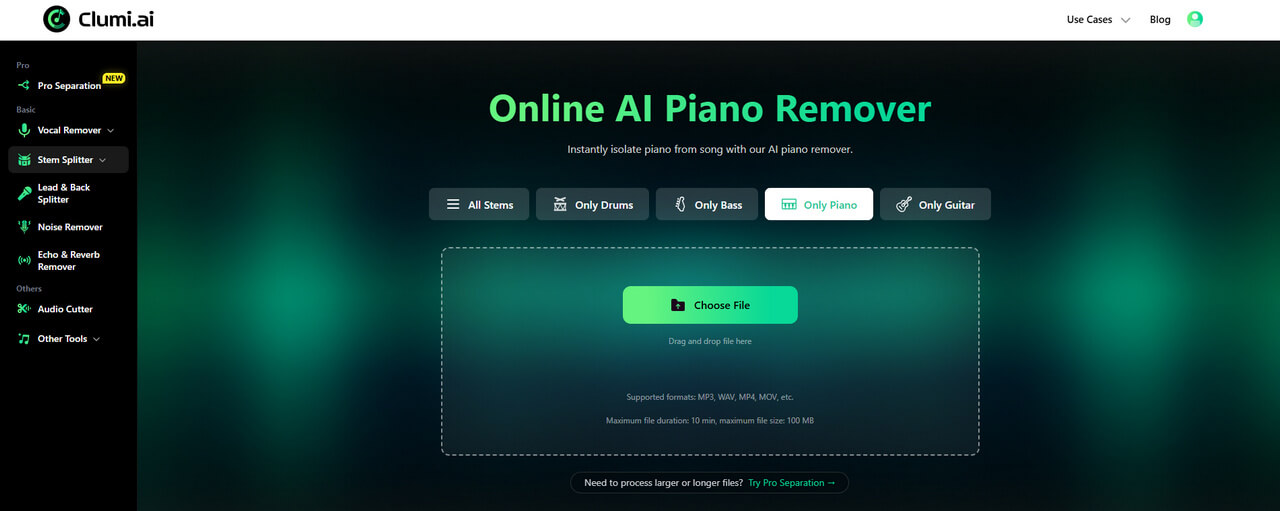
How to remove piano stems from a song?
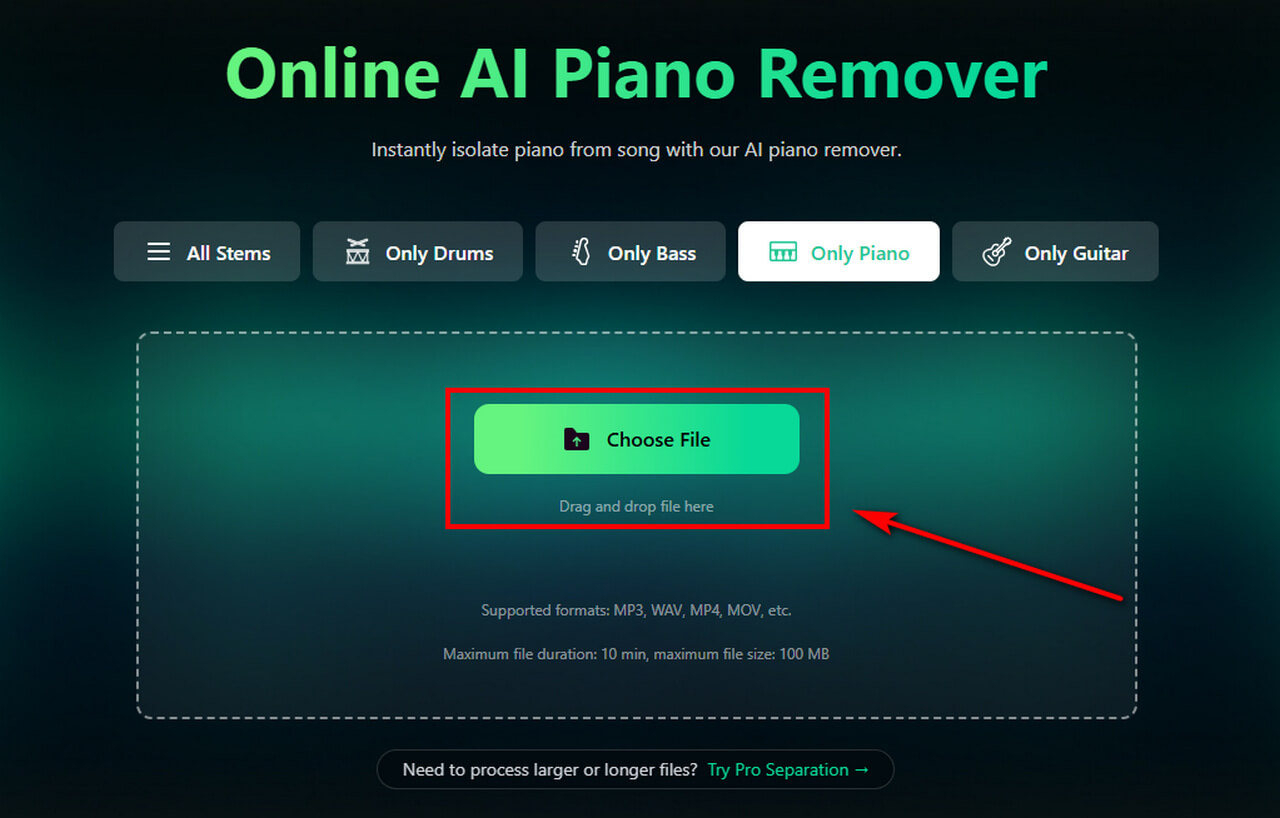
- Select a song from your device and upload it to Clumi. Choose the piano model to isolate piano sounds from the recording. To extract other keyboard sounds, such as Keys, Synth, or Organ, select the corresponding model in Clumi Pro Separation.
- The AI will analyze and process your audio.
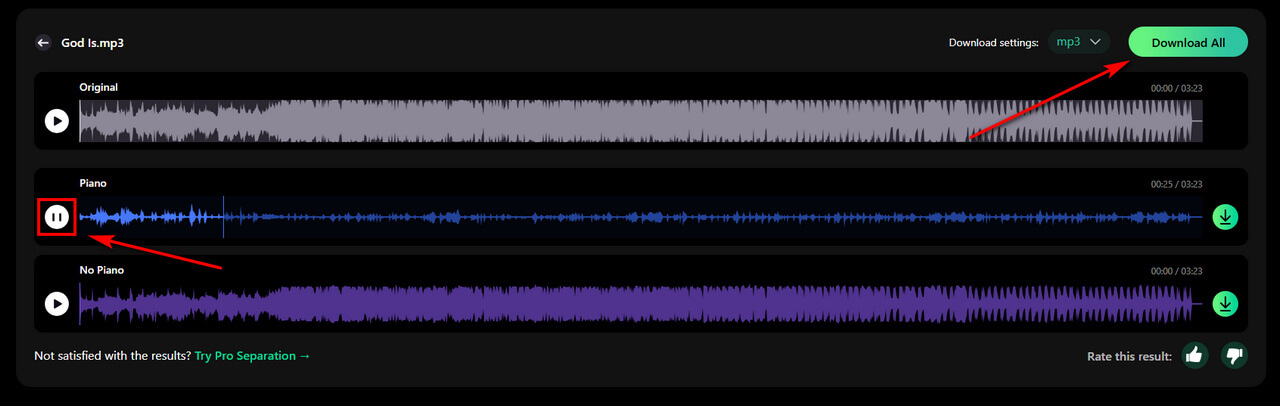
- Preview the isolated piano track and the version without piano, then download the results to your device. You can use them for music practice, editing, or production.
Clumi AI Piano Isolator
Clumi helps you remove or extract piano stem from song.
Part 2. How to Identify Different Keyboard Instruments and Their Music Styles
When removing piano from a song, you may also encounter other keyboard sounds, such as Rhodes, synthesizers, and organs. Each instrument has distinct sound characteristics and is associated with different music genres. The table below will help you tell them apart.
These are common associations rather than strict rules. Keyboard instruments can appear in many genres depending on how they are played and arranged. If you want to isolate a particular sound from a recording, you can use the corresponding Clumi pro separation model.
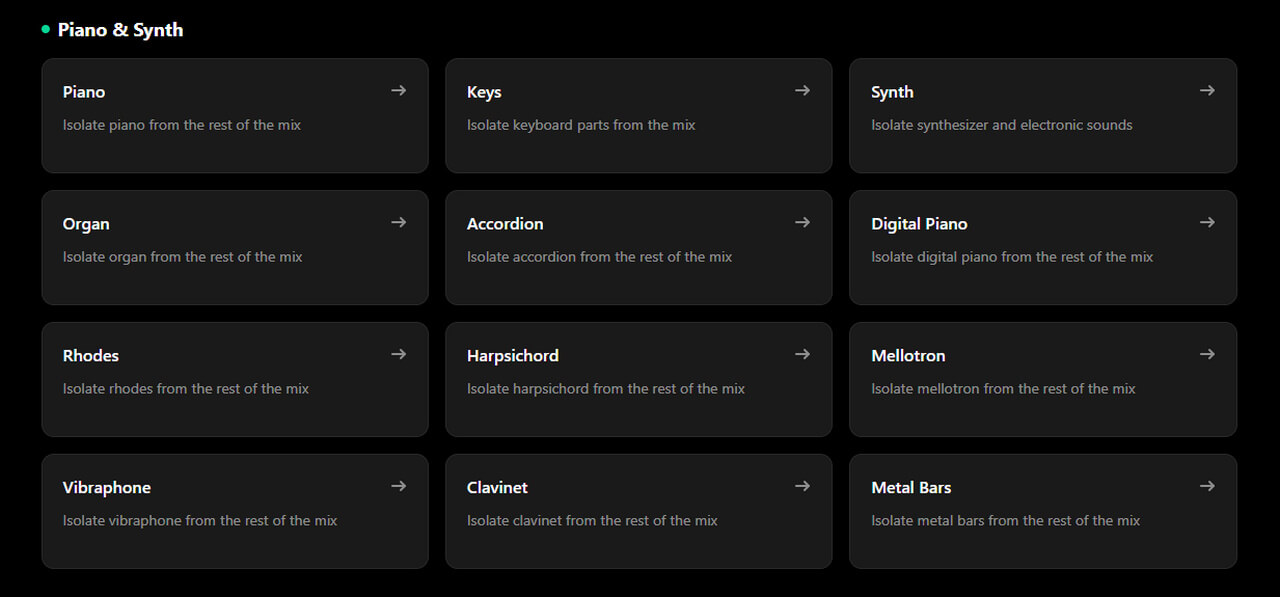
Clumi AI Pro Separation
Explore dedicated AI models for isolating piano, synthesizers, organs, and other instruments.
Part 3. Tips for Better Piano Separation Results
The quality of piano separation depends partly on the original recording. These tips may help you get more useful results:
Start with a clear audio file:
A higher-quality source recording can make instrument details easier to distinguish.
Choose the appropriate model:
If the sound is actually a synthesizer or electric piano, try the corresponding separation model instead.
Preview different sections:
Listen to several parts of the song, especially if the arrangement changes.
Check for overlapping sounds:
Piano can share similar frequencies and tones with guitars and other keyboards, so some overlapping audio may remain after separation.
Conclusion
Knowing how to remove piano from a song gives you more control over how you practice, edit, and arrange music. Whether you want a piano-free backing track or a clearer view of the other instruments, the right separation model can help you focus on the parts that matter to your project. And when the sound isn't a traditional piano, identifying the instrument first can help you choose a more suitable model.
FAQs About Removing Piano from a Song
Can I remove piano from a song without removing other instruments?
Clumi AI piano remover is designed to isolate piano parts while retaining the other elements of the recording. However, instruments with similar tones or overlapping frequencies can affect the separation, so the results may vary depending on the song.
Can I remove piano from a song for free?
You can remove piano from songs for free with Clumi separation tool. Available usage and processing limits depend on your plan.
How do I remove piano from a song without installing software?
Open Clumi in your browser, upload your audio file, and select the Piano model. Once processing is complete, preview the separated tracks and download the audio you need.
What's the difference between piano and synthesizer separation?
Piano separation targets piano sounds, while the Synth model focuses on synthesizer sounds, such as electronic leads, pads, and textures. If a song contains both instruments, you can try the corresponding models separately.