How to Remove Sound from Music with AI Vocal Removers
Mark Jensen | Updated on 2026-09-09
Looking for a simple way to remove sound from music? If you want to remove vocals while keeping the instrumental track, AI vocal removers let you do it without advanced audio editing skills. You can use the result to create karaoke versions, practice singing, or turn a finished song into an instrumental.
In this guide, we'll show you how to remove vocals from music step by step using Clumi, VocalRemover.org, LALAL.AI, and PhonicMind.
Part 1. What Does It Mean to Remove Sound from Music?
In this guide, removing sound from music refers to removing vocals from a song while keeping the instrumental track. People commonly use it to create karaoke versions, practice singing, or get an instrumental track for a remix.
An AI vocal remover can do this automatically by analyzing the song and separating vocals from the instrumental. Upload the song, let the tool process it, and download the version you need.
Part 2. How to Remove Sound from Music with Online Tools?
Clumi AI Vocal Remover
Clumi AI vocal remover helps you separate vocals from music and create an instrumental version of a song. It supports common audio and video formats, making it useful for removing vocals from music files or videos. You can preview the separated tracks before downloading. Clumi also includes a stem splitter for working with individual stems when needed.
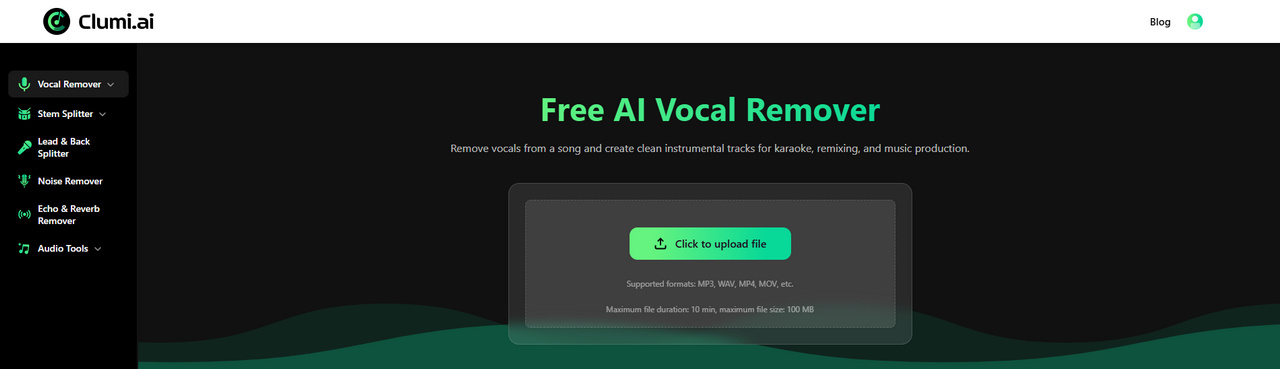
How to remove vocals with Clumi?
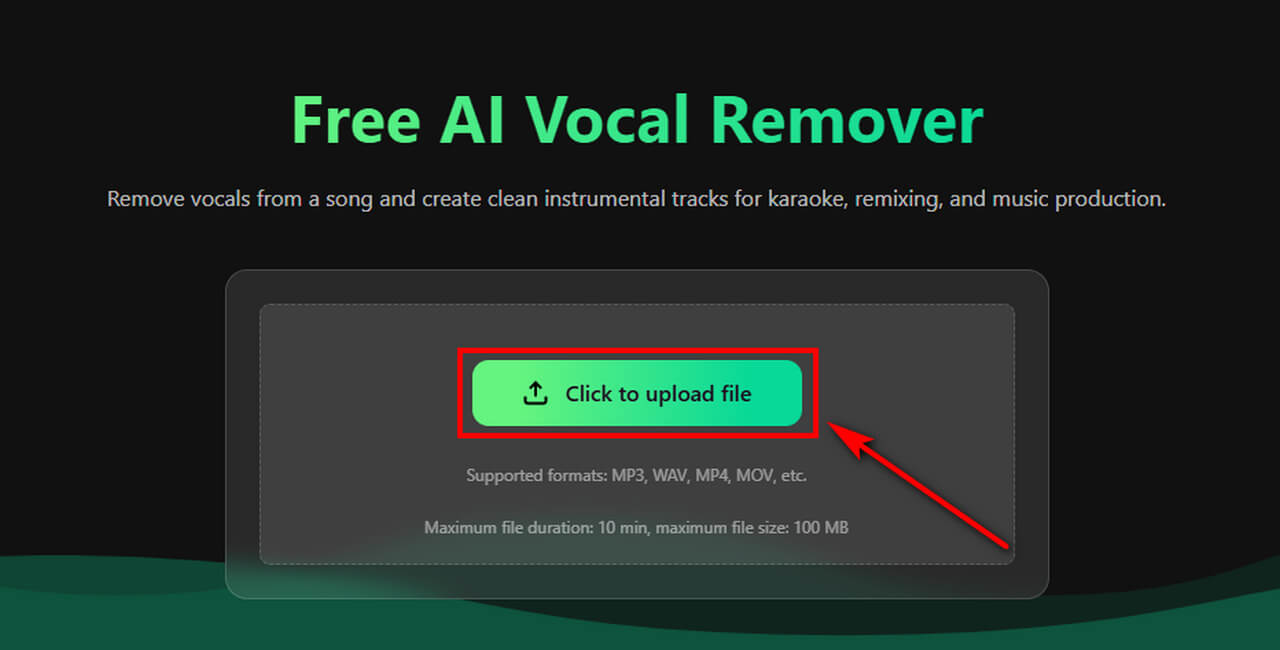
- Open Clumi and upload the audio or video file you want to process. Select a file from your device and start the vocal removal process.
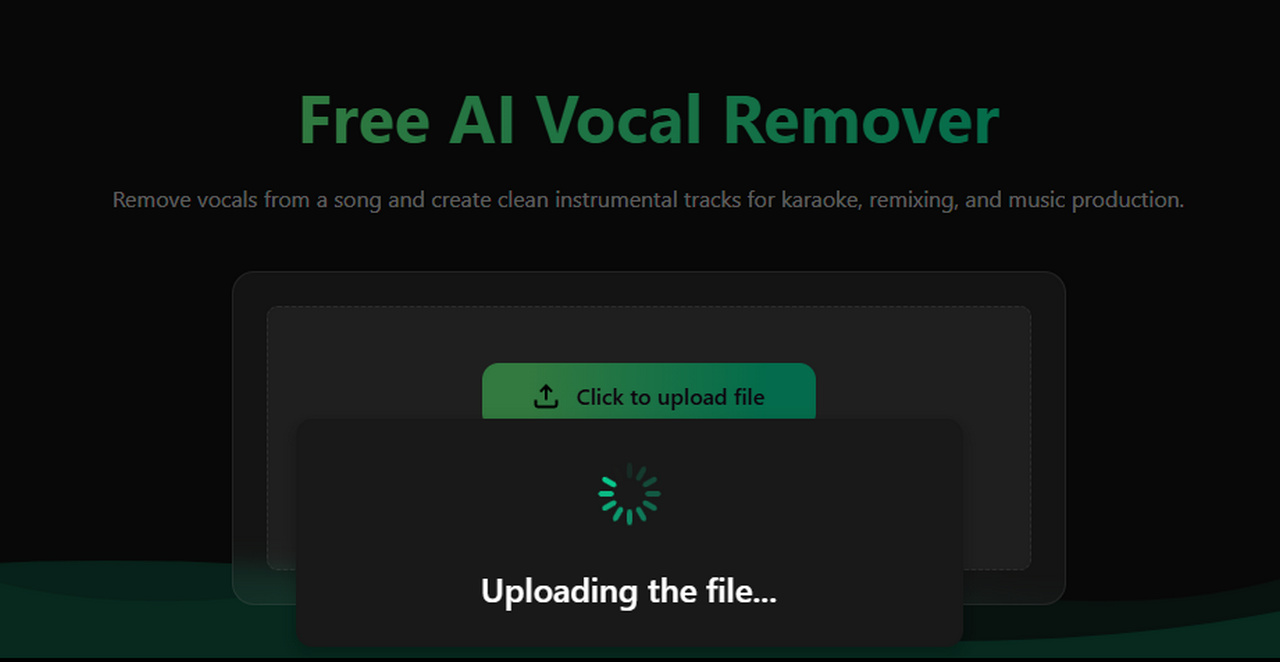
- After you upload the file, Clumi analyzes the recording and uses AI to separate vocals from the instrumental.
- Once processing is complete, listen to the separated tracks and check the result. If you're satisfied, download the instrumental track to your device.
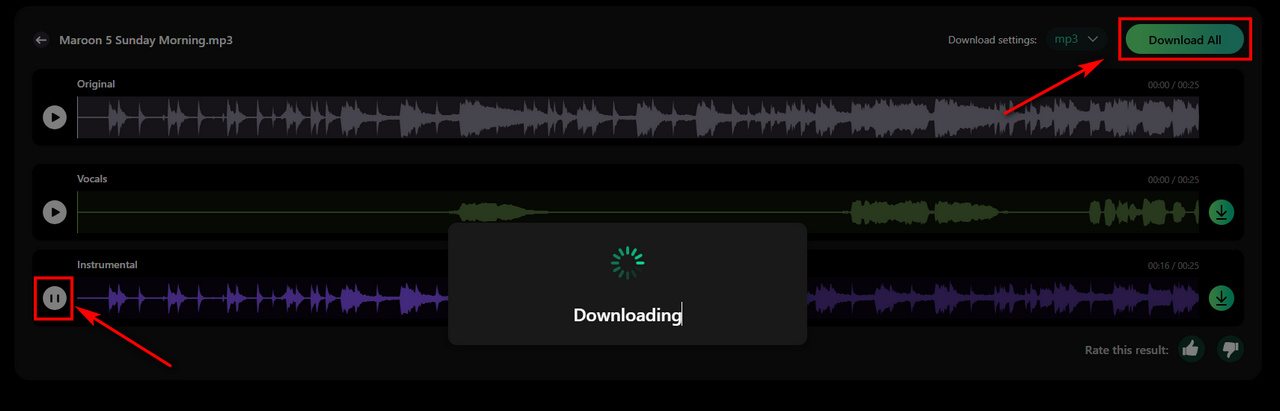
Clumi AI Vocal Remover
Remove sound from music for karaoke, remixing, music production, and more.
VocalRemover.org
VocalRemover.org is a simple online vocal remover that separates vocals from instrumental music. After you upload a song, it generates a karaoke version without vocals and an acapella version with isolated vocals. This makes it a suitable option if you want a straightforward way to remove vocals without using more advanced audio editing features.
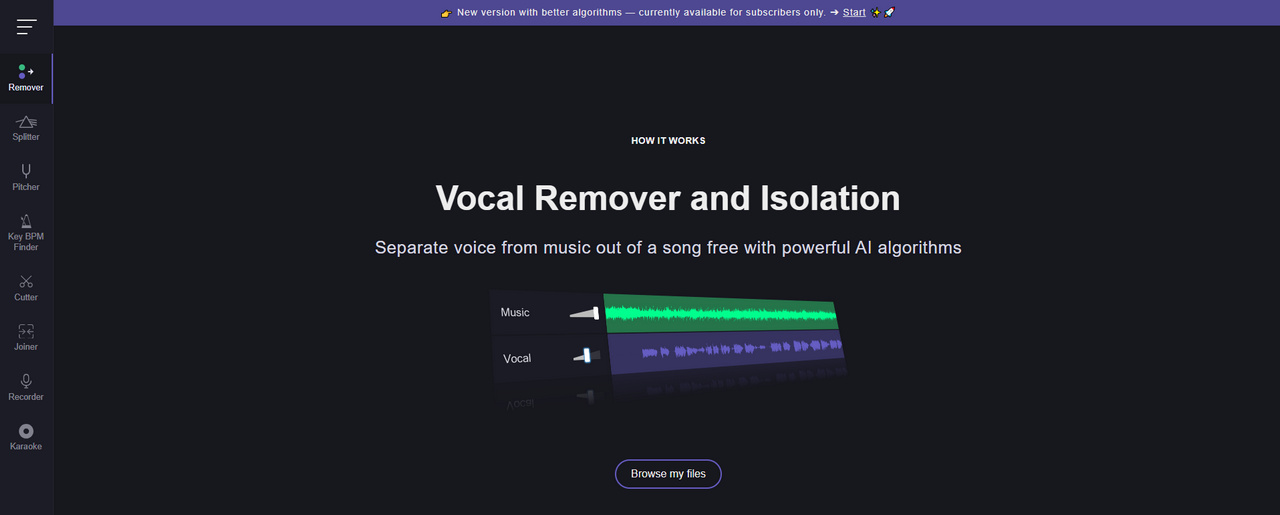
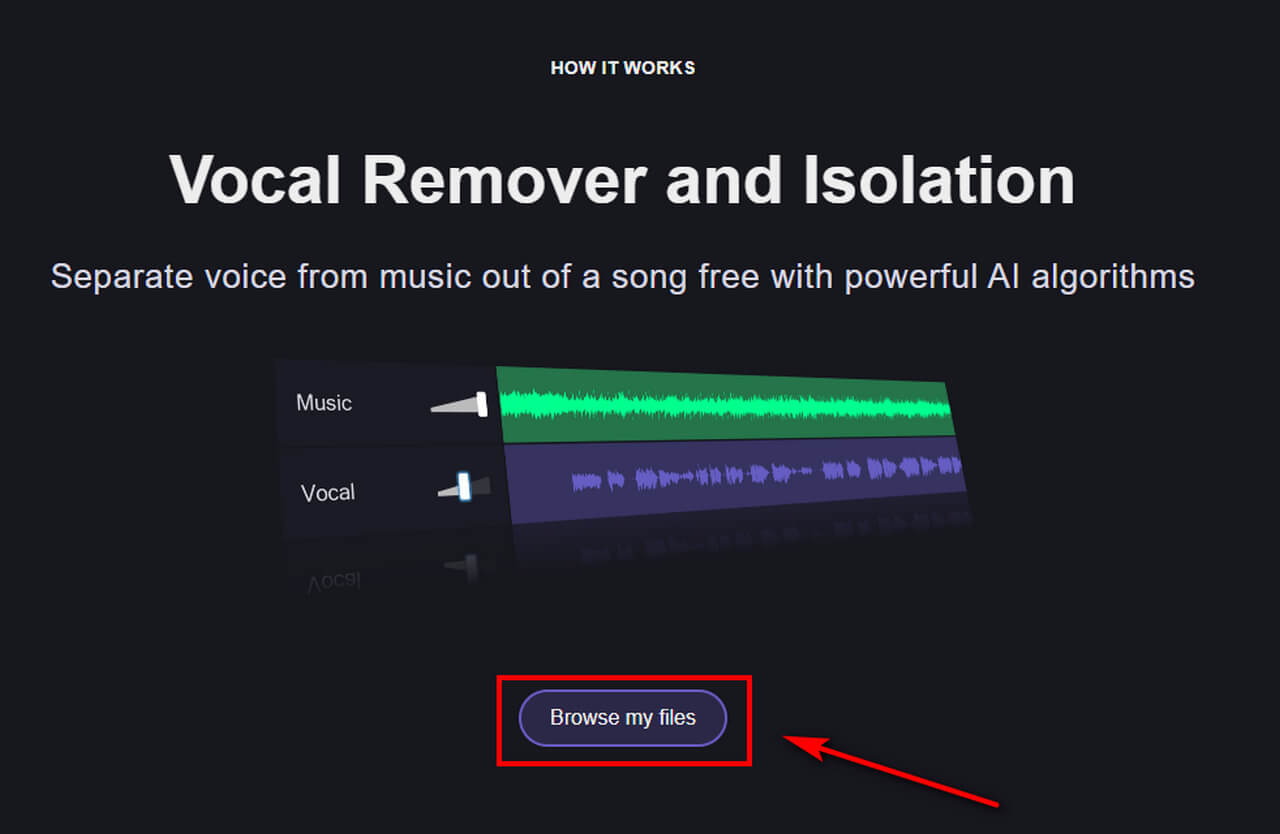
How to separate audio with VocalRemover.org?
- Click Browse my files to upload the song you want to process.
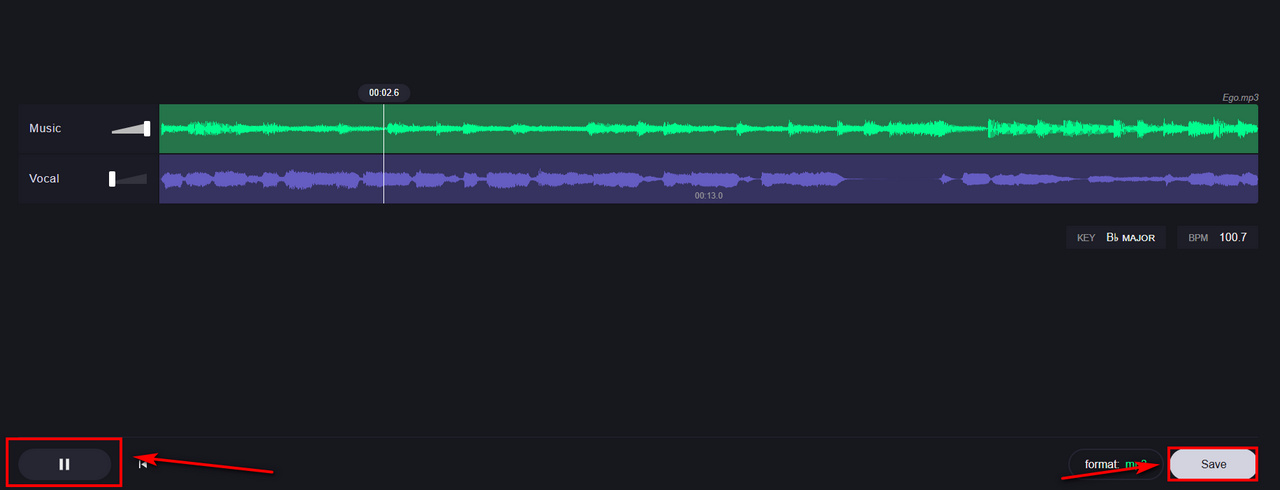
- After uploading, VocalRemover.org analyzes the audio and separates the vocals from the instrumental part.
- Mute the vocal track and preview the instrumental. Once you're satisfied with the result, save the track you want.
LALAL.AI
LALAL.AI is an AI-powered vocal remover that can separate vocals from music and create an instrumental version of a song. Its default vocal separation uses the Phoenix neural network to separate vocals from the backing track. LALAL.AI offers a free tier for trying its separation features, with limits on processing time and file size.
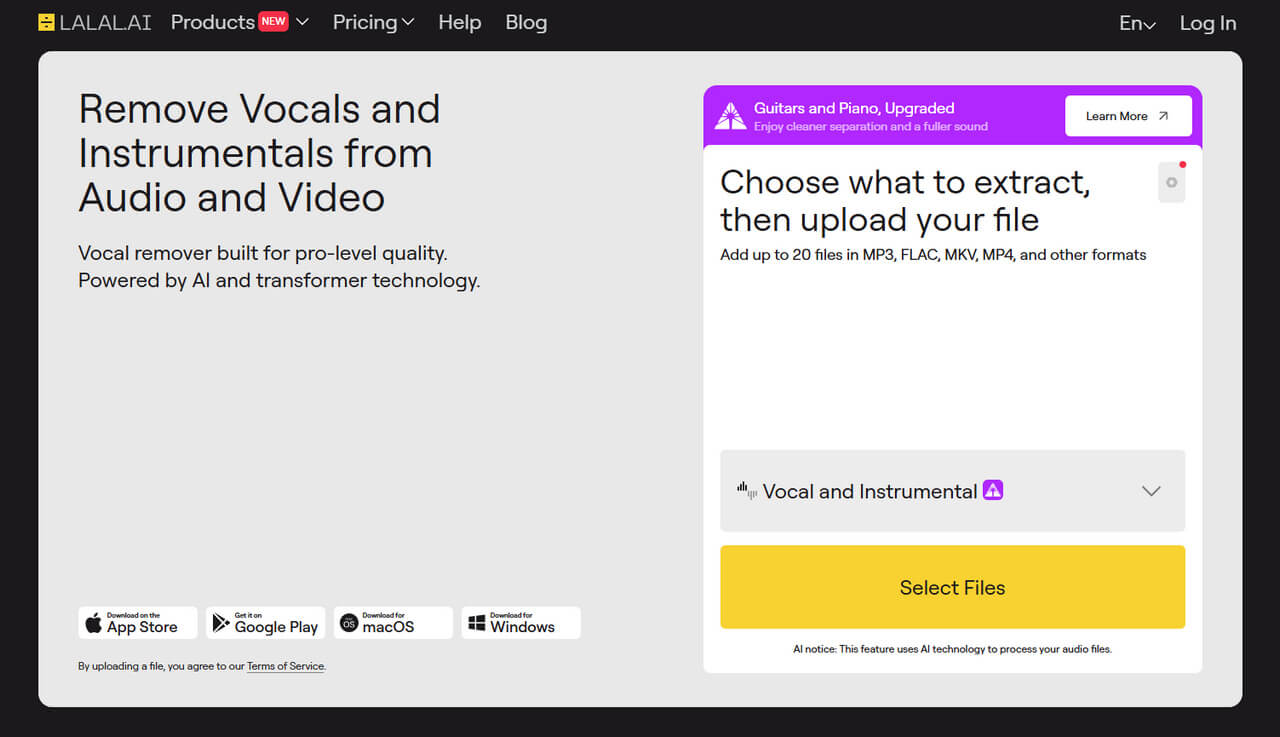
How to remove vocals with LALAL.AI?
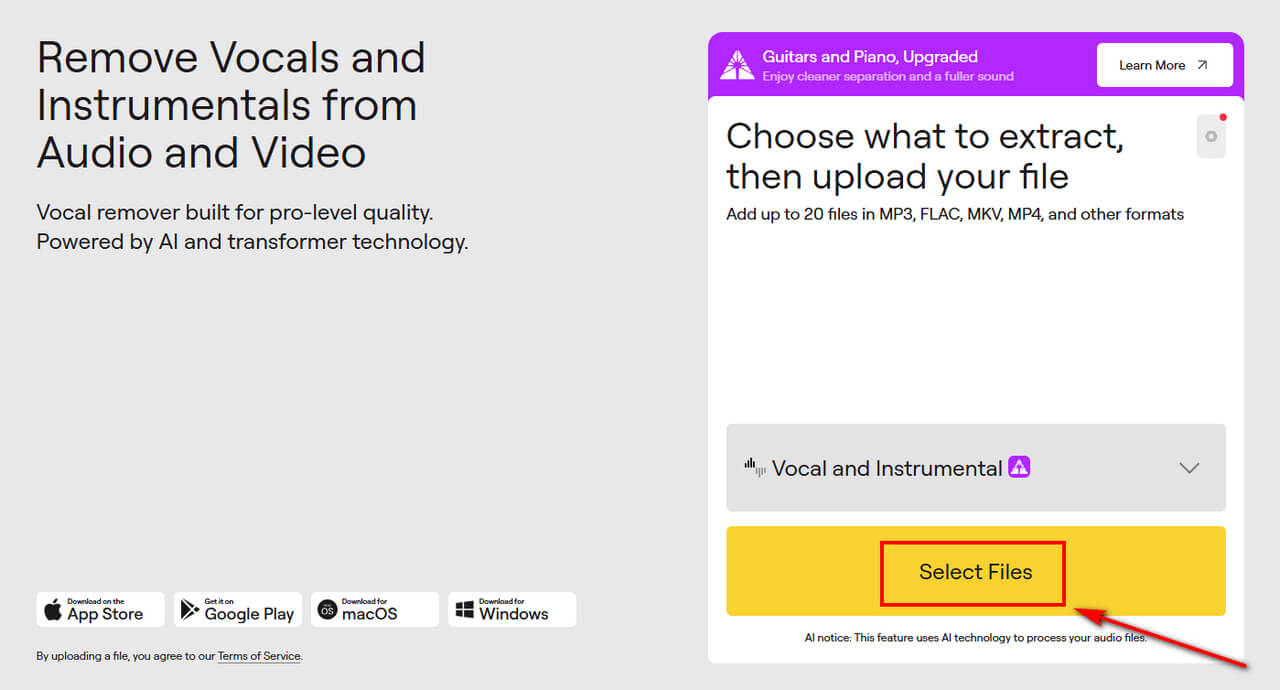
- Choose the Vocal & Instrumental option and upload your audio.
- AI will analyze the music and identify the vocal and instrumental components.
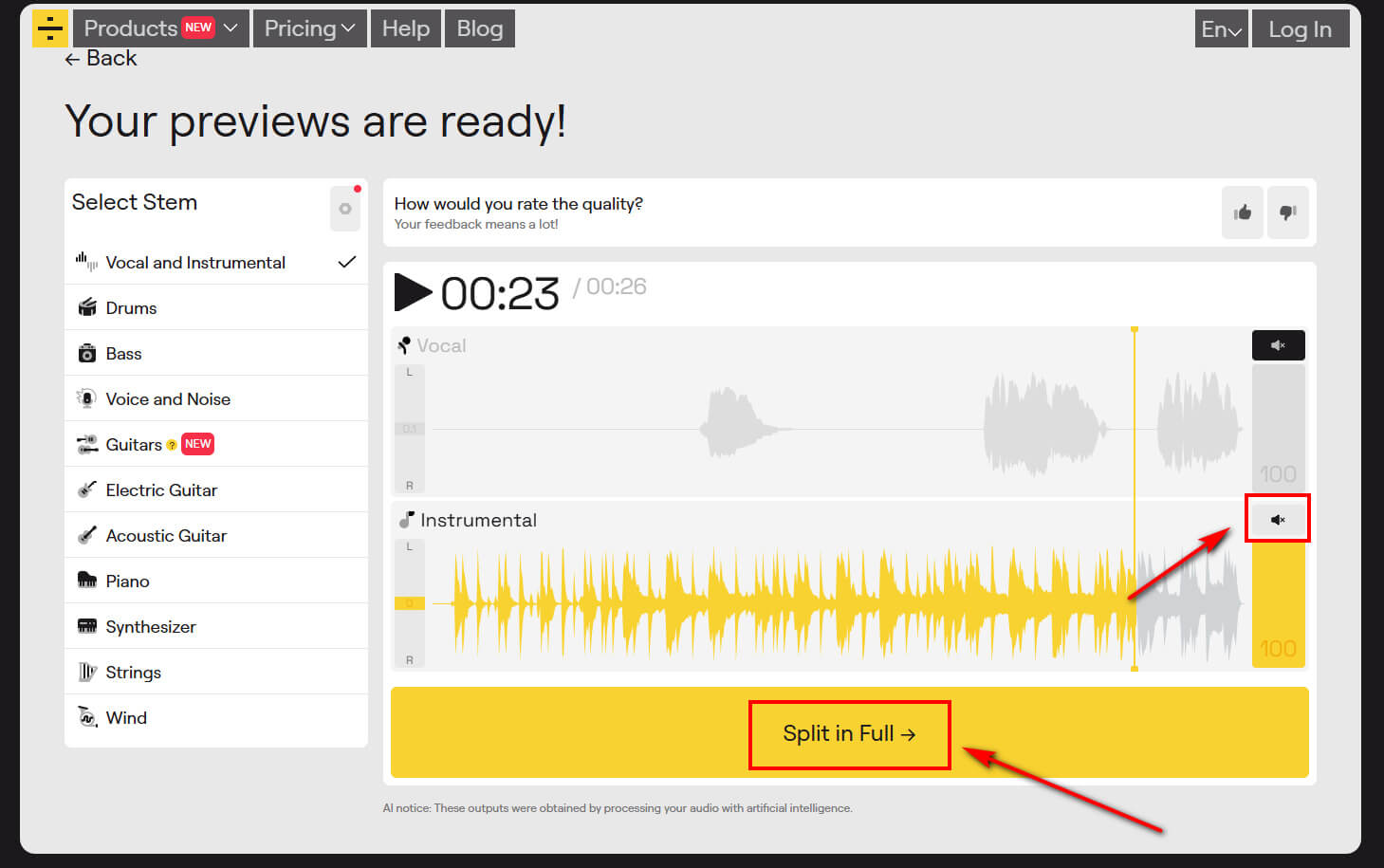
- After the initial processing, listen to the preview to check the vocal and instrumental separation. If you're satisfied with the result, continue with full processing.
- Download the instrumental version if you want to remove the vocals. You can also download the isolated vocal track if you want to use the vocals separately.
PhonicMind
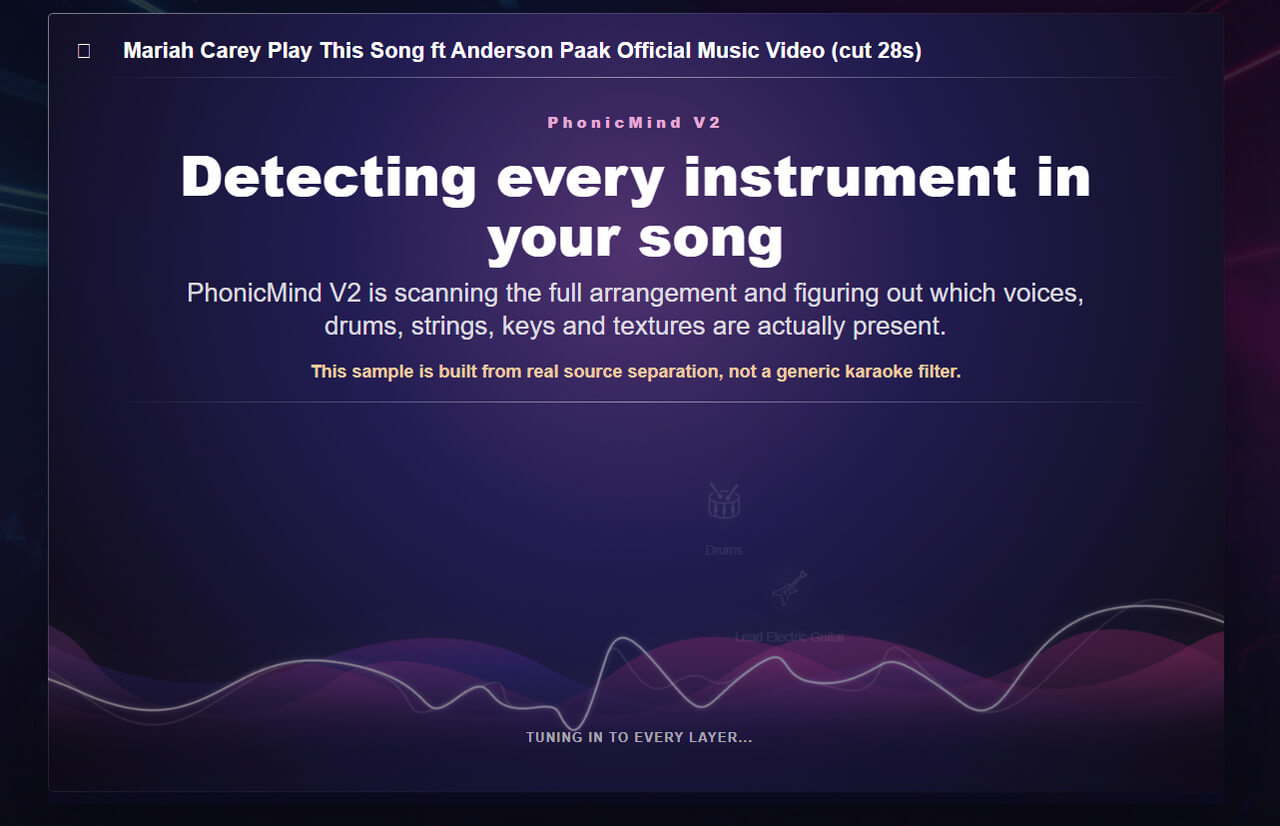
PhonicMind is an AI music separation tool that separates vocals from instrumental music and creates karaoke or instrumental tracks. Its workflow is designed around music separation and also provides options for working with different components of a song. If you mainly want to remove vocals, you can focus on the instrumental output rather than adjusting every available track.

How to use PhonicMind to remove vocals?
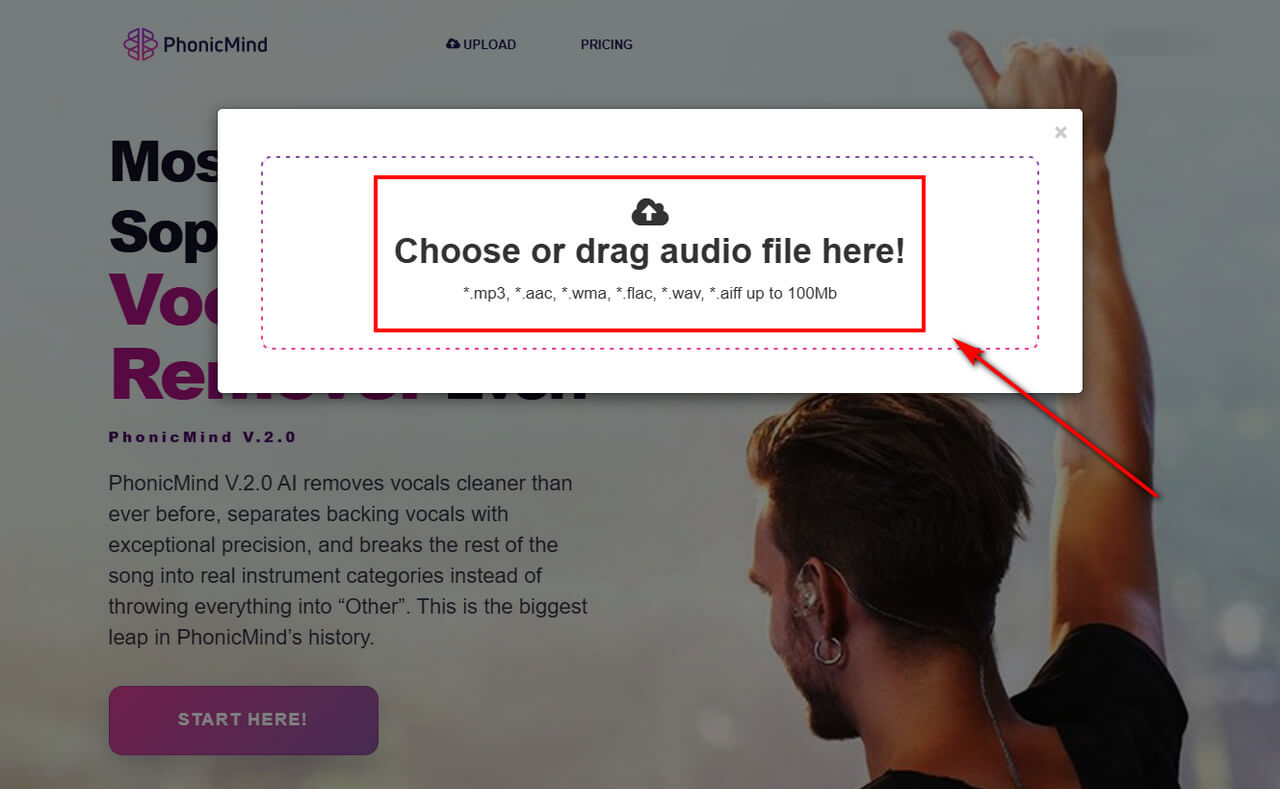
- Open PhonicMind and upload the audio file you want to process.
- Wait for the vocal remover to analyze the recording and separate the vocals from the instrumental components
- Click to mute the vocal track and listen to the instrumental result. Once you're satisfied, download the instrumental track.
Part 3. Tips for Getting Better Vocal Removal Results
AI vocal removal can produce useful results from many types of recordings, but the result can vary from one song to another.
Use a High-Quality Source File: Whenever possible, start with the highest-quality version of the song available. WAV and FLAC files can preserve more audio information than heavily compressed files.
Avoid Heavily Compressed Audio: Low-quality or repeatedly compressed audio can contain artifacts that make it more difficult for an AI model to distinguish vocals from the instrumental background.
Preview the Result Before Downloading: If the vocal remover offers a preview, listen to it before downloading the full track. Pay attention to both quieter sections and louder parts, such as the chorus.
Be Aware of Vocal Effects: Reverb, delay, harmonies, backing vocals, and other effects can make vocal removal more difficult. Some of these elements may remain in the instrumental version after processing.
Understand the Limitations of AI Vocal Removal: AI vocal removal works by estimating the different components of a finished recording. It does not have access to the original studio project or separate recording tracks. Because of this, complete vocal removal is not guaranteed for every song. You may hear small amounts of vocal residue or changes to the instrumental sound, especially in complex mixes.
Conclusion
If you want to remove sound from music, an AI vocal remover offers a simple way to create an instrumental version without manually editing the original track. The result can be useful for karaoke, singing practice, or other personal projects.
With Clumi AI vocal remover, you can upload your audio or video, remove the vocals, preview the result, and download the instrumental track in just a few steps. For better results, use a high-quality source file and preview the output before downloading.
Clumi AI Vocal Remover
Remove sound from music for karaoke, remixing, music production, and more.
Frequently Asked Questions
1. Can I remove sound from music online?
Yes. Clumi lets you remove vocals from music online by uploading your audio or video file. It's a simple and fast online tool for creating high-quality tracks.
2. How to remove vocals from an MP3?
Upload the MP3 to an AI vocal remover such as Clumi, LALAL.AI, or PhonicMind, then let the tool separate the vocals from the instrumental track. Once processing is complete, download the instrumental version.
3. Can I remove sound from music without losing the instrumental?
Yes. You can remove sound from music while keeping the instrumental track. Some tools also let you separate individual instruments, such as piano, guitar, and bass.
4. Is there a free way to remove vocals from music?
Yes. You can remove vocals for free with Clumi and try the process before committing to a paid plan. Upload your song, process it with the vocal removal feature, and check the instrumental result. If you need more usage, you can then choose a plan that fits your needs.