7 Best AI Stem Splitter Tools for Audio Separation
Mark Jensen | Updated on 2026-09-10
Separating vocals and instruments once required professional audio software and a time-consuming workflow. Today, AI stem splitters can extract vocals, drums, bass, piano, and other elements from a song in just a few minutes.
In this guide, we'll explore seven popular stem splitter tools, compare their strengths and limitations, and show you how to separate audio using free online stem splitter.
Part 1. What Is a Musical Stem?
What Are Audio Stems?
A stem is an individual element taken from a full song mix, such as vocals, drums, bass, piano, or guitar. Instead of working with a single mixed track, stems allow creators to edit, remix, analyze, or practice specific parts of a song independently.
Why Are Stems Important?
Stem files give creators much more flexibility than a finished mix. Producers use them for remixes, DJs for mashups, and singers to create karaoke versions. Musicians also isolate instruments to practice specific parts of a song.
How Does AI Stem Separation Work?
Modern stem splitters use deep-learning models trained on thousands of songs. When you upload a track, the AI recognizes vocals, drums, bass, and other elements, then separates them into individual stems automatically.
Part 2. 7 Best Stem Splitter Tools in 2026
1. Clumi AI Online Stem Splitter
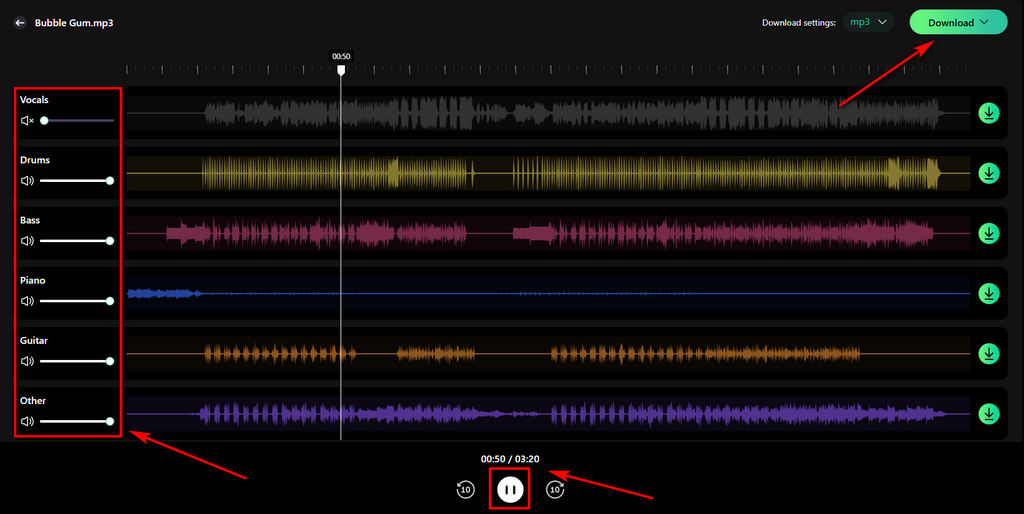
Clumi AI online stem splitter is designed for creators who want fast music stem separation and clean results without installing software. Everything runs directly in the browser, allowing users to separate vocals, drums, bass, piano, guitar, and other instruments in just a few clicks.
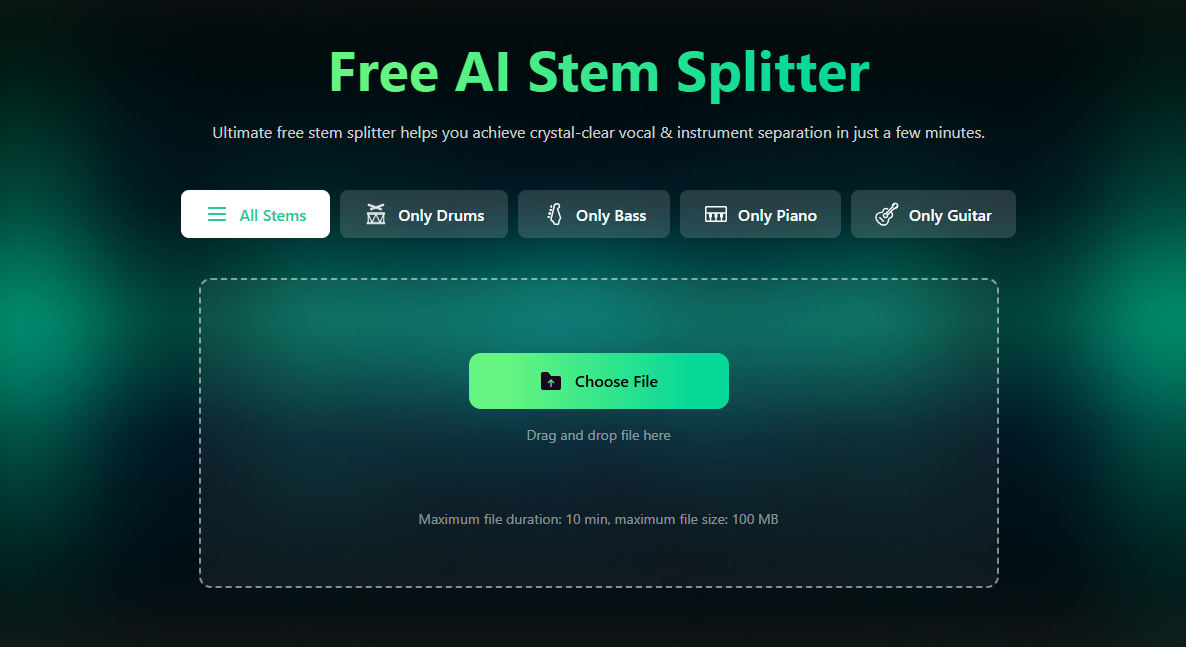
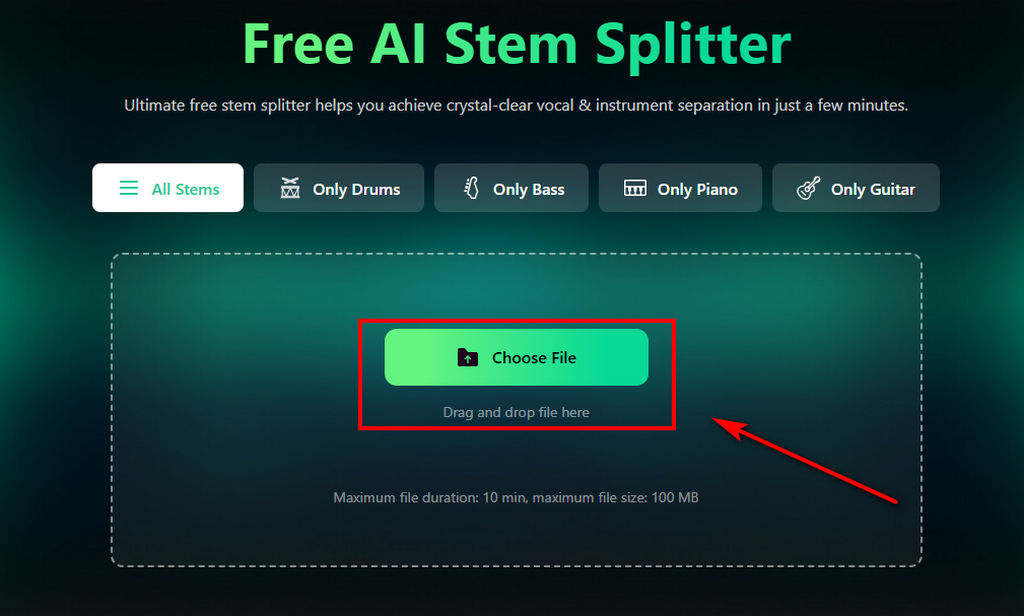
How to separate audio stems with Clumi AI?
- Upload your song in MP3, WAV, M4A, FLAC, or another audio format.
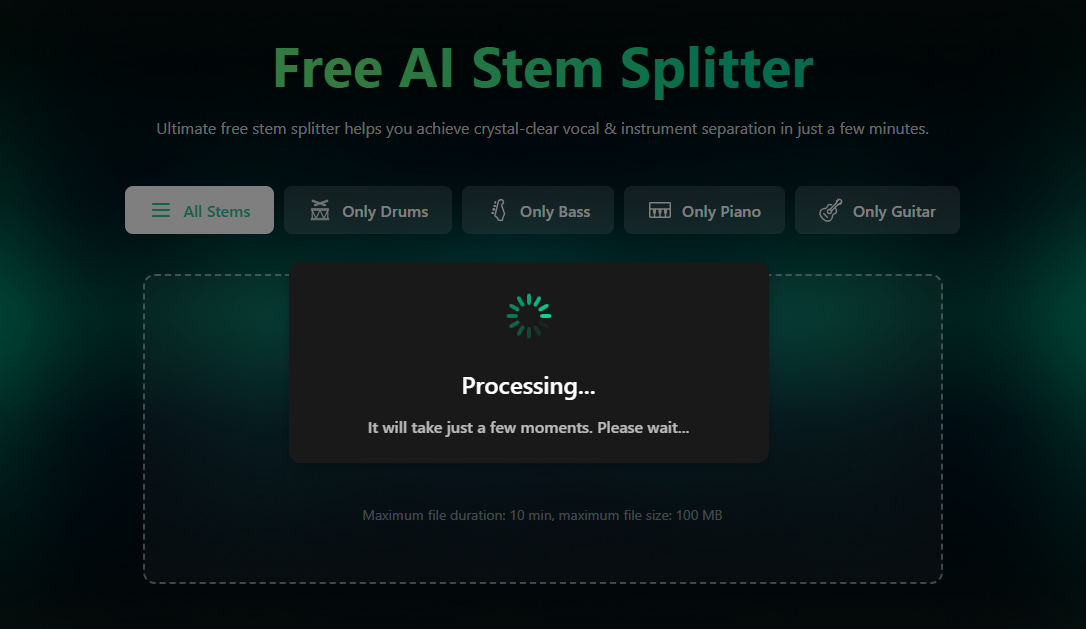
- The AI automatically identifies vocals, drums, bass, piano, guitar, and other audio elements.
- You can preview each separated stems and download the tracks you need.
Pros
- Supports 6-stem audio separation
- Browser-based workflow with no installation required
- Fast processing speed for everyday projects
- Modern and simple interface
- Supports MP3, WAV, and more audio formats
Cons
- Fewer stem categories than some premium competitors
2. LALAL.AI
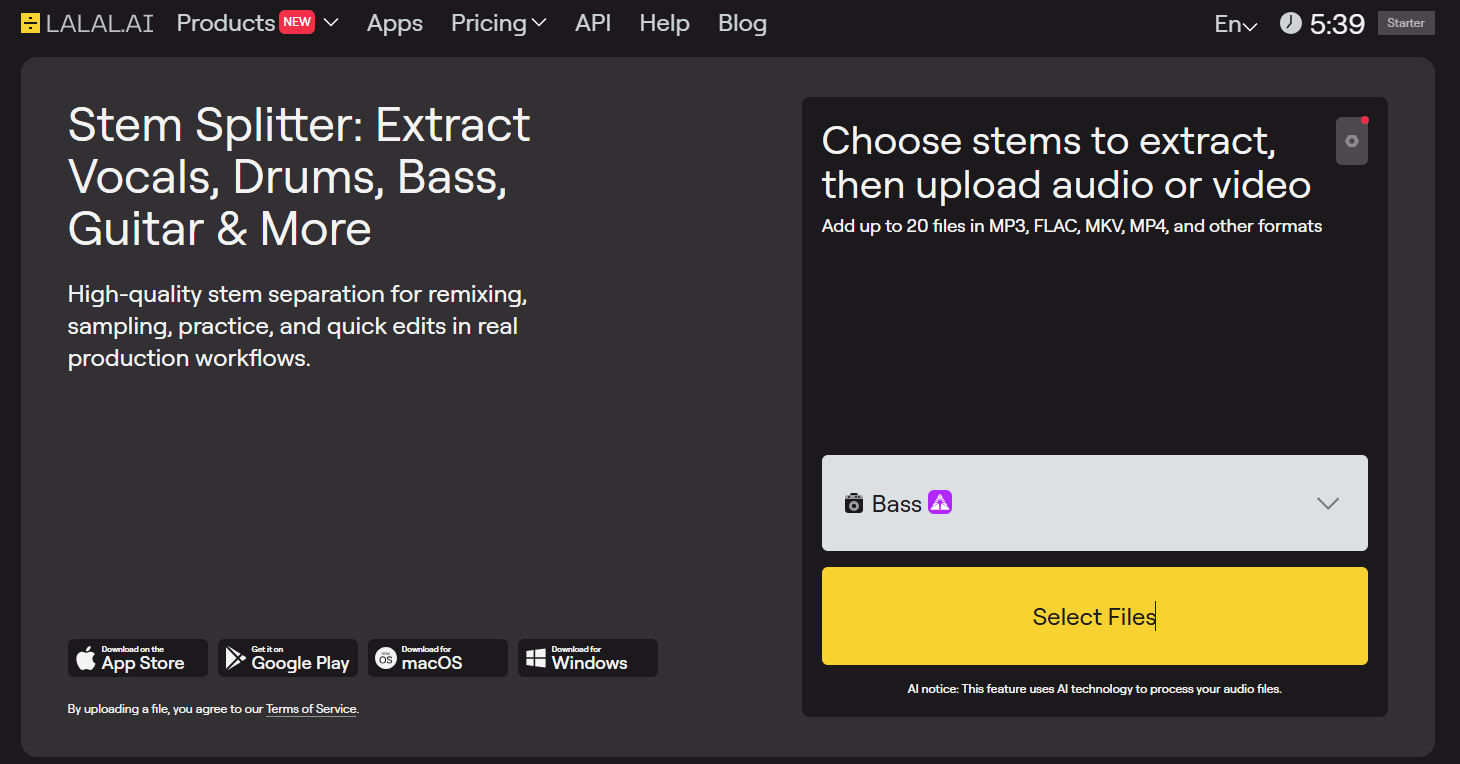
LALAL.AI is one of the most recognized names in AI stem separation. Its biggest advantage is the ability to isolate up to 10 stem types, including vocals, drums, bass, piano, synths, strings, and wind instruments. In addition to stem extraction, it offers desktop apps, mobile apps, API access, and several audio enhancement tools for professional workflows.
Pros
- Supports up to 10 individual stem types
- Excellent vocal and instrumental isolation quality
- Works on desktop, mobile, and web
- API integration for commercial projects
Cons
- Each stem must be extracted separately
- Pricing can become costly for frequent use
- Limited to single-stem extraction
3. Moises
Moises stands out by combining stem separation with music practice tools. In addition to isolating vocals and instruments, it can detect chords, change pitch, and adjust tempo, making song learning and rehearsal much easier.

Pros
- Automatic chord and key detection
- Includes multiple music tools such as tempo adjustment
- Strong mobile experience
- Useful for learning songs and rehearsing
Cons
- Fewer stem categories than dedicated stem splitters
- Some advanced features require a subscription
4. PhonicMind
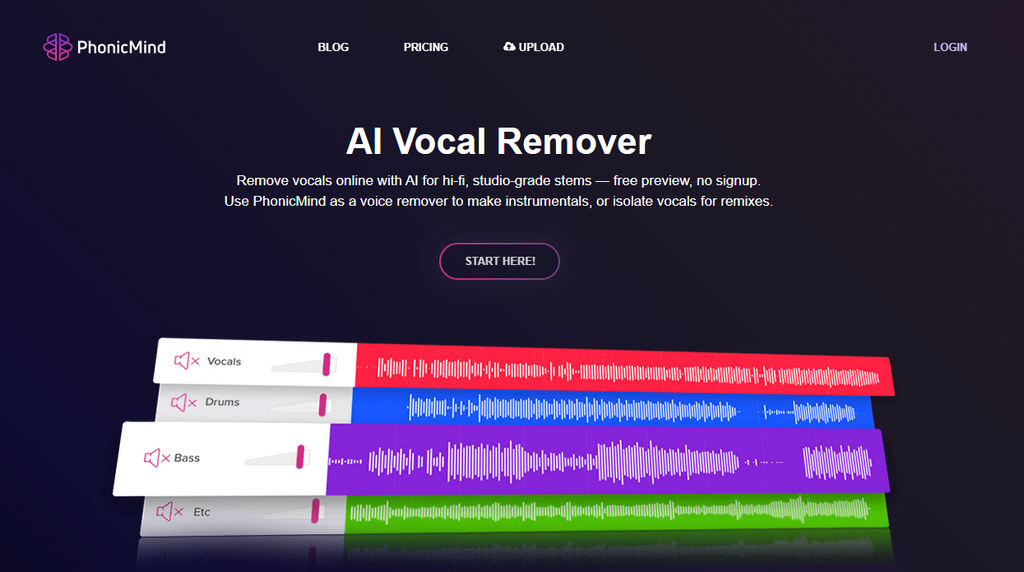
PhonicMind has a simple interface that lets you separate vocals and instruments without signing up. It focuses on straightforward stem separation rather than offering advanced editing tools. You can get quick and basic audio separation without additional editing features.
Pros
- Consistent vocal extraction performance
- Simple and beginner-friendly workflow
- Clean interface with minimal learning curve
- Good option for quick vocal removal tasks
Cons
- Fewer stem categories than newer competitors
- Limited editing and post-processing features
5. Splitter.ai
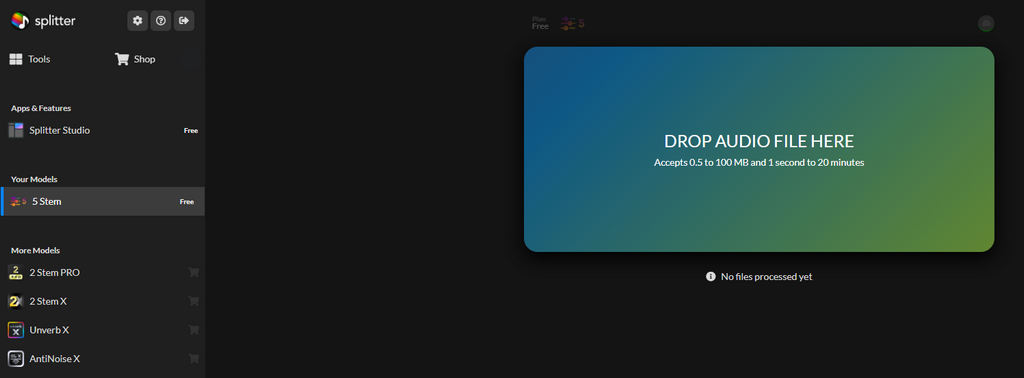
Splitter.ai focuses on simple and accessible stem separation for everyone. It runs directly in your browser and works smoothly across different devices. You need to log in before using it, but the separation process itself is quick and straightforward.
Pros
- Quick online stem separation
- No complex setup required
- Split songs into stems directly in your browser
- Beginner-friendly experience
Cons
- Fewer customization options
- Processing may vary depending on track complexity
6. Fadr
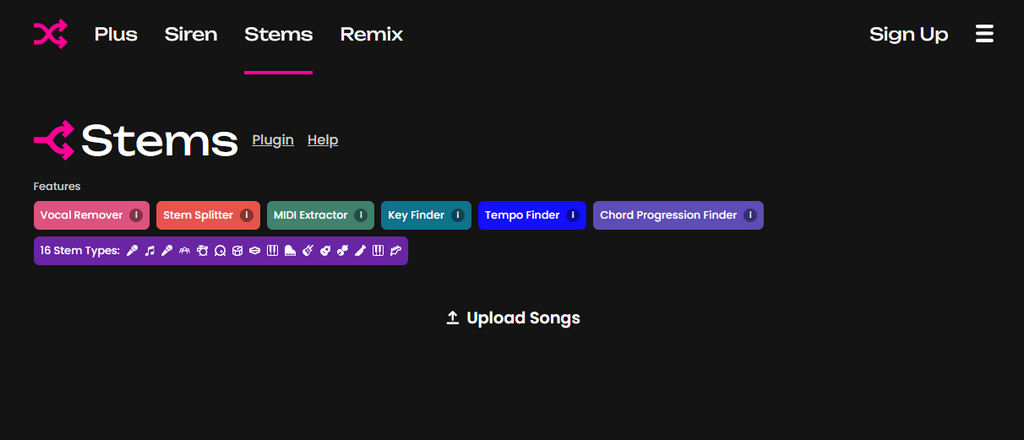
Fadr is widely used by DJs and remix creators, especially in electronic music production. Instead of focusing only on stem extraction, it gives you a browser-based space to build mashups and remix ideas more creatively. You can experiment with tracks and create new versions directly in your browser.
Pros
- Build remixes and mashups directly in your browser
- Designed for mixing and producing workflows
- Useful for electronic music production
Cons
- Slower processing than some competitors
7. Ultimate Vocal Remover (UVR)
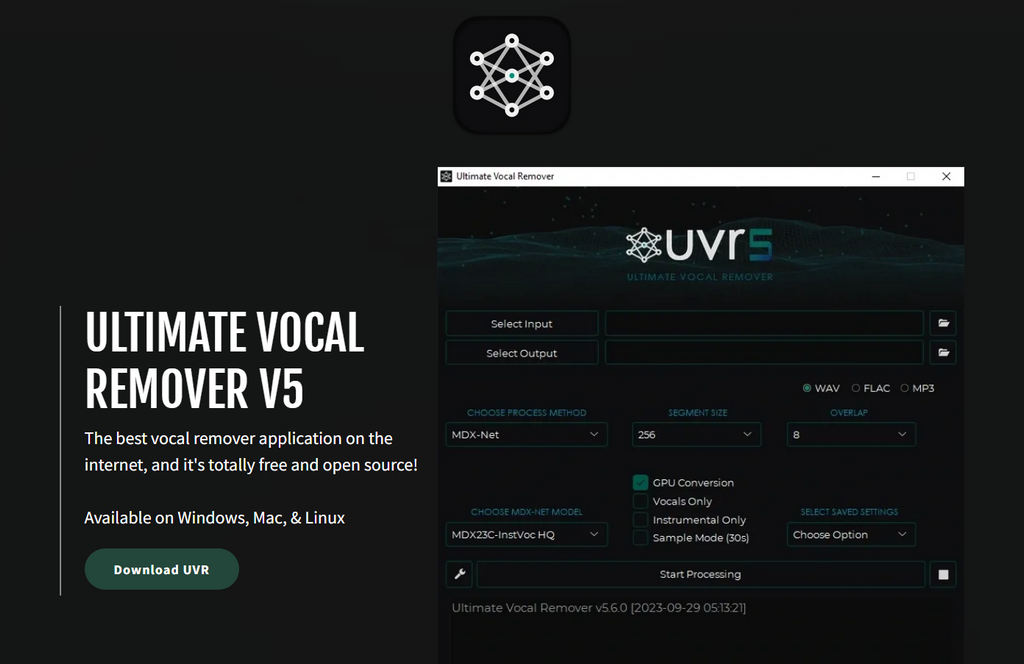
Unlike most online stem splitters, Ultimate Vocal Remover is a desktop application that runs locally on your computer. It offers strong free stem separation capabilities, but it does take some time to get used to compared to simpler browser-based tools.
Pros
- Runs locally without upload limits
- Supports multiple AI separation models
- Highly customizable processing options
Cons
- Requires software installation
- Interface is less polished than commercial tools
- Processing speed depends on hardware
Part 3. Music Stem Separation Tips and Use Cases
Common Uses for AI Stem Splitter
1. Produce Remixes
Extract vocals, drums, bass, or other instruments, and combine them with new arrangements to create remixes and mashups.
2. Practice Individual Instruments
You can isolate instruments like bass, guitar, piano, or drums to make it easier to practice songs and improve your technique at your own pace.
3. Analyze Song Arrangements
Listen to individual stems separately to better understand song structure, mixing decisions, and production techniques.
4. Create Content for Social Media
Use isolated vocals or instrumentals in tutorials, reaction videos, short-form content, and other creative projects.
Tips for Better Stem Separation Results
1. Use High-Quality Audio Files
Higher-quality audio contains more detail, allowing AI models to identify vocals and instruments more accurately. Whenever possible, try to avoid heavily compressed files.
2. Choose WAV When Available
WAV files usually keep more audio detail than MP3, so they can improve stem separation quality. If you prefer, M4A also works well on Apple devices and most modern platforms.
3. Separate Multiple Stems Instead of Only Vocals
Separating vocals, drums, bass, piano, and other instruments individually gives you more flexibility for remixing, music production, and detailed audio analysis.
4. Review the Results Before Exporting
Preview each stem before exporting. If certain instruments are still audible in the wrong track, you may want to adjust settings or try another separation model.
Conclusion
Finding the right stem splitter depends on your workflow and goals. Some tools focus on professional-grade separation, while others prioritize simplicity, music practice, or remix creation.
If you prefer a clean online stem separation, Clumi offers an easy way to separate audio into stems. Whether you're creating karaoke tracks, practicing instruments, or producing remixes, AI-powered stem separation makes audio editing easier than ever.
Clumi AI Stem Splitter
Isolate instruments from any song and get clean drum, guitar, piano, bass, and other separated tracks.
FAQs About AI Stem Splitters
1. What is the purpose of the stem splitter?
A stem splitter separates a song into individual tracks like vocals, drums, bass, and other instruments. You can then use these parts separately for remixing, editing, or practice.
2. How to split stems for free?
Step 1. You can split stems for free by uploading your audio to an online AI stem splitter.
Step 2. The tool will automatically separate vocals, piano, bass, and other instruments in a few minutes.
Step 3. Most platforms let you preview and download the results directly in your browser.
3. What are the benefits of using a splitter?
An AI stem splitter makes it easy to break a song into individual parts. This gives you more flexibility for remixing, practicing instruments, creating karaoke tracks, or analyzing how a song is produced.
4. What is the best stem splitter?
Clumi online stem splitter is a great option for high-quality stem separation. It works directly in your browser, so you don't need to install any software.
5. Is there a free stem splitter?
Yes. You can use tools like Clumi AI and Ultimate Vocal Remover to separate vocals and instruments for free.