4 AI Vocal Remover Tools Compared (2026)
Mark Jensen | Updated on 2026-09-09
Whether you want to create karaoke tracks, make covers, extract instrumentals, or prepare stems for remixing and music production, AI audio separation technology makes it easier to isolate vocals and instruments from songs.
However, different vocal remover tools are designed for different workflows. The right choice depends on factors such as audio quality, stem separation options, processing speed, and pricing.
In this article, we compare four AI vocal remover tools based on their features, pricing, and stem separation capabilities.
Part 1. What Can You Do With a Vocal Remover?
Create karaoke tracks: Remove vocals from songs for singing practice or performances.
Make covers: Prepare backing tracks and practice vocals or instruments with cleaner audio.
Remix and produce music: Separate vocals and instruments to remix tracks, adjust individual elements, or experiment with new arrangements.
Music learning: You can use a vocal remover to create instrumental versions of songs for practicing vocals, instruments, or analyzing different parts of a track.
For musicians and producers, stem separation makes it easier to work with individual elements instead of a single mixed track.
Part 2. Comparing 4 AI Vocal Removers
Clumi AI Vocal Remover
Clumi AI vocal remover is designed for creators who need high-quality audio separation. It supports MP3, WAV, and MP4 processing, allowing users to remove vocals from songs, music videos, and other video content without extracting audio first. Unlike basic vocal removal tools, Clumi can separate songs into six individual stems, including vocals, drums, bass, piano, guitar, and other instruments.
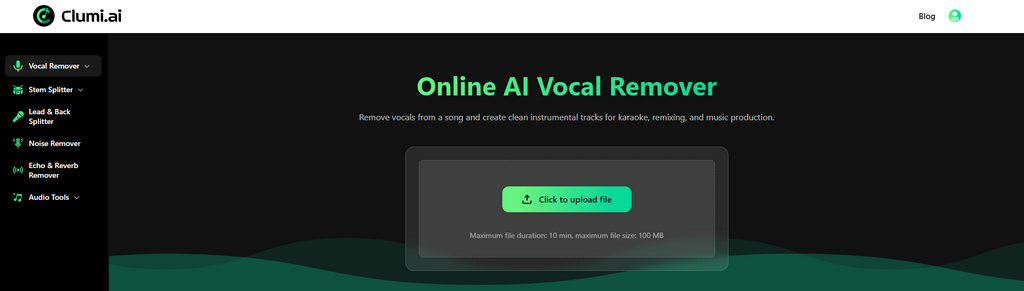
How to remove vocals from audio online?
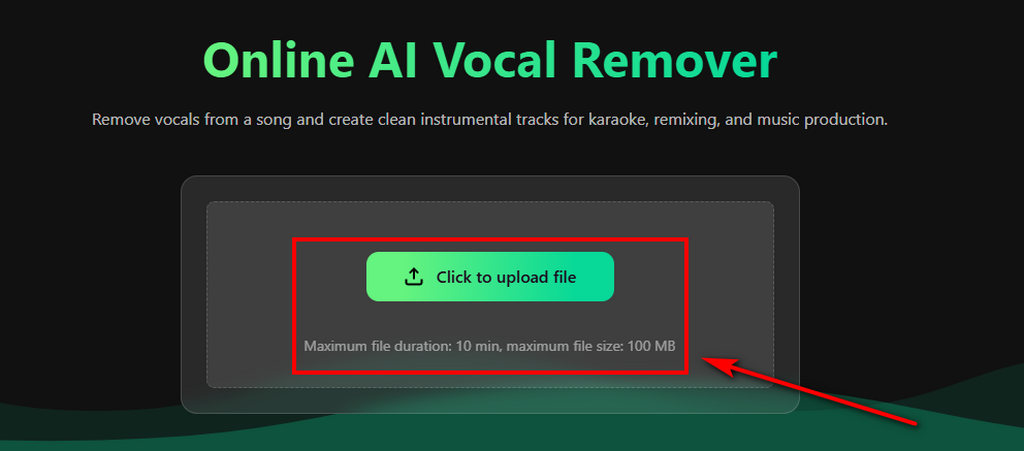
- Choose a song or audio file and upload it to the online AI vocal remover. It supports common formats such as MP3 and WAV.
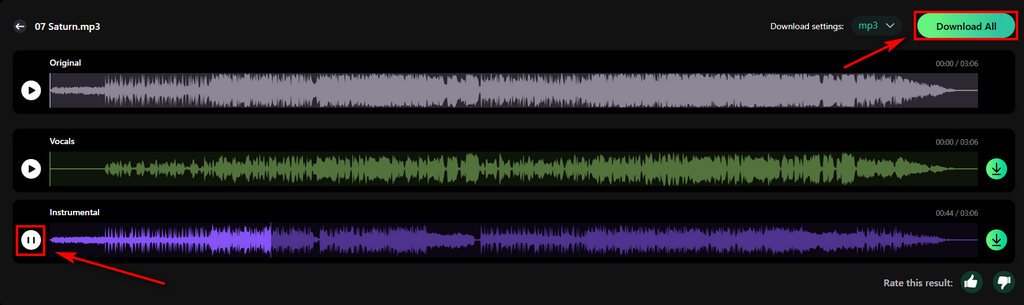
- The AI analyzes the track and automatically removes vocals from the audio, separating the vocal and instrumental parts.
- Once processing is complete, you can preview the separated audio and download the vocal and instrumental track for your project.
Pros
- High-quality vocal and instrument isolation
- Supports MP3, WAV, and MP4 processing
- Fast processing workflow
- Designed for remixing and music production
- Affordable pricing for advanced stem separation
Cons
- The web version has a file size upload limit
Price: Starting at $9.99/month
Clumi AI Vocal Remover
Remove vocals from songs for karaoke, remixing, music production, and more.
SoundBoost
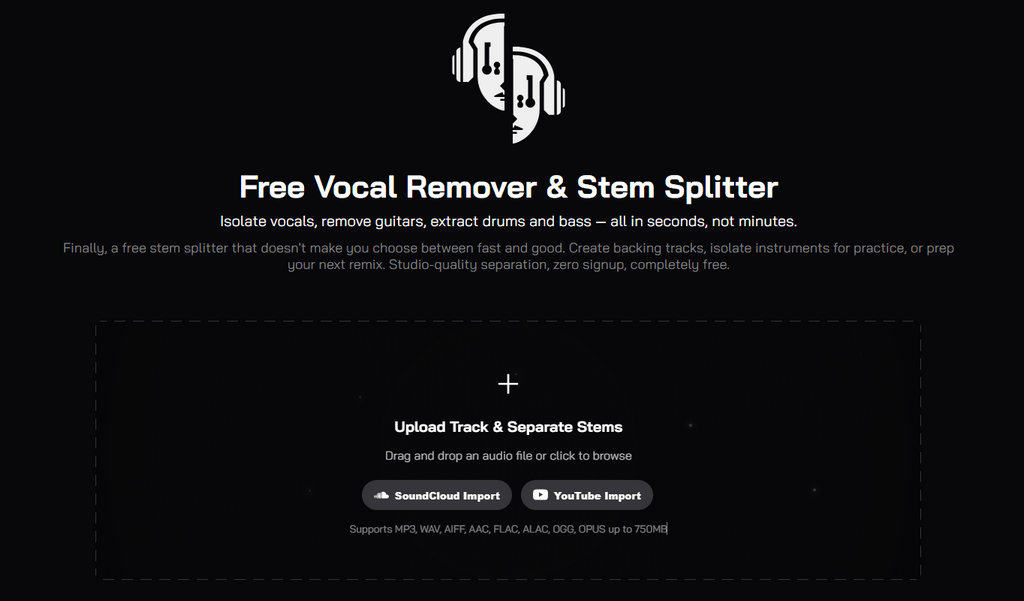
SoundBoost allows users to process music directly from YouTube and SoundCloud links, making it convenient for creating practice tracks, covers, and rehearsal versions. It also supports four-stem separation and metronome analysis, helping musicians practice and prepare tracks for performances.
Pros
- Supports YouTube and SoundCloud link processing
- Convenient for creating practice tracks and covers
- Built-in metronome analysis for musicians
- Quick workflow without manual file uploads
Cons
- Higher starting price compared with similar vocal remover tools
- Output quality may depend on the original audio source
Price: Starting at $16/month
LALAL.AI
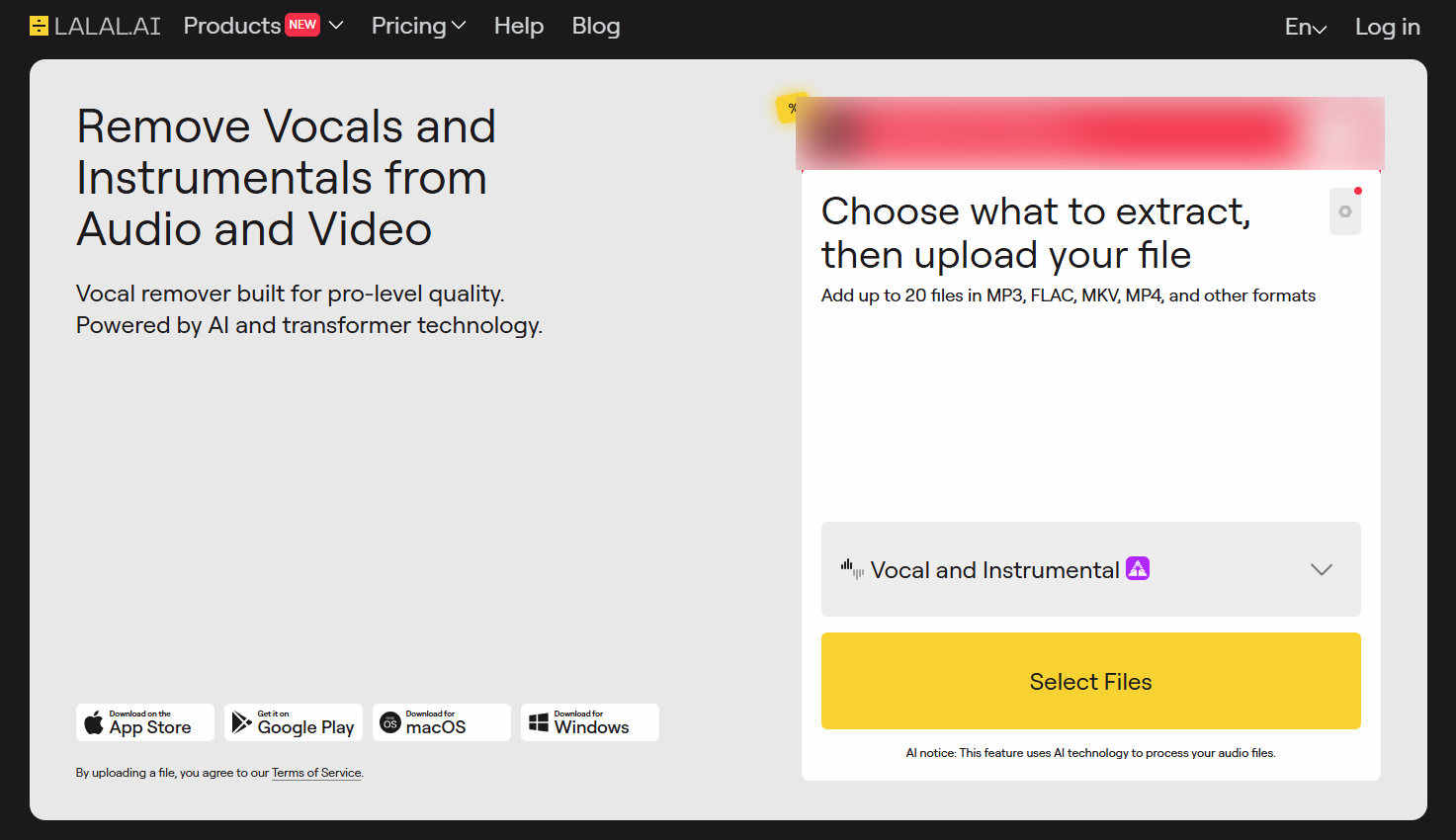
LALAL.AI allows users to extract vocals and different instruments from songs. Besides vocal removal, it offers multiple instrument separation models. However, each stem needs to be processed separately, which can make the workflow slower when multiple tracks are required.
Pros
- Multiple instrument separation models
- Easy-to-use interface
- Good flexibility for different audio separation needs
Cons
- Multiple stem extraction may require separate processing
- Workflow can be slower for complex projects
Price: Starting at $9.99/month
Audio.com
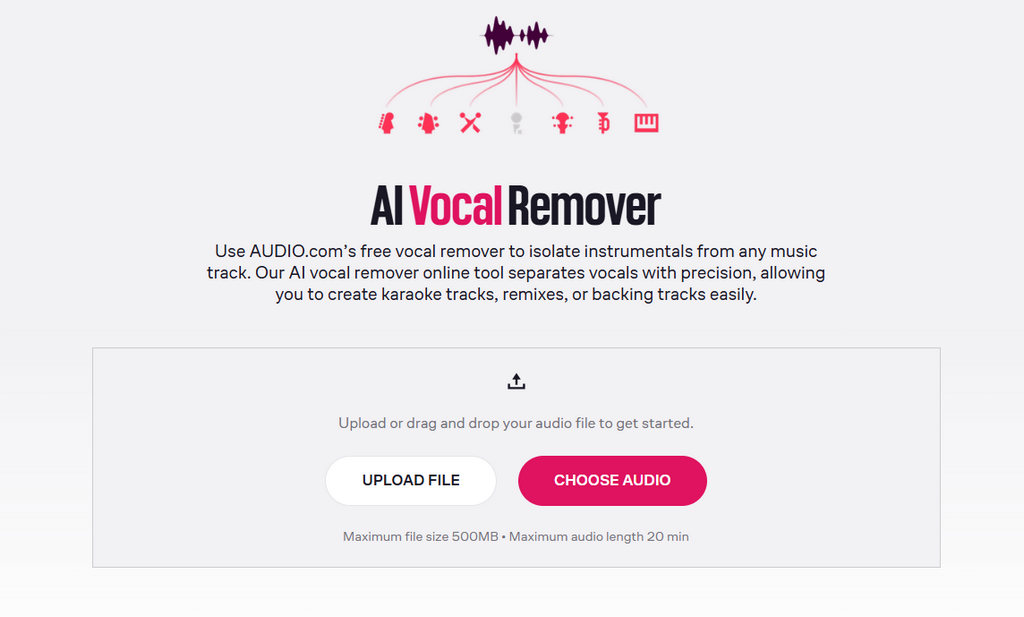
Audio.com is an online audio platform that combines music creation tools with a community for sharing and discovering music. Its vocal remover allows users to separate vocals from songs, while the platform also provides additional audio features such as speech-to-text conversion.
Pros
- Combines audio tools with a creator community
- Allows users to share and discover music
- Provides simple tools for managing and exploring audio projects
Cons
- Less focused on advanced vocal and stem separation workflows
- Fewer specialized music production features compared with dedicated audio separation tools
Price: Starting at $18.99/month
Part 3. AI Vocal Remover Tools Compared
| Tool | Best For | Key Features | Starting Price |
|---|---|---|---|
| Clumi | Audio and video creators | Vocal removal, MP4 processing, fast stem separation | $9.99/month |
| SoundBoost AI | Covers and music practice | YouTube/SoundCloud import and metronome analysis | $16/month |
| LALAL.AI | Flexible instrument extraction | Multiple instrument separation models | $9.99/month |
| Audio.com | Music creation and sharing | Creator community and simple audio tools | $18.99/month |
Conclusion
AI vocal remover tools have made it easier to separate vocals and instruments, whether you are creating karaoke tracks, making covers, or working on music production projects. The right tool depends on the level of control and audio quality you need.
For creators who want more flexibility when editing and producing music, tools with advanced stem separation can provide a more efficient workflow and greater creative possibilities.
Clumi AI Vocal Remover
Remove vocals from songs for karaoke, remixing, music production, and more.
FAQs About AI Vocal Remover
1. What is a vocal remover?
A vocal remover is an AI-powered tool that separates vocals from the instrumental parts of a song. It can be used to create karaoke tracks, extract vocals, or prepare audio for editing and music production.
2. How does an AI vocal remover work?
An AI vocal remover analyzes audio signals and identifies different elements within a song. It then separates vocals, instruments, and other stems using machine learning models.
3. Can a vocal remover separate instruments from a song?
Yes, advanced AI vocal remover tools can do more than remove vocals. With stem separation, users can isolate instruments such as drums, bass, piano, and more, making it easier to create remixes, covers, and music projects.
4. How can I remove vocals from audio?
Step 1. Click to upload your file to the online AI audio separator. Step 2. The AI automatically removes vocals from the audio. Step 3. Once the audio is ready, you can preview and download the separated audio.
5. Are AI vocal removers free to use?
Many AI vocal removers offer free trials or limited free usage. Clumi AI allows users to remove vocals from songs online and create separated tracks for karaoke, remixing, and other audio projects.