How to Remove Background Music from Video Online?
Mark Jensen | Updated on 2026-08-07
Background music can make a video more engaging, but sometimes you may need to remove it while keeping the original voice, dialogue, or vocals. Whether you are creating voiceovers, editing interviews, or repurposing content for different platforms, removing background music can help make your videos more versatile.
With AI-powered audio separation technology, removing background music from video is now easier. In this guide, we will show you how to remove background music from video step by step and introduce several AI-powered tools that can help you achieve cleaner audio results.
Part 1. 4 Ways to Remove Background Music from Video
Clumi AI Background Music Remover
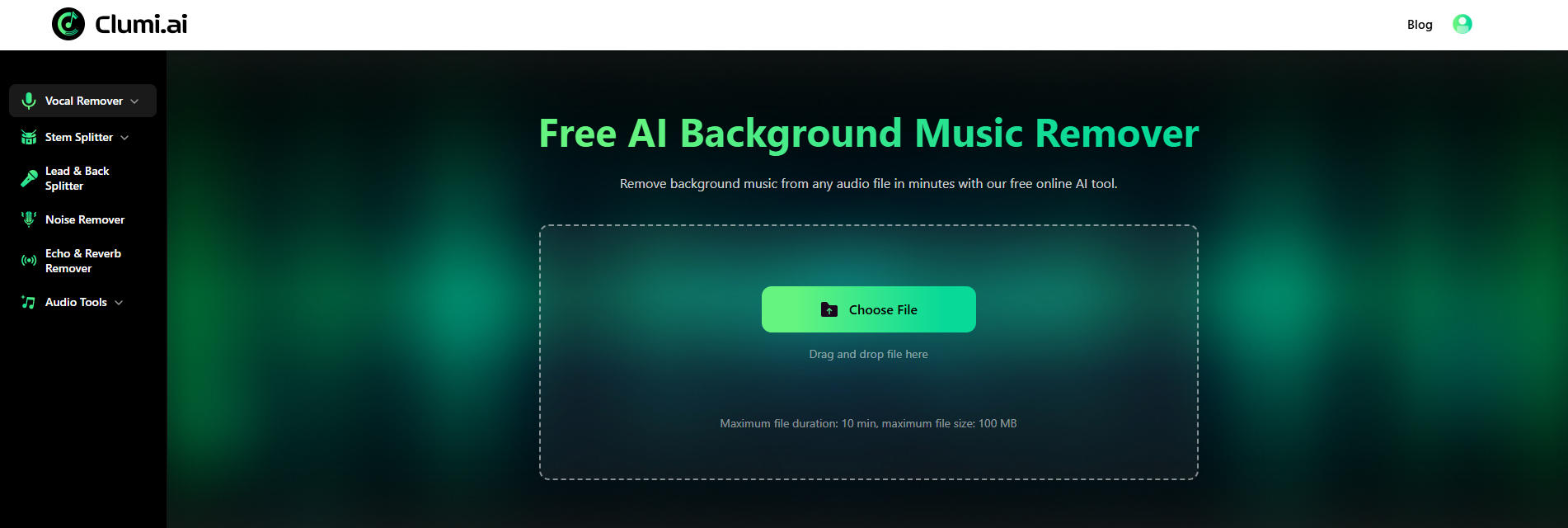
Clumi AI background music remover is an AI-powered vocal separation tool designed to help users remove background music from video and audio files while keeping vocals or main sounds clear. It supports multiple file formats and languages, allowing creators, educators, marketers, and users from different regions to process their media content online.
How to remove background music from video?
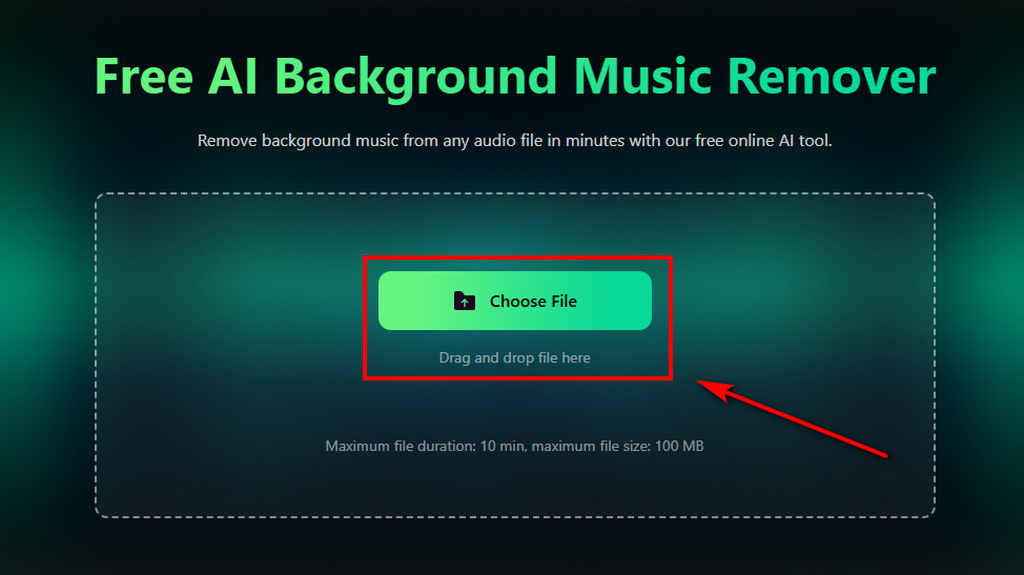
- Open Clumi and upload the video file from which you want to remove background music.
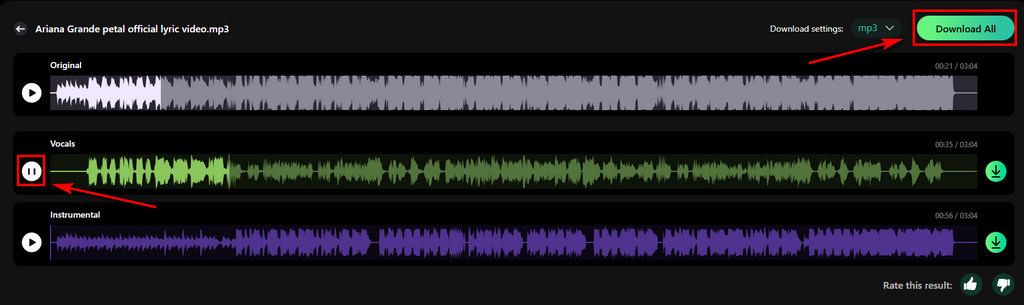
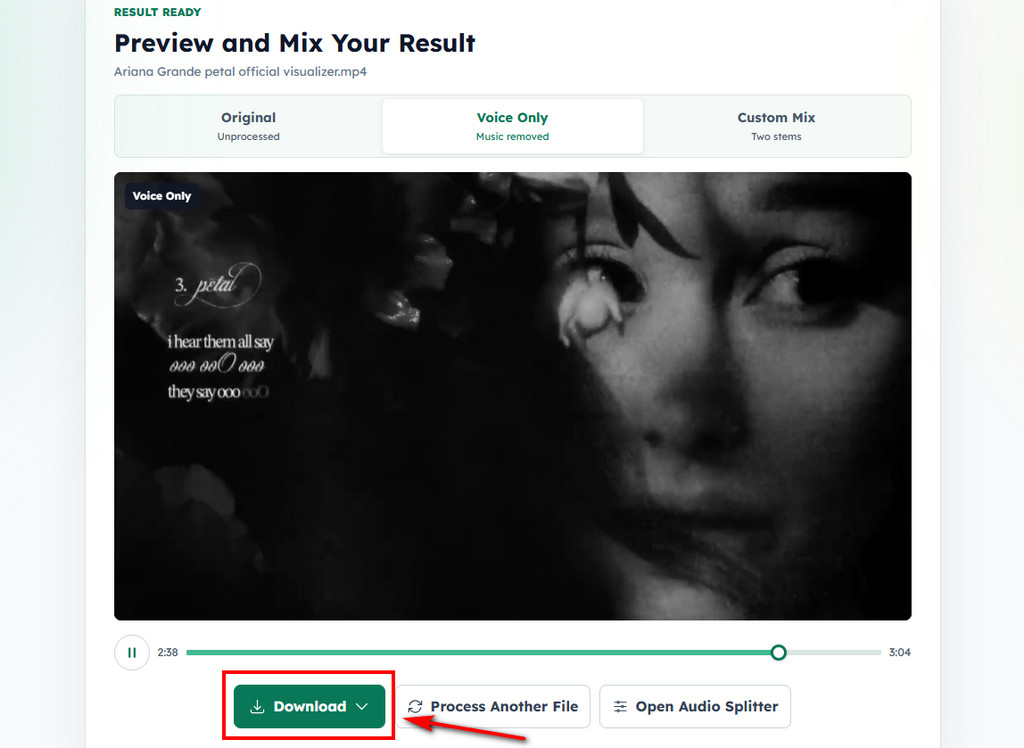
- After uploading your file, Clumi automatically analyzes the audio and separates background music from vocals or other main audio elements.
- Once processing is complete, preview the output and export the file when you are satisfied with the result.
Clumi AI Vocal Remover
Remove vocals from songs for karaoke, remixing, music production, and more.
Canva
Canva is an online video editing platform that allows users to create and edit visual content. Its audio removal feature helps users remove the original audio track from videos while continuing to edit within Canva. However, it only supports video files and does not provide AI vocal separation for standalone audio files.
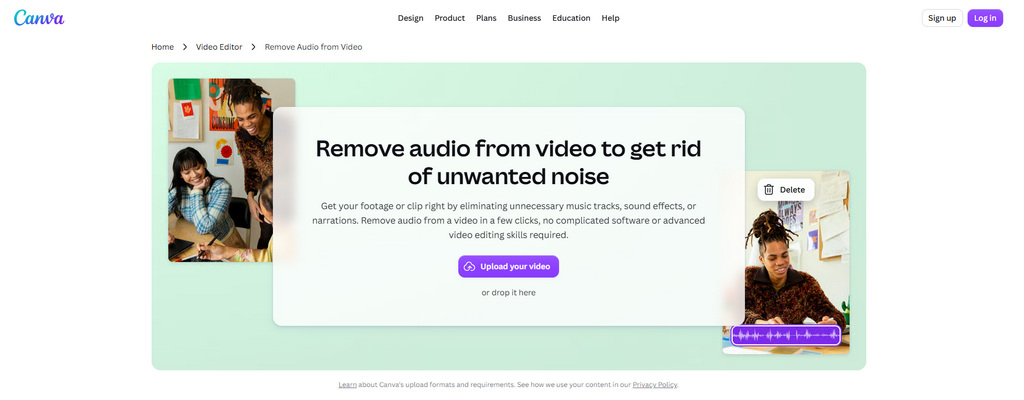
How to remove background music from video?
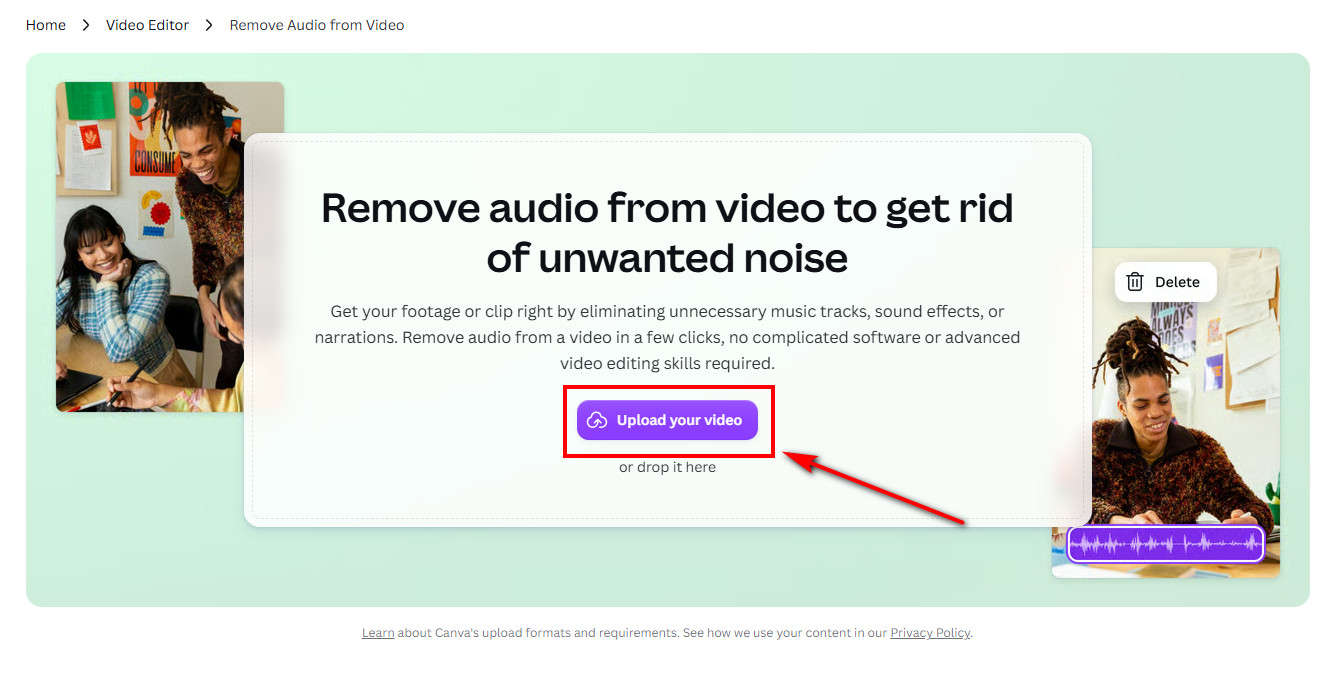
- Open Canva and upload the video you want to edit.
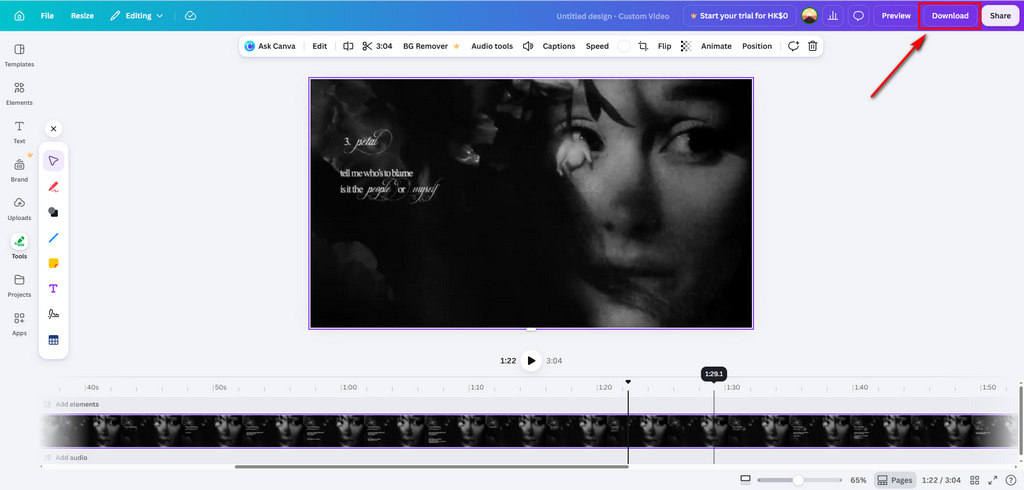
- Place your video on the editing timeline and open the audio settings.
- Choose the option to remove or mute the existing audio track from the video. After removing the audio, you can continue editing your video by adding new music, voiceovers, or other elements inside Canva.
AudioCleaner.ai
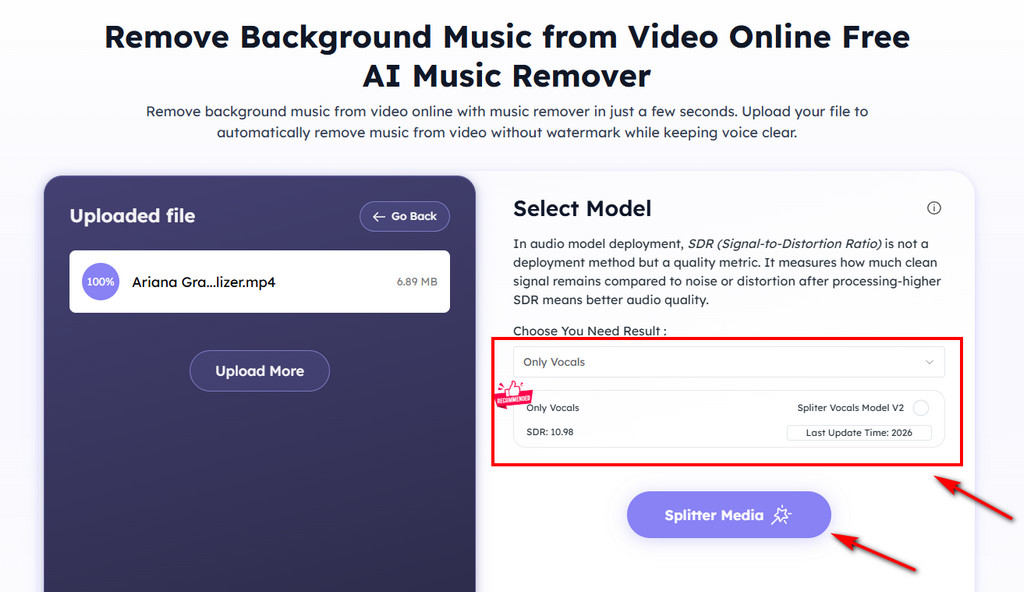
AudioCleaner.ai helps users remove background music from videos through different input methods. In addition to uploading files directly, it also allows users to process videos through recordings or supported links. It's a flexible option for users who work with different types of video sources, especially when they need to process larger files.
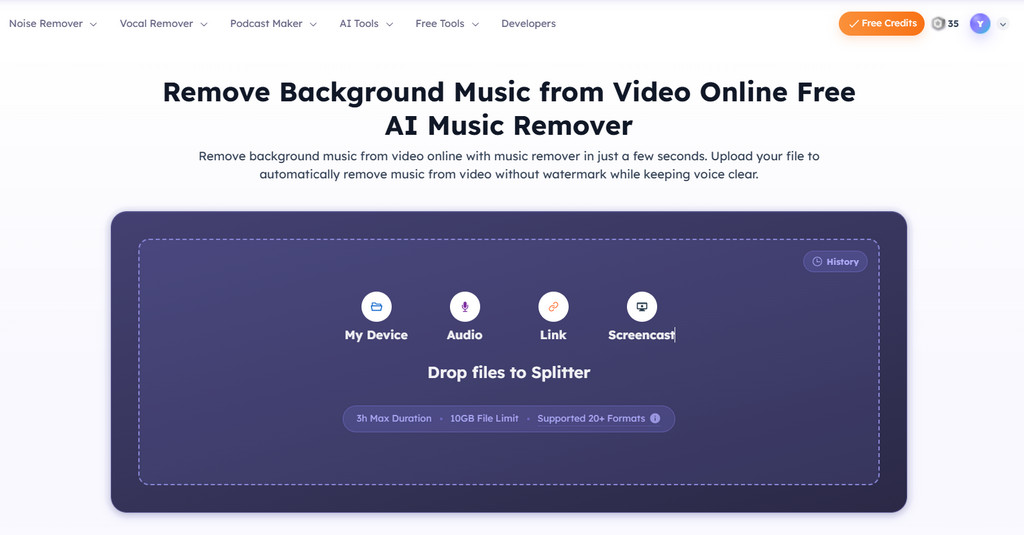
How to remove background music from video?
- Visit AudioCleaner.ai and choose to upload a video file, use a recording option, or provide a supported link.
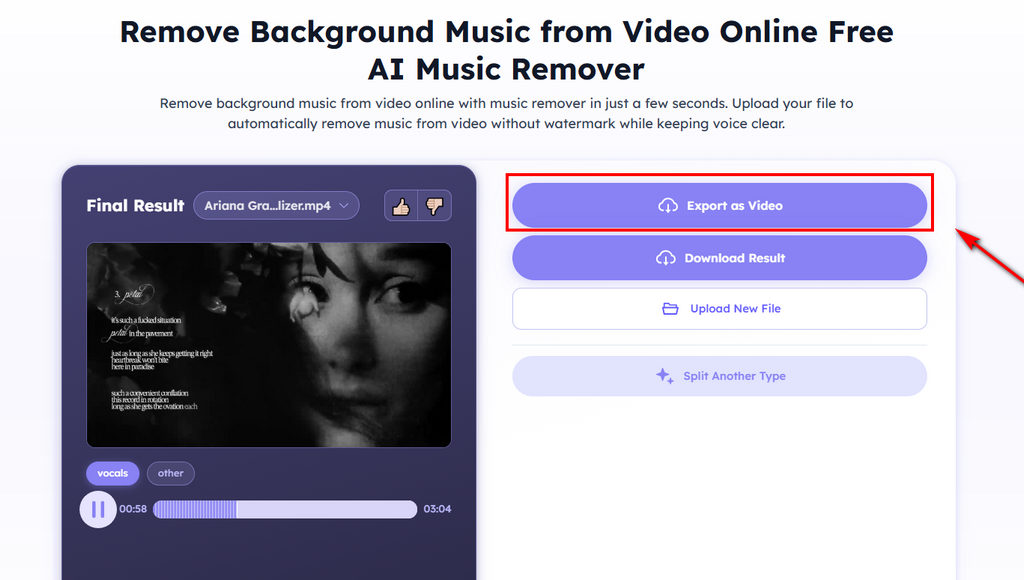
- Once your video is uploaded, choose the model you want to use and start the audio processing.
- Wait for the processing to finish. It usually takes 5 minutes or longer depending on the workload. Once the separation is complete, you can download and use the instrumental track.
MusicRemover.ai
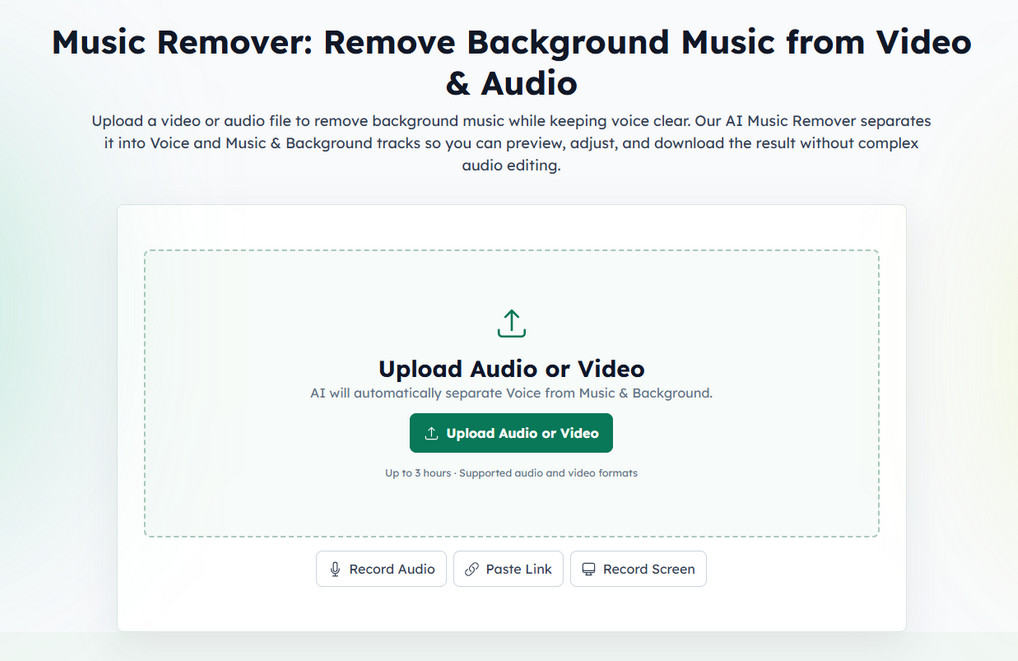
MusicRemover.ai is a straightforward AI tool focused on removing music from videos. It provides a simple upload process, making it suitable for users who want to quickly process videos without complicated settings.
How to remove background music from video?
- Select the video you want to process and upload it to MusicRemover.ai.
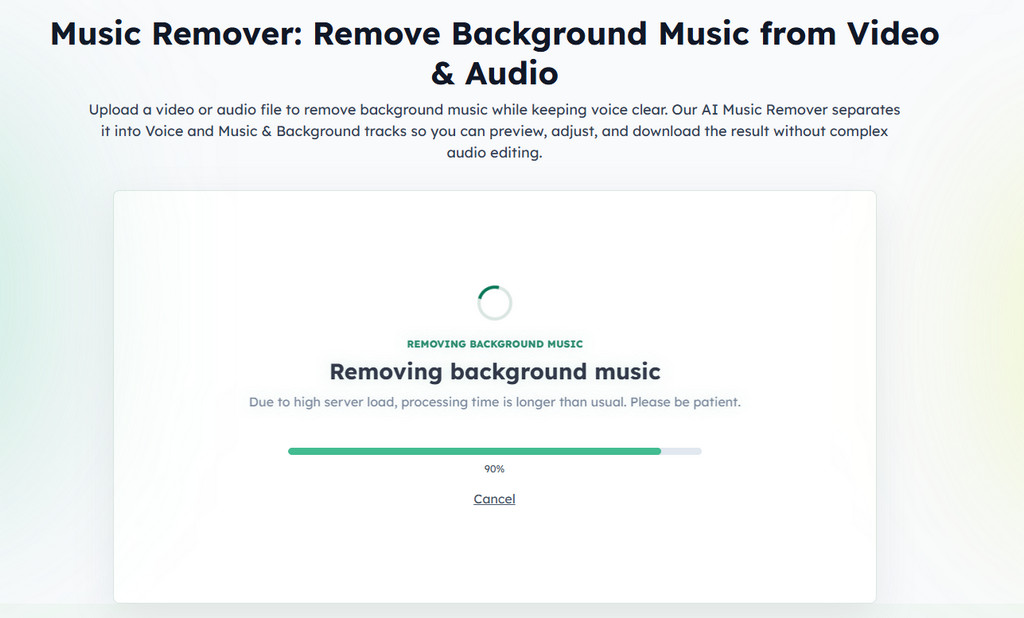
- The AI system analyzes the audio and separates music from the original audio track.
- Download the processed video after the music removal process is completed.
Part 2. Which Tool Should You Choose to Remove Background Music from Video?
Each tool works better for different needs. Choose the one that best matches your workflow:
Clumi AI: Best for users who want a quick way to remove background music from both audio and video files with AI-powered processing.
Canva: Suitable for users who want to remove the original audio track and continue editing their videos with additional design features.
AudioCleaner.ai: Works well for users who need more flexible upload options, as it supports files, recordings, and supported links.
MusicRemover.ai: Suitable for users who want a simple way to remove music from videos with a straightforward upload process.
Conclusion
Removing background music from video is now easier with AI-powered tools that can separate music from vocals and other important sounds. Whether you are editing videos, creating voiceovers, preparing karaoke tracks, or repurposing content, choosing the right tool can help you achieve cleaner audio results. With the options introduced in this guide, you can find a suitable way to remove background music from video and create content that better fits your needs.
Clumi AI Vocal Remover
Remove vocals from songs for karaoke, remixing, music production, and more.
FAQs About Removing Background Music from Video
1. Can I remove background music from a video without losing the voice?
Yes. AI vocal remover tools can separate background music while keeping voices clear. The final quality depends on the original recording, but Clumi AI can help achieve cleaner results.
2. How can I remove background music from an MP4 video?
You can upload your MP4 video to an AI audio separator that supports video files. The tool will analyze the audio track and help remove unwanted background music.
3. Can I remove music from a video online?
Yes. Clumi AI allows users to remove music from videos online without downloading software or using complicated editing tools.
4. What is the best way to remove background music from video?
Clumi AI offers a simple way to remove background music from videos and get a clean, high-quality result. The AI handles the processing and helps you download the result without needing advanced editing skills.
5. What is the difference between removing audio and removing background music?
The main difference is what you want to keep. Removing audio deletes the entire sound track from a video, while removing background music separates the music from other audio elements so you can keep voices, dialogue, or vocals.