Discover 70+ New AI Audio Separation Models in Clumi
Mark Jensen | Updated on 2026-11-11
We're always looking for ways to make audio separation more useful and flexible. With this update, Clumi pro separation feature goes beyond broad stem categories to offer more focused options for isolating specific sounds.
You can now choose from a wider range of instrument separation models, covering everything from electric guitar and piano to individual drum elements, string instruments, wind instruments, and synthesizers. The new models also support larger audio uploads, with processing results available for 7 days.
In this article, we'll explore the 70+ new AI audio separation models in Clumi and show you how to use them.
Part 1. A Major Update to Clumi Pro Separation Tools
Previously, Clumi focused on separating audio into broad categories such as vocals, drums, bass, and other instruments. We've updated Clumi in the following areas:
- More AI Separation Models: Explore 70+ new models covering a wider range of instruments, vocals, sound effects, and other audio categories.
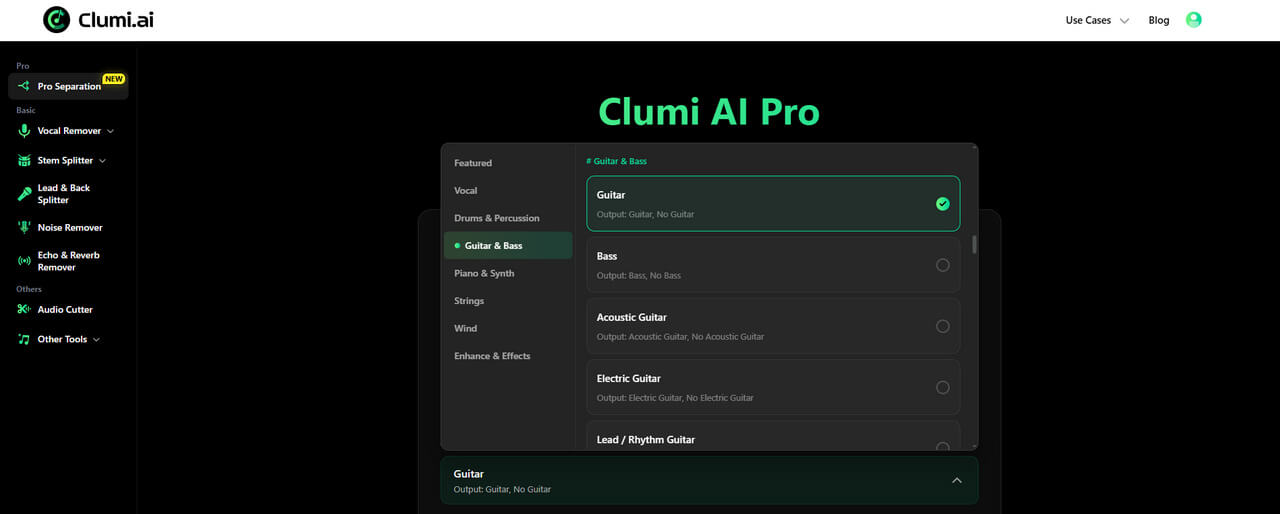
- Larger File Support: Upload audio files up to 60 minutes long and 1,000 MB, making it easier to work with longer recordings. If your file exceeds either limit, use the Audio Cutter to split it into smaller sections and process them separately.
- 7-Day Result Storage: Your processed results remain available for 7 days, giving you more time to preview and download your separated audio.
Part 2. Explore New Instrument Separation Models
Clumi AI pro separation cover instruments commonly found in modern pop and rock music, such as electric guitar, drum kits, bass, and synthesizers, as well as wind and string instruments often found in orchestral music.
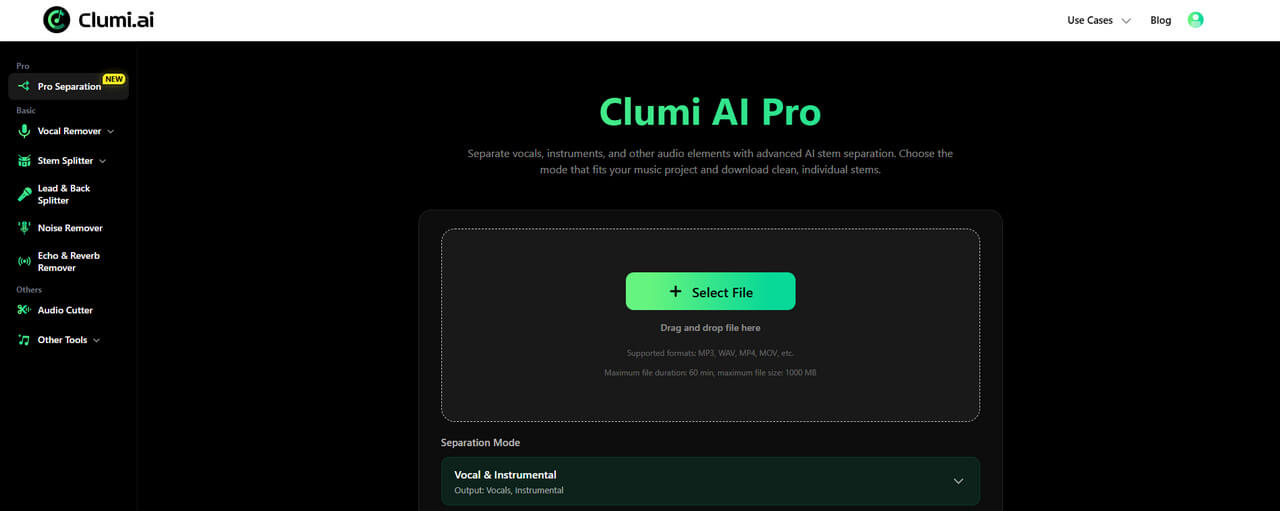
Drums & Percussion
From complete drum kits to individual percussion instruments, these models give you more control over the rhythmic elements in a recording. Whether you're working with a rock drum beat, a funk groove, or Latin percussion, you can isolate individual rhythmic elements to edit, sample, or rearrange your tracks. Want to learn more? Check out our guide on how to remove drums and percussion from a song.
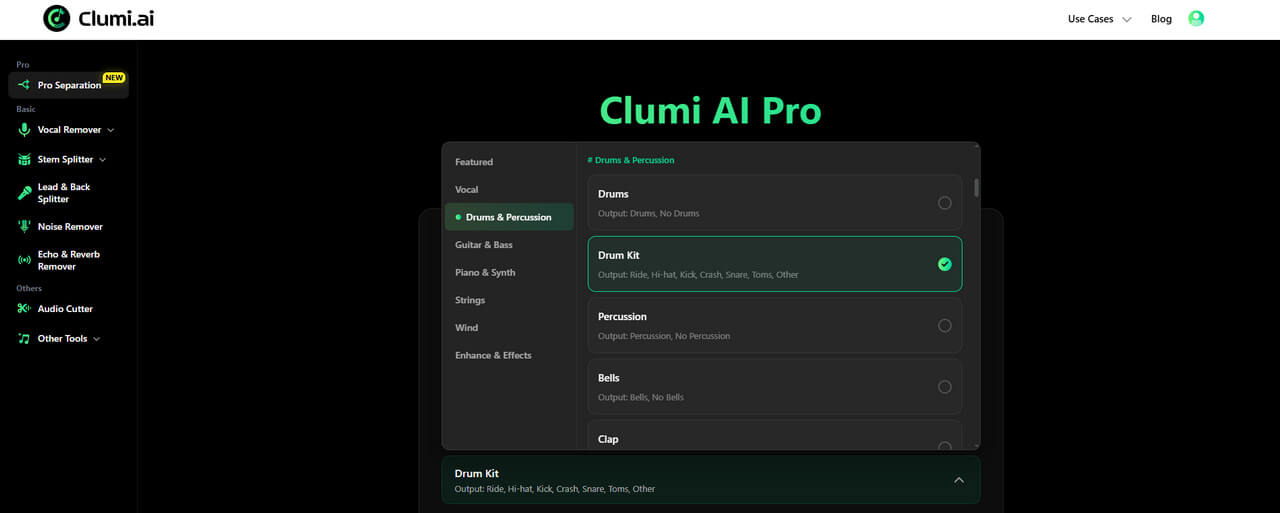
Guitar & Bass
Guitar and bass are essential to many genres, from rock and blues to pop and jazz. Whether you want to isolate an acoustic guitar, electric guitar, or bass line, you can choose a dedicated model for the sound you're looking for. The collection also includes separate options for lead and rhythm guitar, as well as pedal steel guitar.
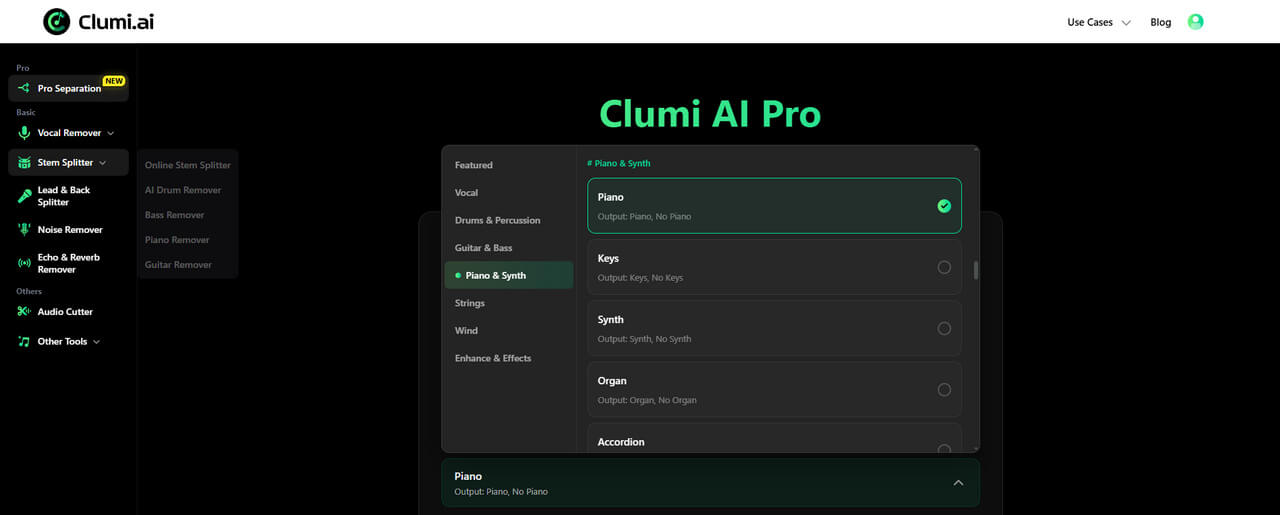
Piano & Keyboard
With models for piano, organ, electric keyboards, and other keyboard instruments, you can isolate individual parts to study chord progressions, explore arrangements, or use them in your own productions.
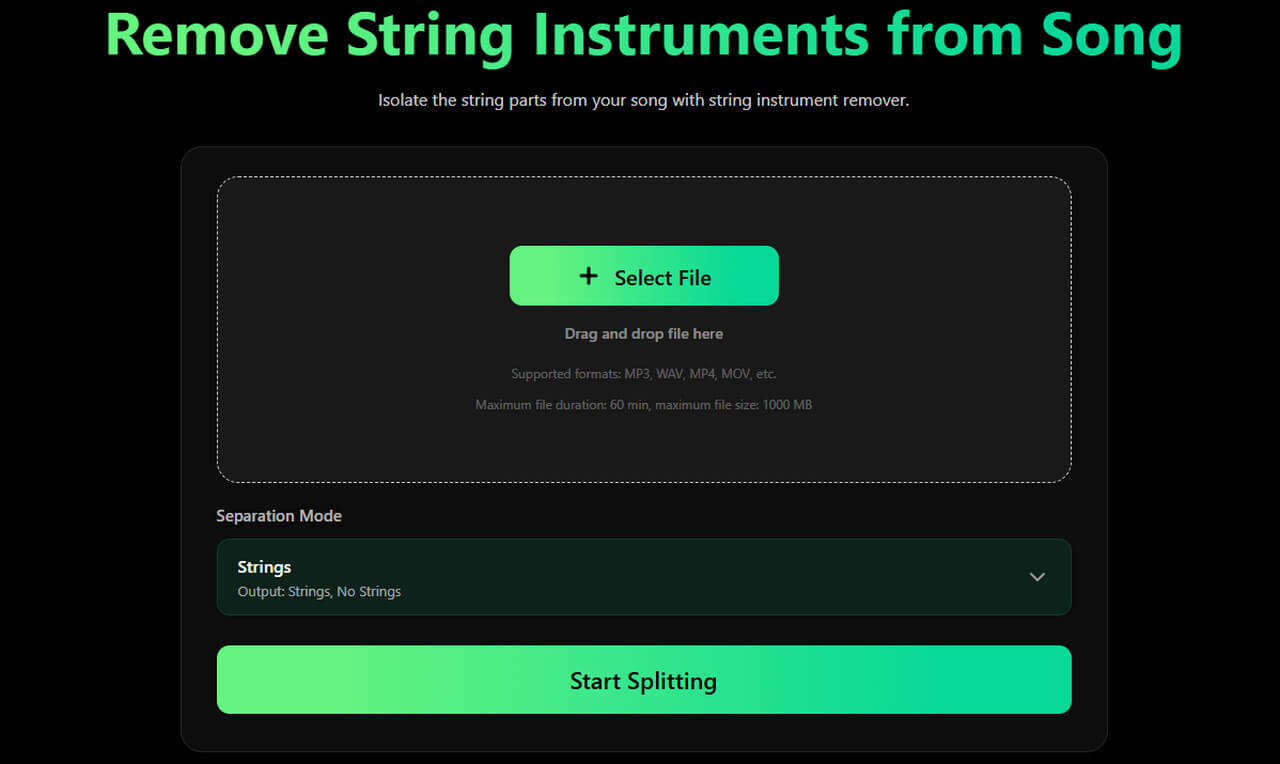
String Instruments
String instruments bring rich textures and expressive melodies to orchestral scores, film music, folk, and even modern pop arrangements. You can easily extract a violin melody, isolate a cello part, or work with plucked instruments such as the harp, mandolin, and banjo — these models make it easier to focus on individual string sounds.
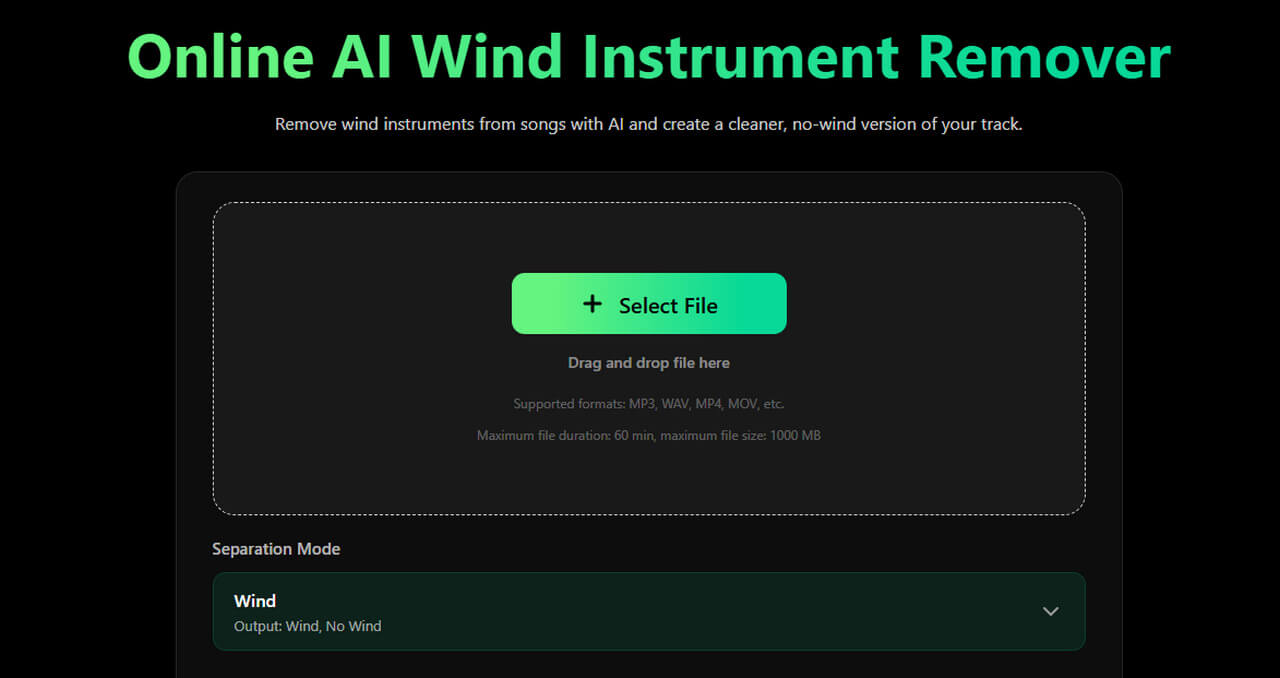
Wind & Brass Instruments
From the bright sounds of trumpets and saxophones to the softer tones of flutes and clarinets, different wind instruments feature in everything from orchestral compositions and jazz to pop and film scores.
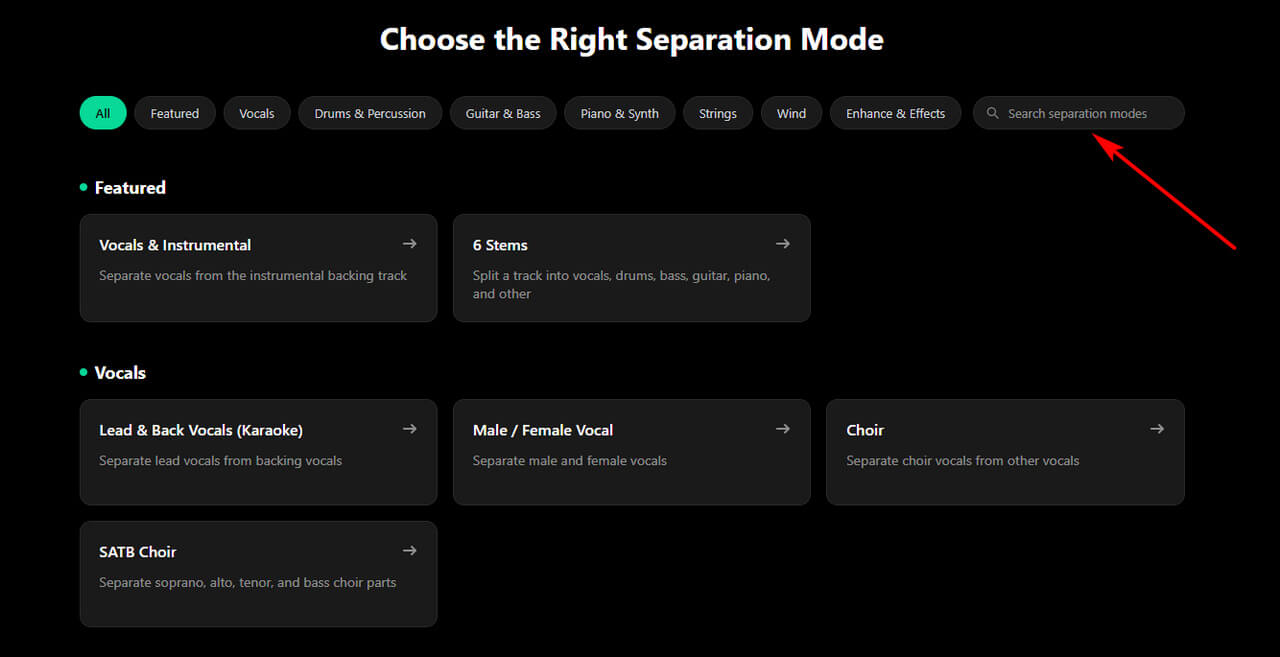
Tips: To find a specific model quickly, search for it directly on the Pro Separation page to jump to the corresponding tool.
Part 3. More New Audio Separation Models
In addition to instrument separation, this update introduces new models for isolating sound effects from games and movies, along with tools for noise reduction and audio restoration. These additions let you work with a wider range of audio beyond music.
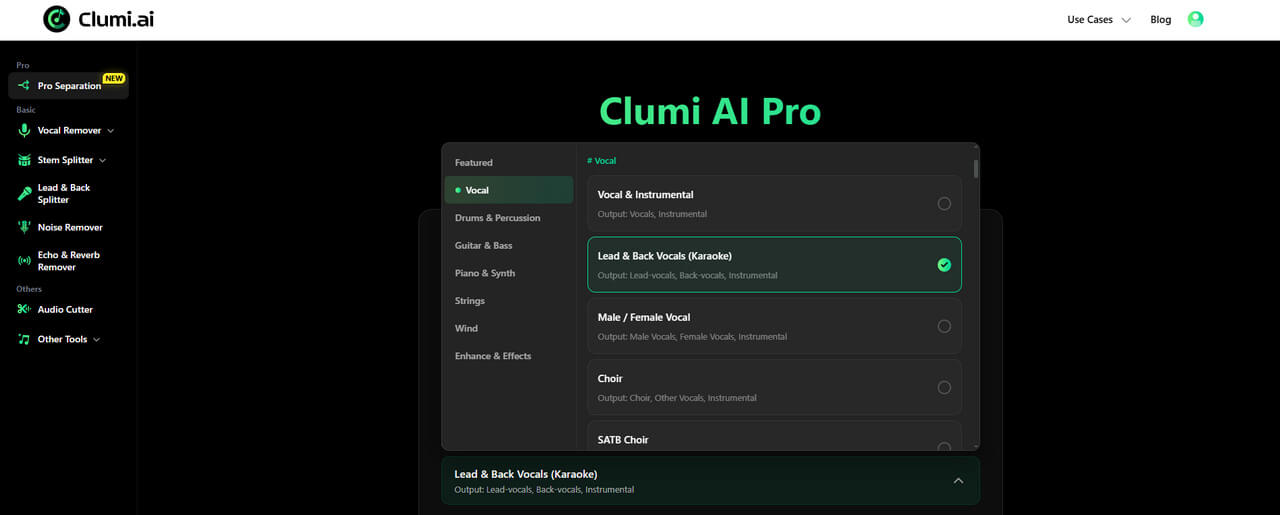
Lead, Backing & Choir Vocal
Clumi offers more ways to separate and organize vocal parts within a recording. You can split lead vocals from backing vocals, separate male and female voices, or isolate choir vocals. For more detailed choir separation, the SATB Choir model separates soprano, alto, tenor, and bass parts.
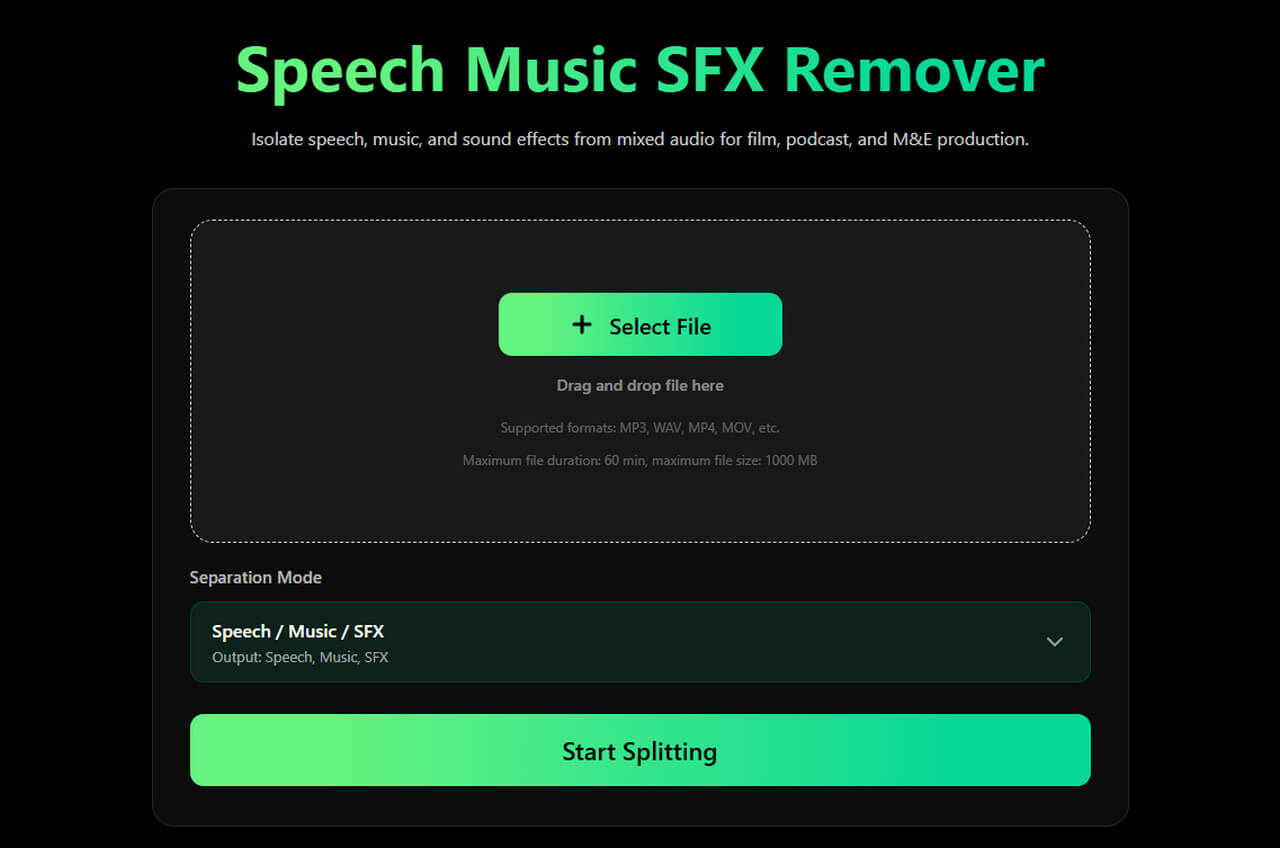
Speech, Music & Sound Effects
For recordings that contain different audio elements or specific sound effects, Clumi provides additional separation options. Speech, Music & SFX remover helps you separate a recording into speech, music, and sound effects, while FX is designed to isolate sound effects. You can also isolate specific effects such as risers and braams.
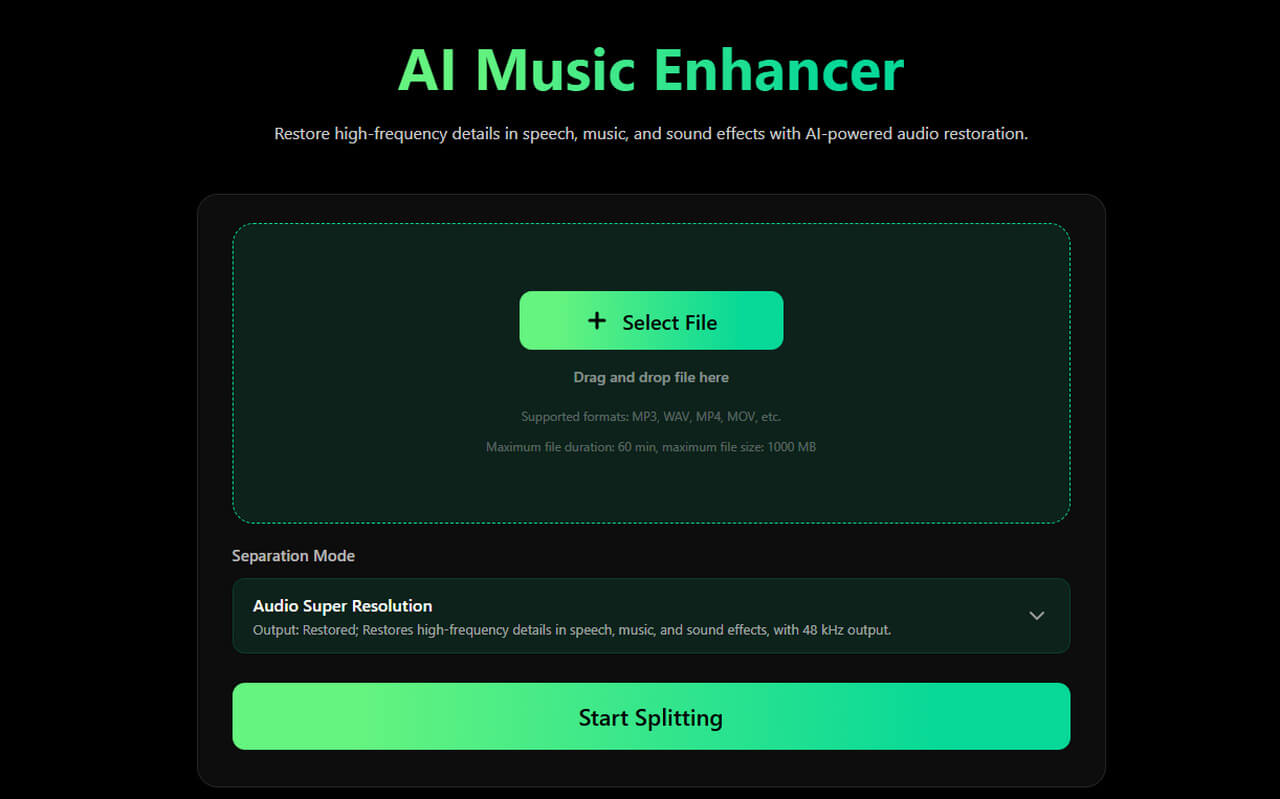
Audio Enhancement
Clumi also includes tools to reduce unwanted noise, remove reverb, and improve audio quality. You can clean up a recording or restore details in lower-quality audio. These tools offer different ways to refine your sound.
Part 4. How to Use the New Models
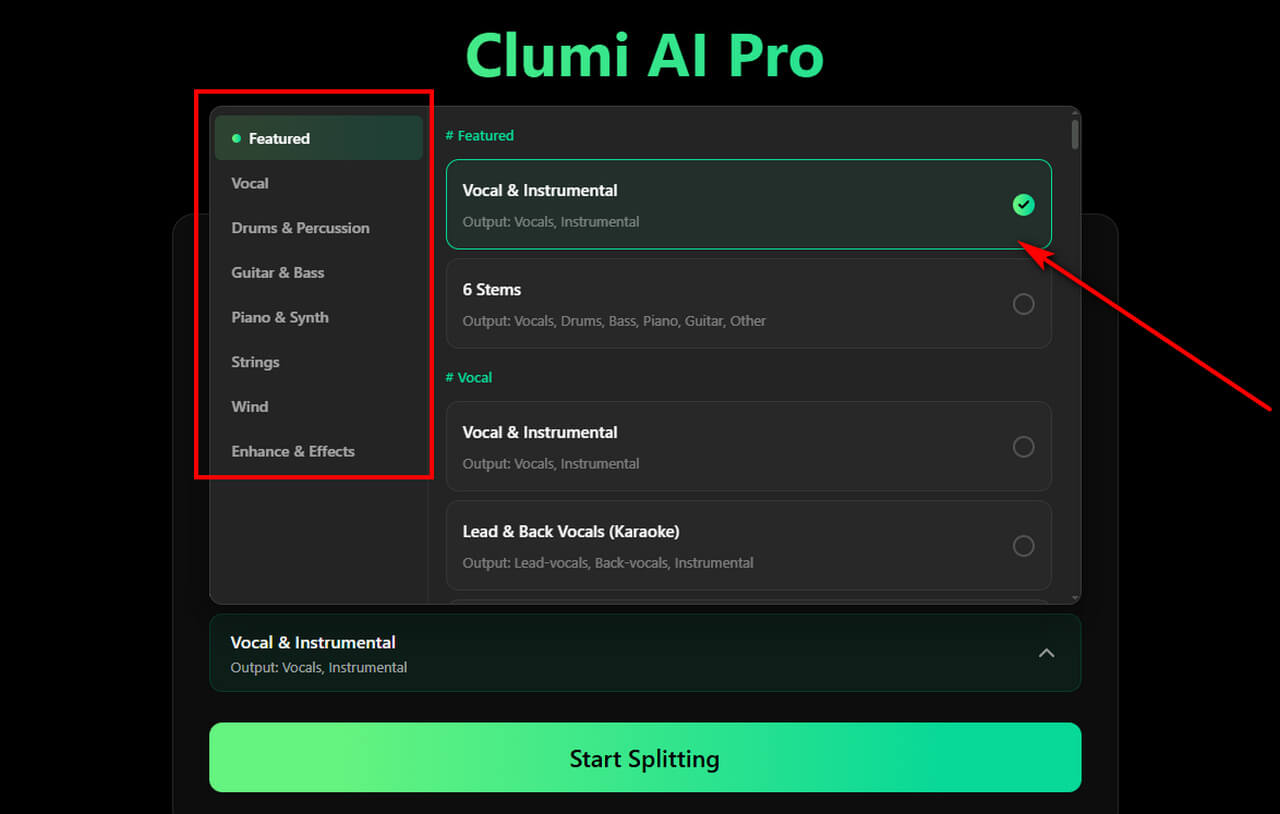
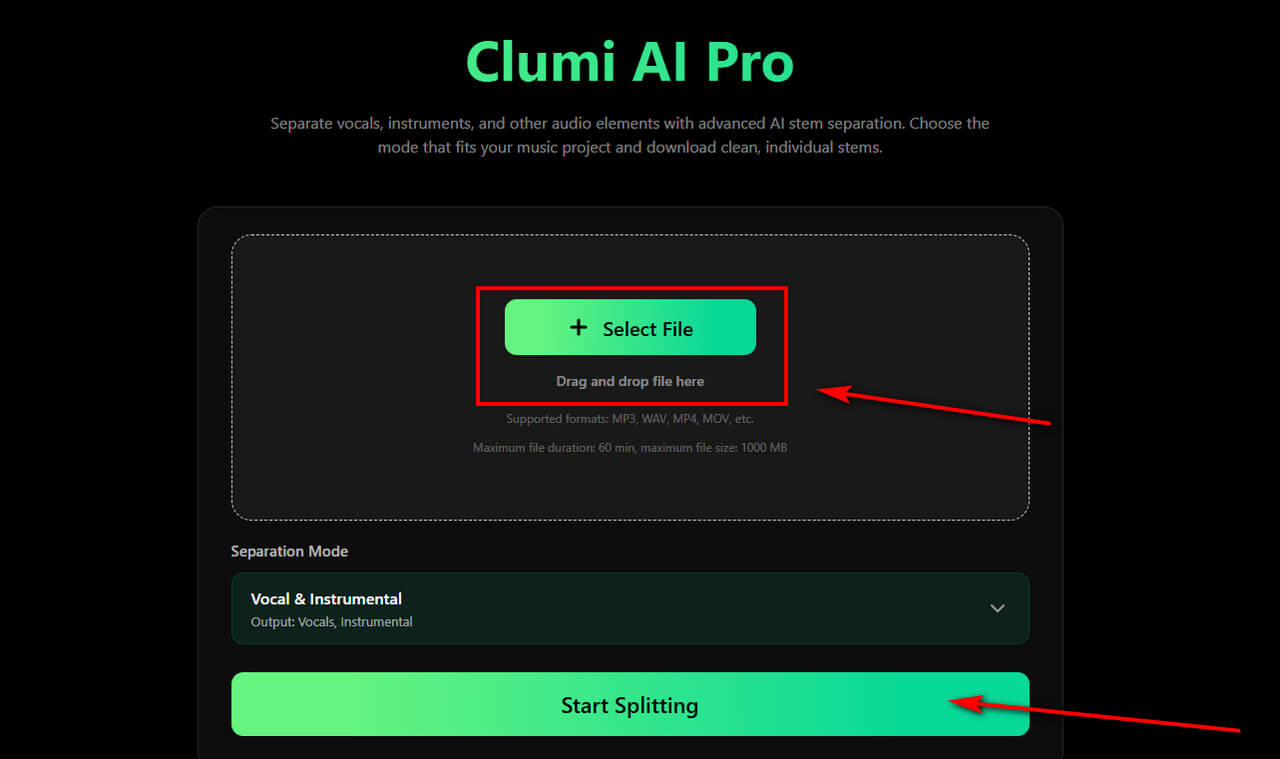
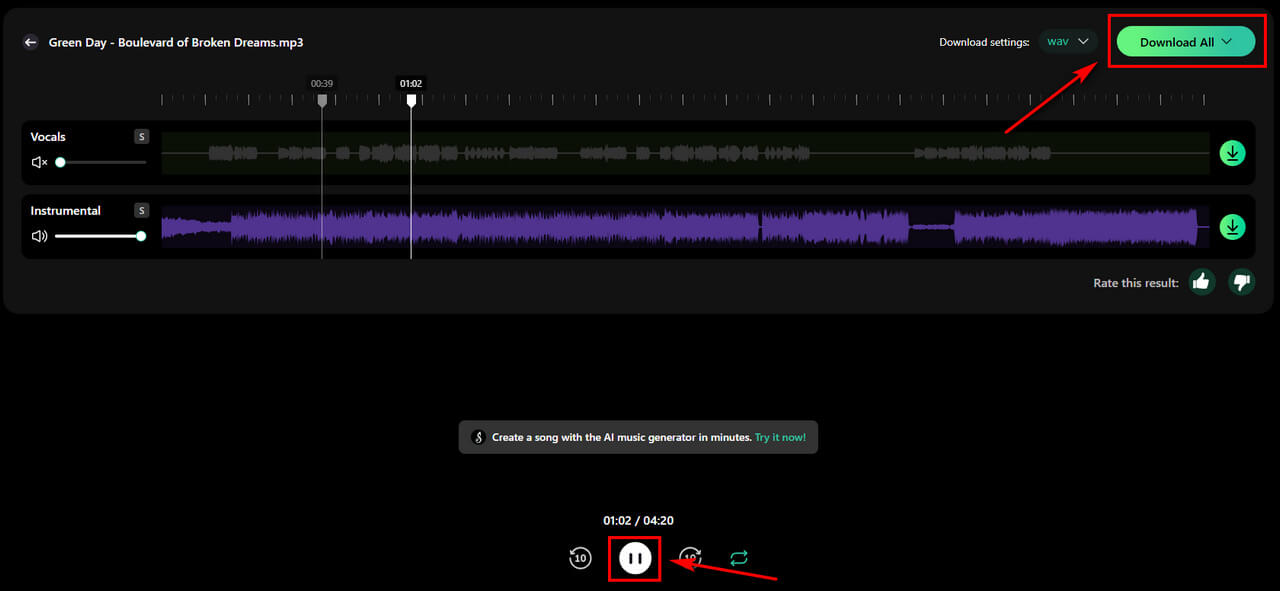
Most models follow a similar workflow, so we'll use the Vocal & Instrumental Separator to show you how to use Pro Separation.
- Visit Clumi and browse the available separation tools. Select the model that matches the instrument or sound you want to isolate.
- Upload your audio file to get started. Pro models support audio and video files up to 60 minutes long and 1,000 MB. Then start the separation process and let Clumi process your audio. Processing time may vary depending on the file size and your network connection.
- Once processing is complete, preview the separated results. If you're happy with them, download the audio files and use them in your preferred workflow.
Conclusion
With over 70 new models added to our library, Clumi gives you more flexibility to isolate specific instruments, vocals, and other sounds from your audio. Whether you're producing music, editing audio, or simply exploring different parts of a track, there's more to discover.
This is just one step in Clumi's ongoing development. We'll continue introducing new AI audio tools to make audio editing and music creation easier.
Clumi AI Pro Separation
Separate vocals, choir, 60+ instruments, and enhance audio with advanced audio tools. Choose the mode that fits your audio & video and download clean, individual stems.
FAQs
How do I choose the right instrument separation model?
You can choose a model based on the instrument or sound you want to isolate. To find the right one, browse the models by category or simply enter the instrument's name in the search bar.
Can I use the new models with any audio file?
Clumi supports most common audio formats, as well as video formats such as MP4 and MOV. With Pro Separation, files can be up to 60 minutes long and 1,000 MB in size.
What instruments can I isolate with Clumi AI?
In addition to the six basic stems, Clumi offers dedicated models for a wider range of instruments, including violin, cello, synthesizers, other string instruments, wind instruments, brass, and more.